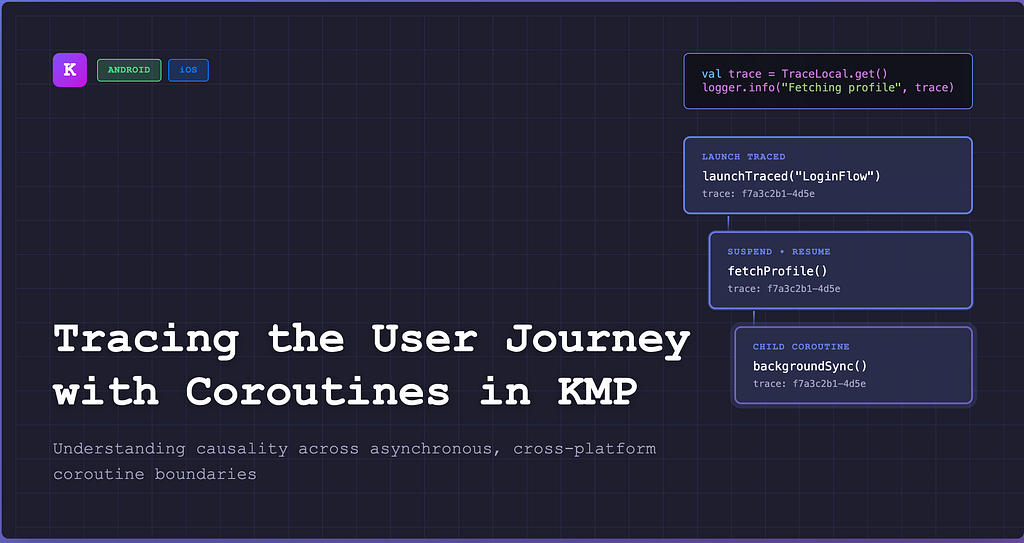

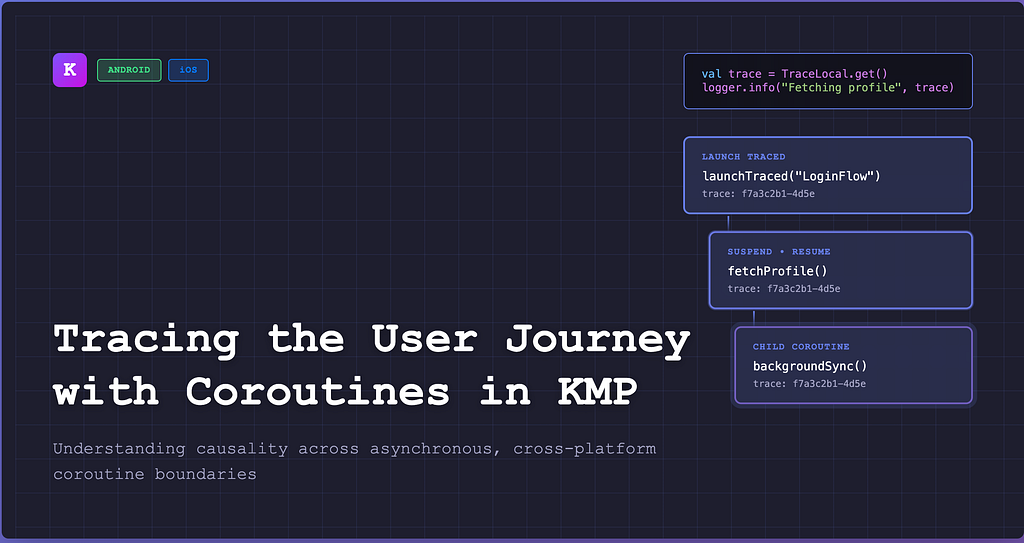
How do you understand what a user actually experienced when everything is asynchronous, cross-platform, and happening “somewhere” inside coroutines?
Kotlin Multiplatform (KMP) gives us a powerful shared runtime across Android and iOS. Coroutines make concurrency expressive and safe.
But once your app grows beyond a few screens, observability becomes hard.
Not logging!
Not analytics!
It’s tracing.
This post explores how we can trace a user journey end-to-end across coroutine boundaries in KMP — without polluting every function signature or breaking structured concurrency.
The Problem: Asynchrony Breaks the Narrative
Consider a real user journey:
- User opens the app
- Authentication refresh kicks in
- Tenant configuration is fetched
- Profile data loads
- A background sync starts
- User navigates to another screen
From the user’s perspective, this is one journey.
From the runtime’s perspective?
- Multiple coroutines
- Different dispatchers
- Nested launches
- Platform-specific threading
- Suspensions and resumptions
- Possibly even multiple scopes
Traditional logging gives you events.
Analytics gives you aggregates.
What’s missing is causality.
“This network call happened because the user tapped this button in this session.”
Why Not Just Pass a traceId ?
The obvious solution is:
fun loadProfile(traceId: String) { ... }
And then pass it everywhere.
This fails quickly:
- Bloated APIs
- Easy to forget
- Hard to enforce
- Breaks composability
- Feels un-Kotlin-like
Coroutines already have a solution to this problem.
Coroutine Context: The Hidden Superpower
Every coroutine runs with a CoroutineContext.
You already use it:
- Dispatchers.IO
- Job
- CoroutineName
But the key insight is:
CoroutineContext is automatically propagated across suspensions.
That makes it perfect for trace propagation.
Modeling a Trace
At minimum, a trace needs:
- A stable traceId
- A logical flow name (e.g. LoginFlow, HomeStartup)
- Optional metadata for debugging
data class TraceInfo(
    val traceId: String,
    val flow: String,
    val launchStack: String? = null
)
This object represents “why this coroutine exists.”
Attaching Trace to Coroutines
We introduce a custom CoroutineContext.Element:
class TraceElement(
    val traceInfo: TraceInfo
) : CoroutineContext.Element {

companion object Key : CoroutineContext.Key<TraceElement>

override val key: CoroutineContext.Key<*> = Key

}
Now any coroutine can carry trace information implicitly.
Platform-Safe Access with
expect / actual
In KMP, we need a way to read the current trace from anywhere — networking, logging, performance tracking.
We define a common API:
// commonMain
expect object TraceLocal {
    fun get(): TraceInfo?
    fun set(value: TraceInfo?)
}
Android (actual)
Uses ThreadLocal safely because coroutines restore it on resume.
iOS (actual)
Uses a coroutine-aware storage (no reliance on thread affinity).
This abstraction is critical:
business code stays 100% common.
Launching a Traced Coroutine
We wrap coroutine launching with a helper:
fun CoroutineScope.launchTraced(
    flow: String,
    context: CoroutineContext = EmptyCoroutineContext,
    block: suspend CoroutineScope.() -> Unit
): Job {
    val trace = TraceInfo(
        traceId = generateTraceId(),
        flow = flow,
        launchStack = Throwable().stackTraceToString()
    )

  return launch(
        TraceElement(trace) + CoroutineName(flow) + context,
        start = CoroutineStart.DEFAULT
    ) {
        val previous = TraceLocal.get()
        TraceLocal.set(trace)

        // Log the start of the flow with stack trace
        Logger.i { "[flow-start]n${trace.launchStack}" }

        try {
            block()
            // Log the end of the flow
            Logger.i { "[flow-end]" }
        } catch (t: Throwable) {
            // Log any error in the flow
            Logger.e(t) { "[flow-error]" }
            throw t
        } finally {
            // Restore previous trace context
            TraceLocal.set(previous)
        }
    }
}
From this point onward:
- Every child coroutine inherits the trace
- Every suspend/resume keeps the trace
- No function signatures are touched
Using the Trace Anywhere
Logging
val trace = TraceLocal.get()
logger.info(
    "Fetching profile",
    mapOf(
        "traceId" to trace?.traceId,
        "flow" to trace?.flow
    )
)
Networking (Ktor)
headers {
    TraceLocal.get()?.let {
        append("X-Trace-Id", it.traceId)
        append("X-Flow", it.flow)
    }
}
Performance Measurement
val trace = TraceLocal.get()
performanceTracker.mark(
    name = "ProfileApiCall",
    traceId = trace?.traceId
)
Now logs, network calls, and metrics all speak the same language.
Why This Scales
This approach works because it:
- Respects structured concurrency
- Requires zero boilerplate in leaf functions
- Works across Android & iOS
- Survives dispatcher switches
- Makes causality explicit
- Is testable (trace can be injected)
Most importantly:
Tracing becomes an infrastructure concern, not an application concern.
Debugging User-Reported Issues
When a user reports:
“App was stuck on loading after login”
You can now reconstruct:
- Which flow it was
- Which calls happened
- Which coroutine launched what
- Where cancellation or delay occurred
All from a single traceId.
Final Thoughts
Coroutines are not just about concurrency.
They are about context.
By embracing CoroutineContext as a carrier of user intent, we can finally trace user journeys in a way that matches how modern apps actually work.
If you’re building serious KMP applications — especially with shared networking, auth, and configuration layers — this pattern pays for itself very quickly.
If you’re interested in Kotlin Multiplatform, Flutter or Scalable Mobile Architecture, let’s connect on LinkedIn.
Tracing the User Journey with Coroutines in Kotlin Multiplatform was originally published in ProAndroidDev on Medium, where people are continuing the conversation by highlighting and responding to this story.



This Post Has 0 Comments