

 [[{“value”:”
With Apple already including built-in antivirus protection for Macs you might be wondering “Do Macs need antivirus software?” especially when confronted by pricy monthly subscriptions for services. In this article we’ll explain why you need an extra layer of protection and how to get the best cheap Mac antivirus software with the best deals.
Mac security software adds another layer of protection to what Apple already provides, with features that can help to protect your identity, passwords, and financial details. These are the things that criminals are after, and they’ll often use cunning ways to extract them rather than spending time trying to break past Apple’s defenses in macOS.
Although some of the packages here are solely focused on macOS, others will also protect Android and Windows devices you might also own, and that makes the price of protection much cheaper per computer.
There are lots of other great options if you are looking for cheap antivirus software for Mac. We’ve evaluated antivirus for Mac solutions from several companies, including free and low-cost options as well as some more feature-packed alternatives. See our round-up of the Best antivirus for Mac and our guide to How to remove a Mac virus for free, where we also run through the best free options. Here we will share the best free antivirus options as well as the best deals we have seen on the paid-for antivirus solutions.
Our best deal is our top choice of Mac Antivirus Software: Intego Mac Internet Security X9 – you can get it for $24.99/£20.99 a year for one Mac, normally $49.99/£49.99 a year get the deal here.
Best free antivirus for Mac
While macOS includes built-in security features like XProtect and Gatekeeper, these native tools primarily focus on known malware and may not be updated as frequently as third-party solutions. If you are looking for the best free antivirus for Mac, several reputable companies offer “freemium” versions that provide the same core scanning engine as their paid counterparts.
Several companies offer free antivirus software for Mac, one of our top recommendations is Intego VirusBarrier Scanner, we also liked Avast Security for Mac. However, you should always be cautious using a free antivirus and don’t expect all the features of the paid-for options.
| Software | Key Features | Expert Verdict | Download |
|---|---|---|---|
| Intego VirusBarrier Scanner (read our review) | Reliable virus scanner; free version of the top-rated paid suite. | Excellent for on-demand scans and a worthy candidate for emergency use. | Get Intego here |
| Avira Free Antivirus for Mac (read our review) | Includes Smart Scan, Web Guard, and AI-powered scam protection. | Strong core protection, but includes frequent ads and upgrade prompts. | Get Avira here |
| AVG Antivirus For Mac (read our review) | Offers Smart Scan, email protection, and web protection. | Reliable and simple, though some advanced features are locked behind a paywall. | Get AVG here |
| Avast Security for Mac (read our review) | Admirable scanning engine; includes a junk cleaner and a limited VPN. | Good user interface, but many features (like the uninstaller) require a subscription. | Get Avast here |
| Bitdefender Virus Scanner for Mac (read our review) | Lightweight; easy to scan specific folders or external volumes. | Effective for clearing out malware, though the free version is quite basic. | Get Bitdefender here |
| Malwarebytes Antivirus for Mac (read our review) | Specialized in hunting down and removing persistent malware. | Excellent for manual removal of “pesky” infections that others might miss. | Get Malwarebytes here |
Cheapest antivirus deals for Mac
Free versions, like the ones above, typically offer a strong core antivirus engine but may lack real-time protection, firewalls, or advanced web guards. Paid versions generally provide better technical support and more comprehensive features like identity theft protection.
You’ll find the following Mac antivirus recommendations in our round-up of the Best antivirus for Mac. We’re just presenting the lower-priced options here, but if you look at the roundup you may find alternative deals that suit you better.
You can rest assured that we will only share deals here if we think they’re good enough to be worth buying. Everything we share below is a great saving on a service we trust.
1. Intego Mac Internet Security X9

Pros
- Built for Mac
- Easy to set up
Cons
- No protection from phishing links in email
Intego Mac Internet Security X9 offers a useful set of security utilities that help keep your Mac safe and running smoothly and its user-friendly interface is right at home with Apple’s macOS aesthetic.
We have a special deal for Intego Mac Internet Security X9, which bundles Intego VirusBarrier and NetBarrier, so you can get it for $24.99/£20.99 a year ($2.08/£1.75 a month) for one Mac: get the deal here.
Intego also regularly discounts the Mac Premium Bundle that includes Mac Internet Security X9 as well as NetBarrier, Washing Machine, Content Barrier and Personal Backup apps. The deal is currently: $29.99/£23.99 a year ($2.50/£2 a month). Get the deal here.
There’s also a deal to get Intego VirusBarrier X9 for $19.99/$17.99. Get the deal here.
Read our full
Intego Mac Internet Security X9 review
2. Norton 360
Pros
- Fast, good performance and stability
- Minimal performance impact
Cons
- Unable to scan .zip archives
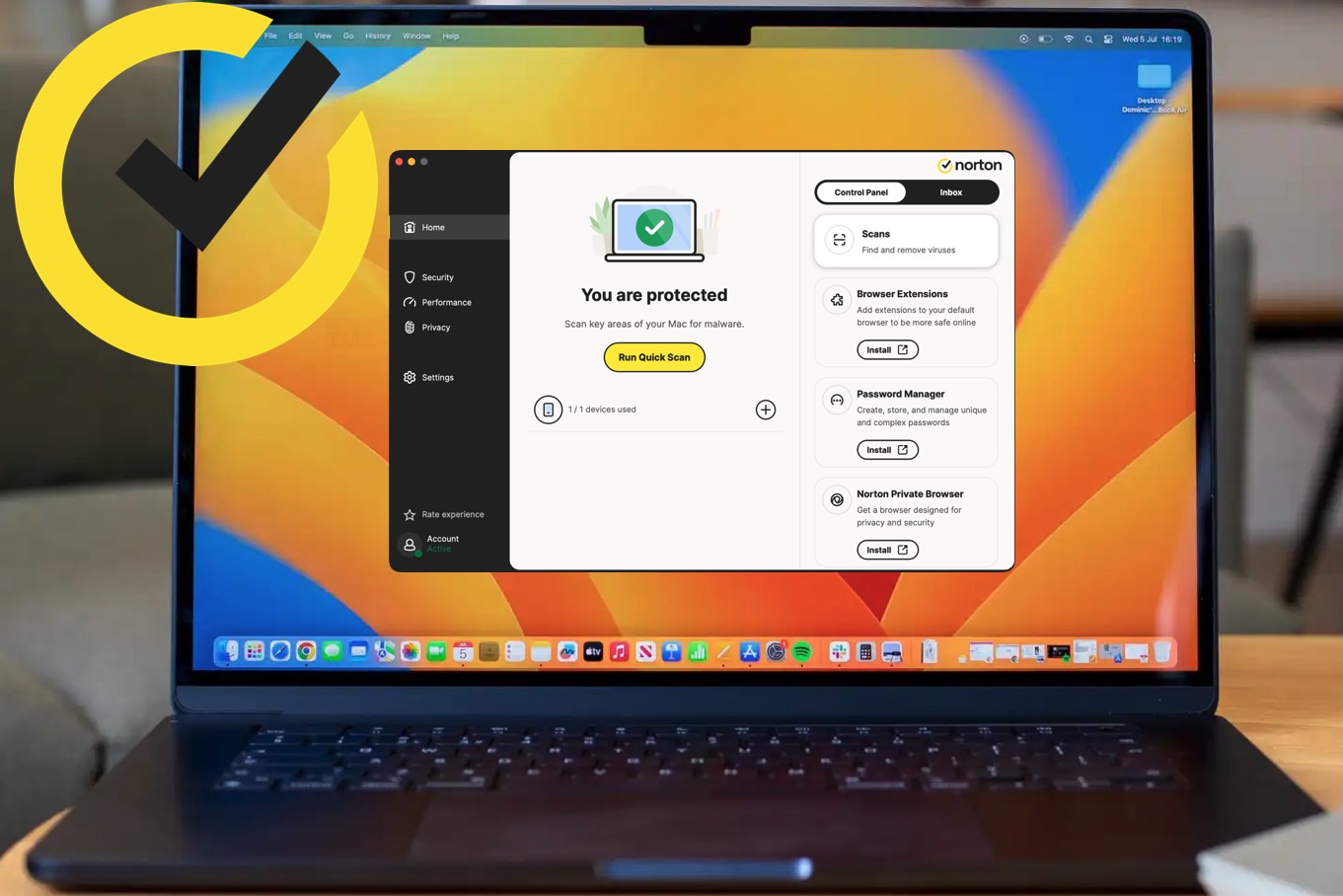
The user interface is clean and friendly and the program ran both its foreground and background tasks briskly, with no crashes or slowdowns. There are some differences between the UK and US versions of Norton 360.
Read our full
Norton 360 review
3. McAfee Total Protection
Pros
- Good, customizable set of security tools
- Background scanning feature
Cons
- Can be laggy
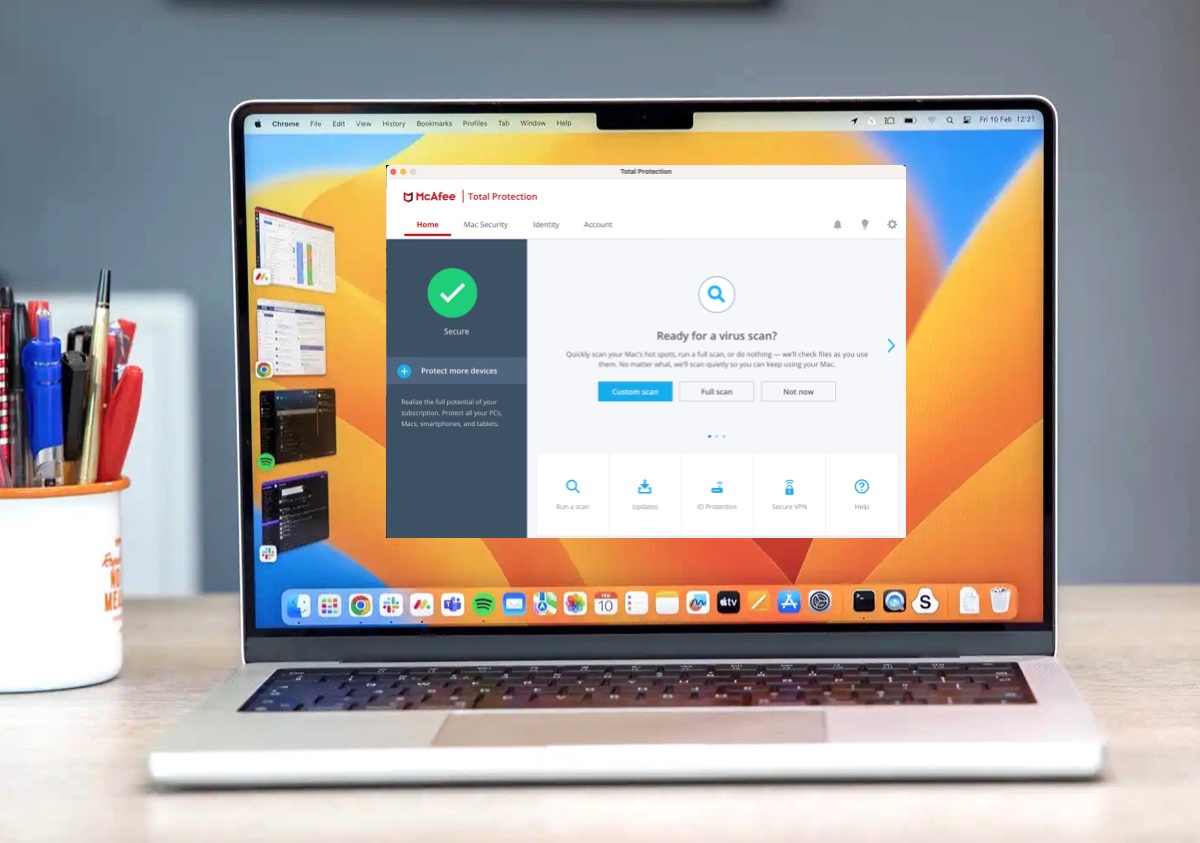
McAfee Total Protection offers some good tools with good background protection and customization as well as an easy means of keeping your devices secure.
Read our full
McAfee Total Protection review
4. Avast Premium Security

Pros
- Impressive malware detection and network tools
- Easy to specify antiviral scan types and target volumes
Cons
- Descriptions of suspect files lack detail
This suite offers a good suite of tools at a good price. The best functions such as VPN, disk cleanup, and anti-tracking tools are only available on the “Ultimate” subscription tier.
Read our full
Avast Premium Security review
5. Surfshark One
Pros
- Good speed and performance
- Impressive anti-virus/anti-malware shielding
- Identity alert and protection
Cons
- Multi-year contracts
- Occasional trouble accessing Google services
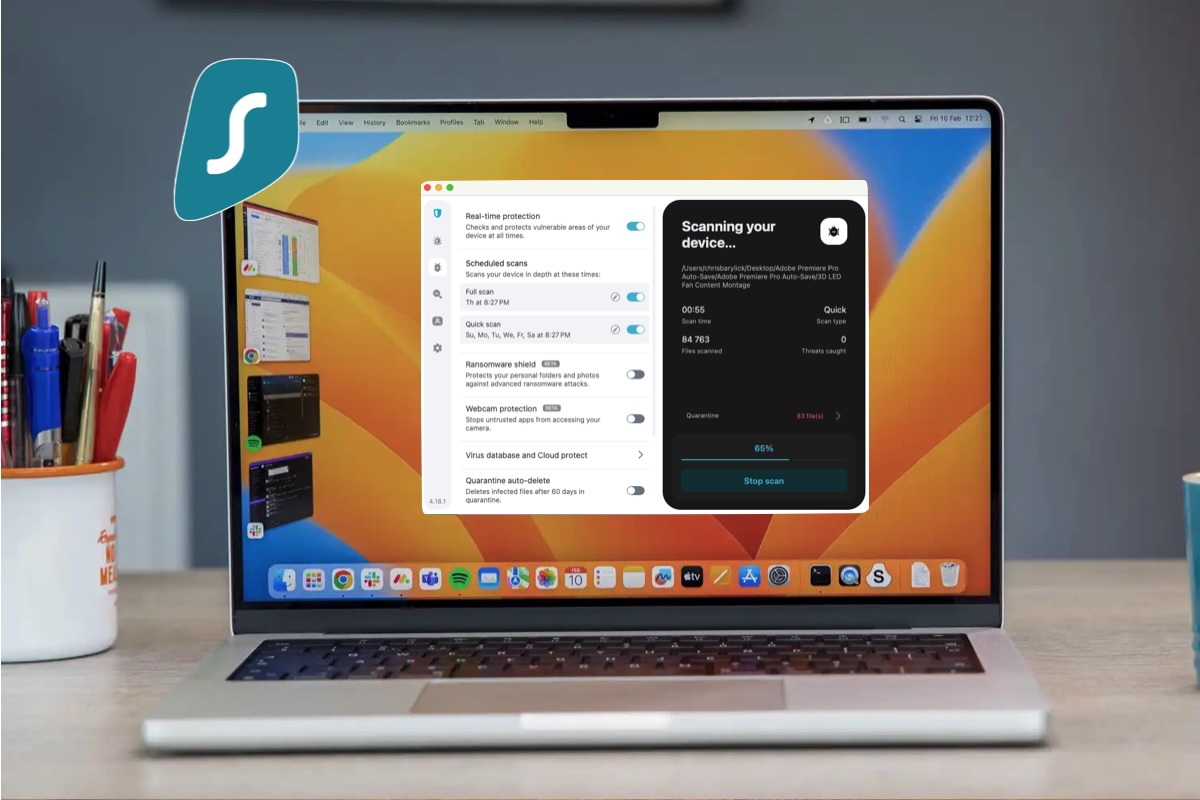
Surfshark One offers a genuinely excellent suite of tools that combine its VPN with anti-virus/anti-malware and privacy-focused identity protection. It’s price is high compared to other options here, but it’s saving you the price of a VPN too.
The VPN module includes tools such as IP configuration, an Internet kill switch, rotating IP addresses, and Invisible on LAN features. While Surfshark One’s real-time protection tool was able to catch dozens of our sample malware installers.
Read our full
Surfshark One review
6. Bitdefender Antivirus for Mac
Pros
- Easy to scan external volumes such as flash drives
- Nice user interface
Cons
- Occasional freezes
- Limited VPN
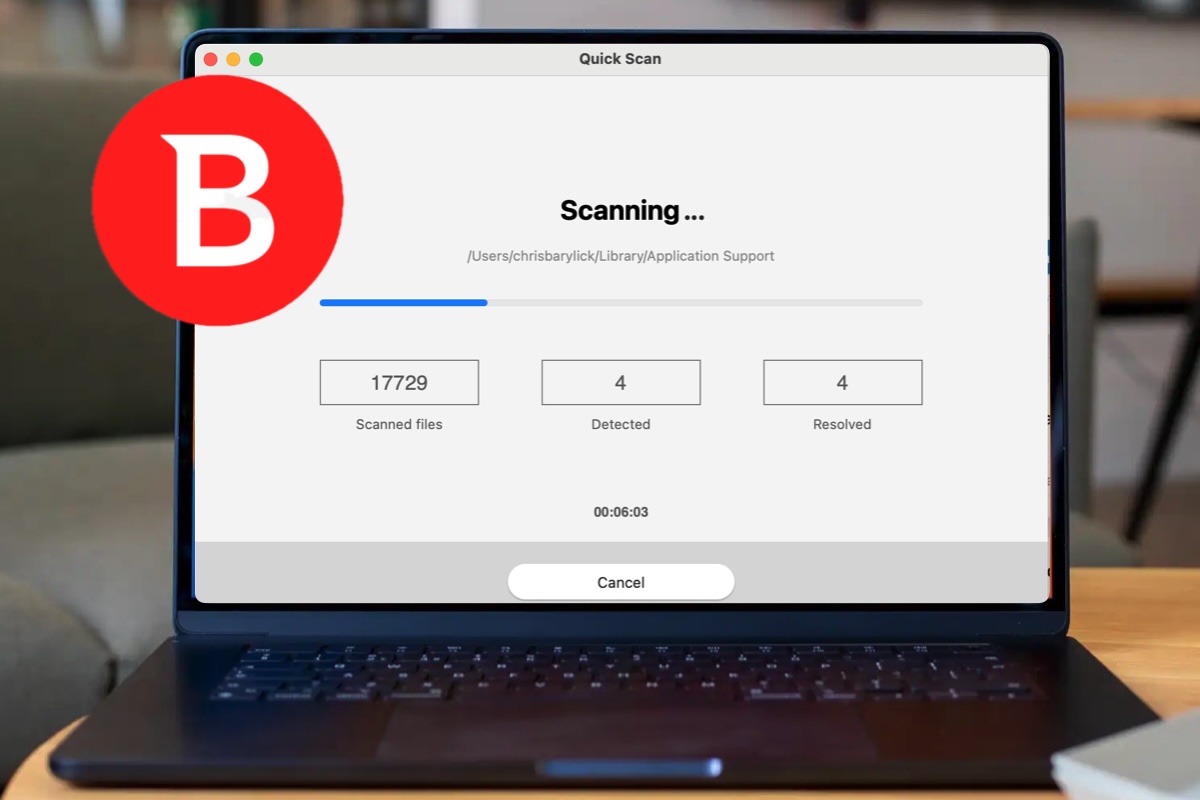
Bitdefender Antivirus for Mac offers a handy, customizable user interface and good features.
Bitdefender Total Security is currently $29.99 (usually $59.99) in the U.S. for a one-year subscription for one device. In the U.K. it’s £17.99 (usually £29.99) for a year and one device: get the U.S. deal here / get the U.K. deal here.
Read our full
Bitdefender Antivirus for Mac review
7. Trend Micro Antivirus for Mac
Pros
- Good malware detection
- Low system load
Cons
- Fewer extra features than less-expensive options
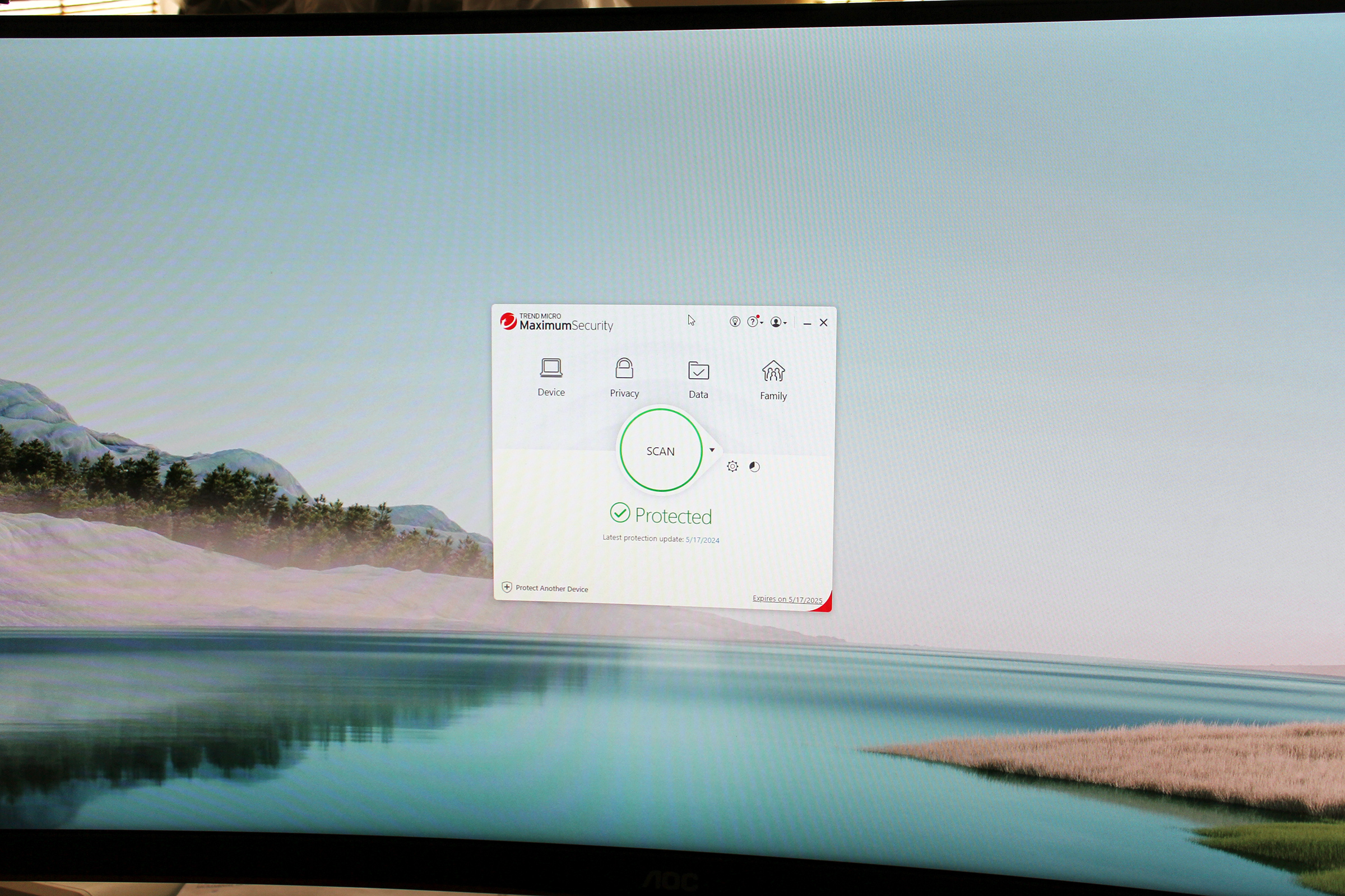
Trend Micro Antivirus is a good program with well-rated antivirus protection and a simple, straightforward interface that users will appreciate.
Trend Micro Antivirus for Mac is currently $29.95 for first year for one Mac, usually $39.95: Get the U.S. deal here / Currently £19.95 for first year for one Mac, usually £49.95: Get the U.K. deal here.
Read our full
Trend Micro Antivirus for Mac review
8. Eset Home Security
Pros
- Good level of antiviral and real-time protection
- Excellent customization options
Cons
- Slow drive scan
- Didn’t include the promised password manager or encryption features
ESET Home Security Premium completes its primary task of antiviral and malware prevention and there’s an excellent level of customization. We did encounter a few bugs when we tested it though.
The ESET Home Security Premium is $39.99/£39.99 (usually $79.99/£64.99) for first year for one device. There’s also the cheaper ESET Home Security Essential: $24.99/£24.49 (usually $49.99/£34.99) for first year for one devices.
Read our full
Eset Home Security review
What should I consider before buying an Antivirus for Mac
Choosing an antivirus for your Mac requires balancing the need for extra security against potential impacts on system performance and your budget.
When evaluating your options, consider the following factors to ensure the software meets your specific needs:
- Performance Impact: One of the most critical factors is how the software affects your Mac’s speed. If an app slows down your machine, you are more likely to disable it, leaving you unprotected. Built-in tools like XProtect have a negligible impact because they are integrated into the OS, whereas some third-party suites can cause lag or system freezes.
- Essential Features: Look beyond basic malware scanning. Essential utilities often include real-time protection, a robust firewall, and anti-phishing tools . Some premium bundles also offer parental controls, password managers, and VPNs.
- Ease of Use: The interface should be intuitive. If a program is too complicated or bombards you with confusing alerts, it becomes a hindrance rather than a help.
- Tailored for Mac: Some antivirus programs are essentially “cut-back” versions of PC apps. It is often better to choose software specifically tailored for macOS, such as Intego, which is designed to feel native to the platform.
- Multi-device support: Do you have multiple devices to protect? Do you need to protect an iPhone as well as your Mac? Do you have a PC or PC using friends, clients and colleagues? If you have multiple devices, look for “Total Security” or “Family” plans that cover Mac, Windows, Android, and iOS, as these often provide the best overall value.
How to find a good antivirus deal
Most Mac antivirus products are sold as yearly subscriptions. Many vendors offer significant first-year discounts, but prices often increase upon renewal.
Many of the best deals spread payments over a number of years. This can save you money because the price of a deal that covers you for one year can increase significantly in the preceding years. In some cases antivirus discounts can be huge, often at more than half price. But these are typically first-year deals, and at renewal you’ll pay the regular price.
Our recommendation is that when you sign up for a year or two you make a note of the renewal date and switch to a different subscription to take advantage of another deal.
We also recommend taking a look at our article all about the best Mac antivirus to help you get a better understanding of which services we like most and why.
“}]]




This Post Has 0 Comments