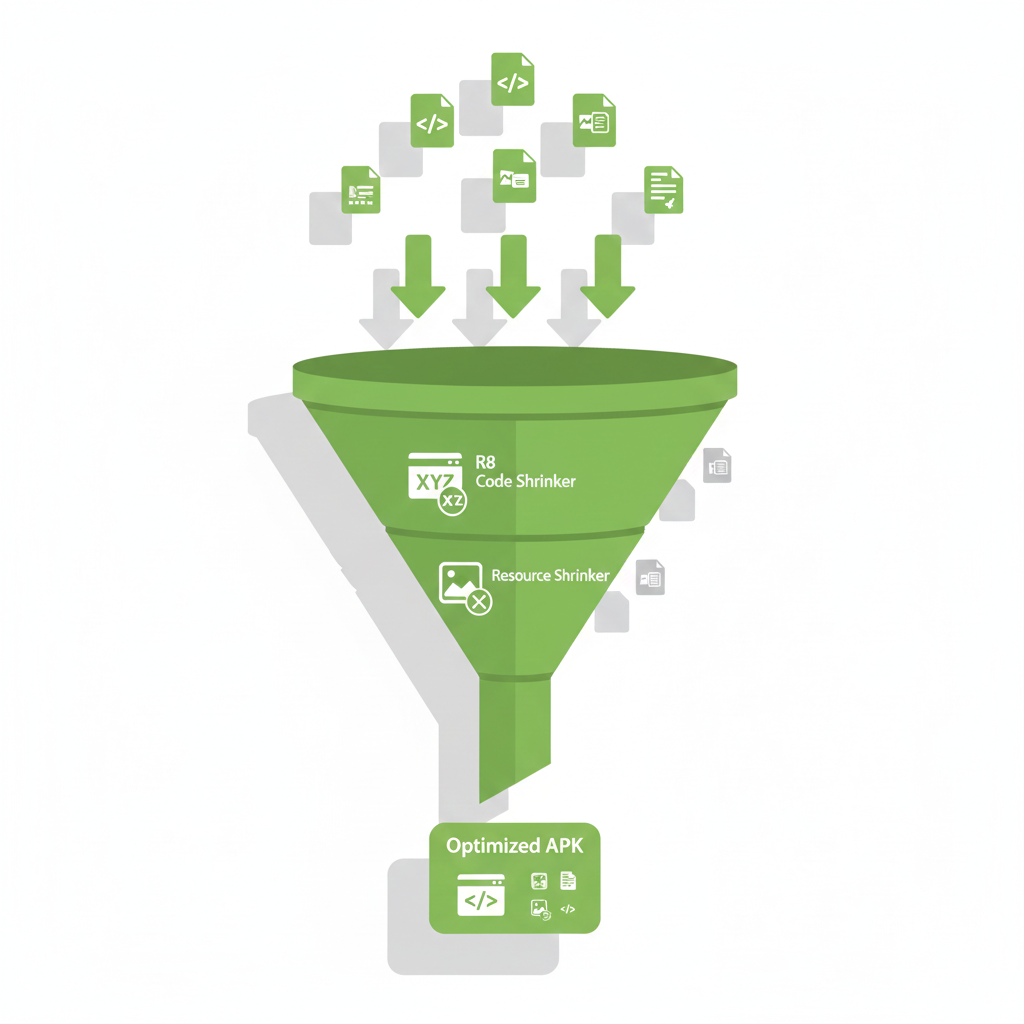

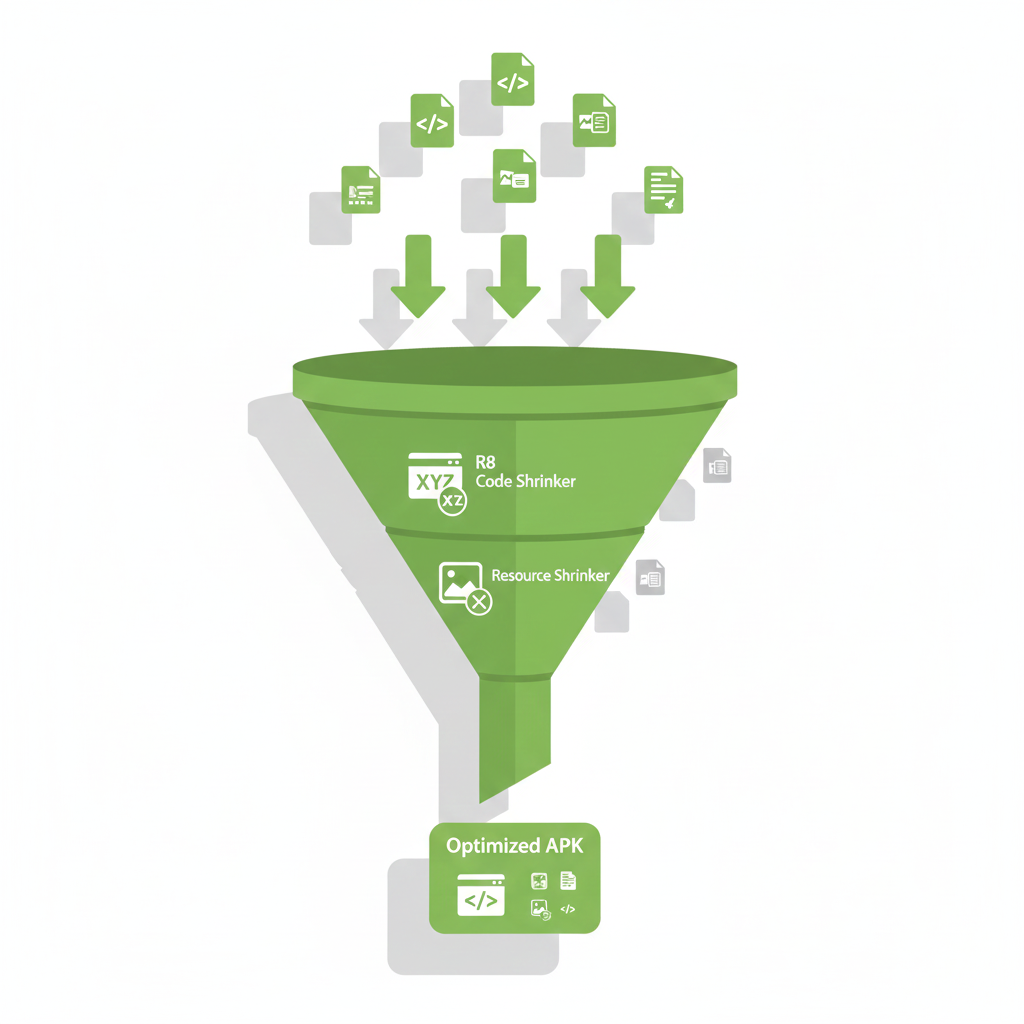
When you build an Android app for release, you want it to be as small and secure as possible. Android provides two important tools for this: minifyEnabled and shrinkResources. Let’s explore what they do and how to use them.
What is minifyEnabled?
The minifyEnabled option activates R8, which is Android’s code shrinker and optimizer. When you set it to true, R8 does three main things:
- Removes unused code — If you have classes or methods that your app never calls, R8 deletes them
- Obfuscates your code — It renames classes and methods to short names like a, b, c
- Optimizes — It makes small improvements to your code
// Your original code
class UserRepository {
    fun getUserData(): User { ... }
    fun deleteUser(): Boolean { ... }  // Never used
}

// After R8 (if deleteUser is never called)
class a {
    fun a(): b { ... }
}
What is shrinkResources?
The shrinkResources option removes unused resources from your APK. Resources include images, layouts, strings, and other XML files.
Important: You must enable minifyEnabled before using shrinkResources. This is because the resource shrinker needs to know which code is removed first.
How to Configure
In your build.gradle.kts file:
android {
    buildTypes {
        release {
            isMinifyEnabled = true
            isShrinkResources = true
            proguardFiles(
                getDefaultProguardFile("proguard-android-optimize.txt"),
                "proguard-rules.pro"
            )
        }
    }
}
Or if you use Groovy (build.gradle):
android {
    buildTypes {
        release {
            minifyEnabled true
            shrinkResources true
            proguardFiles getDefaultProguardFile('proguard-android-optimize.txt'), 'proguard-rules.pro'
        }
    }
}
Common Problems and Solutions
1. Reflection Issues
R8 cannot see code that uses reflection. You need to add keep rules:
-keep class com.example.myapp.models.** { *; }
2. Gson or Serialization Problems
If you use Gson or similar libraries, keep your data classes:
-keepclassmembers class com.example.myapp.data.** {
    <fields>;
}
3. Resources Removed by Mistake
Sometimes the shrinker removes resources you actually need (like those loaded dynamically). Create a keep.xml file in res/raw/:
<?xml version="1.0" encoding="utf-8"?>
<resources xmlns:tools="http://schemas.android.com/tools"
    tools:keep="@drawable/icon_*,@layout/dynamic_*" />
Real Results
In my experience, these optimizations can reduce APK size by 20–40%. Here is a typical example:
-> No optimization (15 MB)
-> minifyEnabled only (10 MB)
-> Both enabled (8 MB)
Conclusion
Using minifyEnabled and shrinkResources is essential for production apps. They make your app smaller, faster to download, and harder to reverse-engineer. Start with the basic configuration and adjust as you find issues during testing.
Thank you for reading 🦋
Is Your APK Carrying Dead Weight? was originally published in ProAndroidDev on Medium, where people are continuing the conversation by highlighting and responding to this story.




This Post Has 0 Comments