


ProgressBar is the core component of any UI system. The default ProgressBar on Android looks very boring, but sometimes big applications just use its default version. This component has a wide API for customization and can cover most of the requirements. At the same time, designers like to make this component in their system one of the first. They cover different states of the progress bar, but often forget about how this component should animate when the value of progress changes.
A progress bar is not just showing the percent of completion; it is not just for information; it is a key UI element which attracts the user’s attention. As a result, we can get some
influence on the positive user experience, even when the user is waiting for something important and is maybe nervous. And animation plays a crucial role in this. The next time you implement this element, don’t forget to add some cool animation, even if your designer forgot to do this in Figma.
The simplest progress bar in Compose will maybe look like this component. It is nothing special, just two boxes related to the track and the progress itself.
https://medium.com/media/1f7230b377bd162d0b198187ae55a723/href
To check what this component will look like, we can easily do this with the @Preview functionality in Compose. It is a very simple implementation, but I like to use the ParameterProvider annotation to create multiple previews without additional logic to display the element.
https://medium.com/media/e60459c6115af90f5a7d0762f7069da3/href
That is it. Now we can see all the states of our progress bar, even for dark mode, of course, if we have configured it.
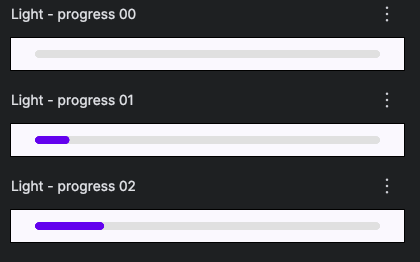
But this preview does not show the main and critical part — how this progress will be displayed during the value change. It will just mechanically change the state, which will slightly look similar to an animation if you pass an exact stream of values that indicate progress from 0 to 1. Or it may look more drastic if you show just several points during the action. But the main question is, how can we prove this in a quick manner without building the application and inserting the element? In this case, the preview can help us.
https://medium.com/media/aa199c7249ad16c08cdc65600ee2694b/href
We can animate the preview by using a LaunchedEffect, which will generate values for our progress. But this preview wouldn’t work in the general tab; to observe the real execution of this, we should start Interactive mode.
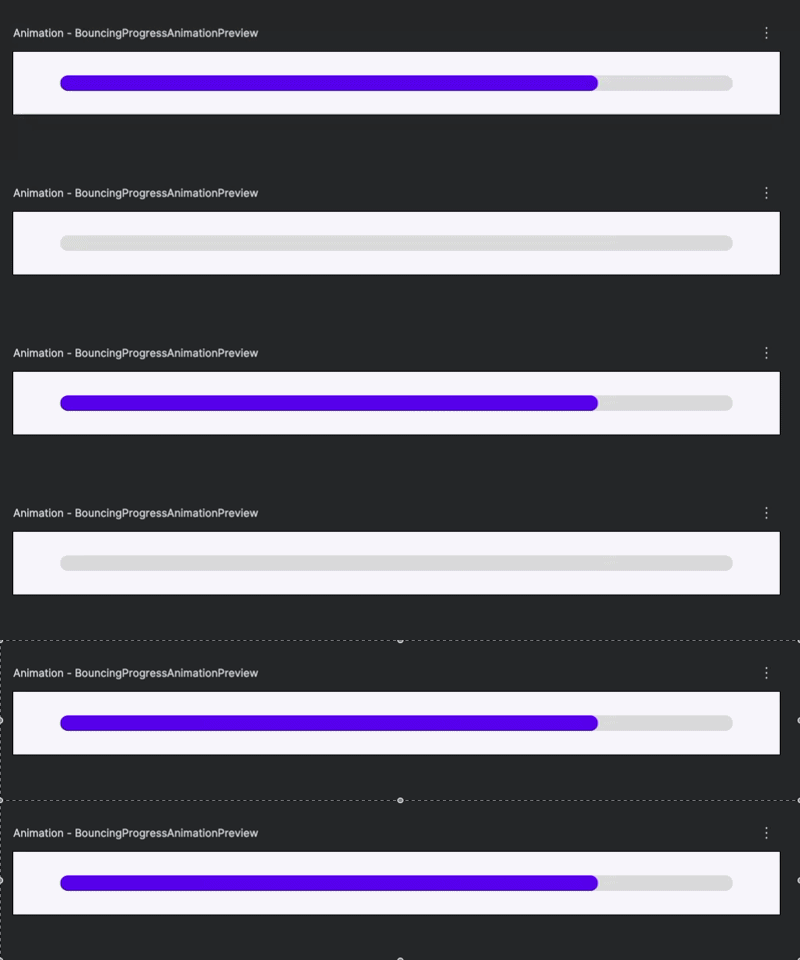
Now we can see how our progress can look in real life without the need to run our code. It looks boring, but our eyes cannot recognize these changes without animation, just a quick filling in of the new position. It is almost not recognizable, but we are also not focused on it. So, it is time to make a small animation to make our progress more enjoyable. For this purpose, we can use the built-in spring animation. Our progress is very suitable for this and easy to apply.
https://medium.com/media/48876bc38b631f2286099f42cfae1cfa/href
After this, our progress looks more realistic, fresh, and attractive.
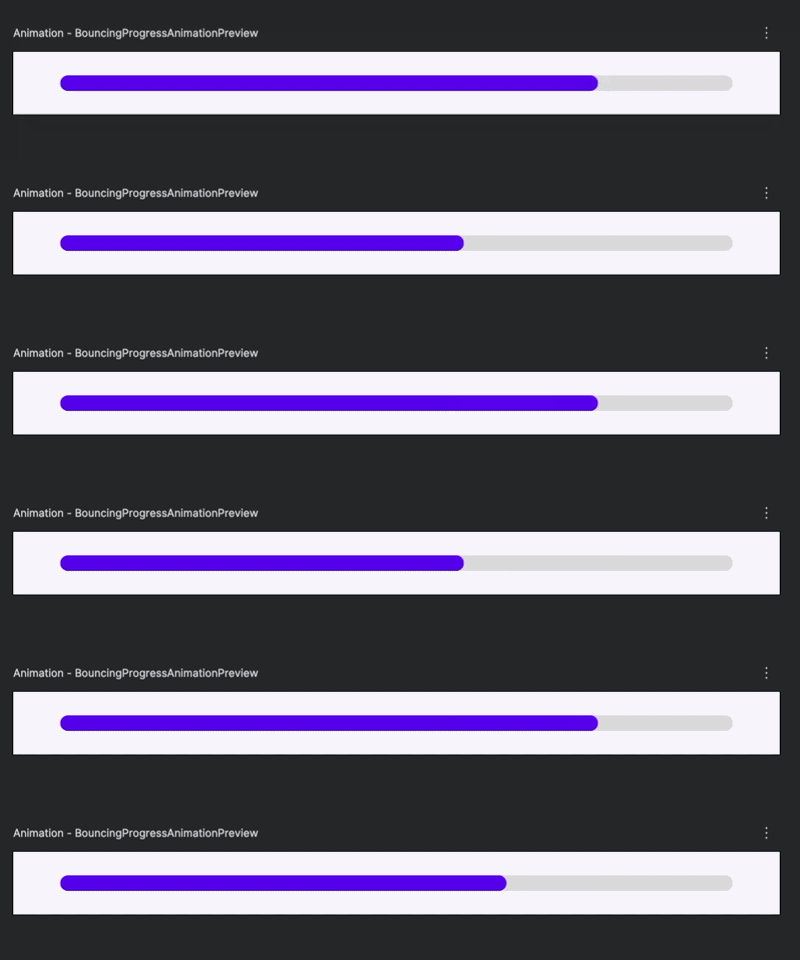
It is hard to imagine that a designer will attach this illustration of animation to the provided mockup, so the basic animation is the responsibility of the developer, and we should care about this, especially when it’s easy to make the simplest one. The simple trick with a LaunchedEffect and the interactive mode helps to preview this animation in the base composable Preview.
The whole working example of a bouncing ProgressBar you can find on my Gist: Animation Preview for ProgressBar
Thanks for reading this article. It is a piece of treasure that I found during everyday work, and I want to share it with you. If you like it, just support it on the appropriate platform where it is placed. If you have questions or arguments, feel free to reach me on LinkedIn.
Be curious, the code around has a lot of gold.
Animation Preview for ProgressBar was originally published in ProAndroidDev on Medium, where people are continuing the conversation by highlighting and responding to this story.





This Post Has 0 Comments