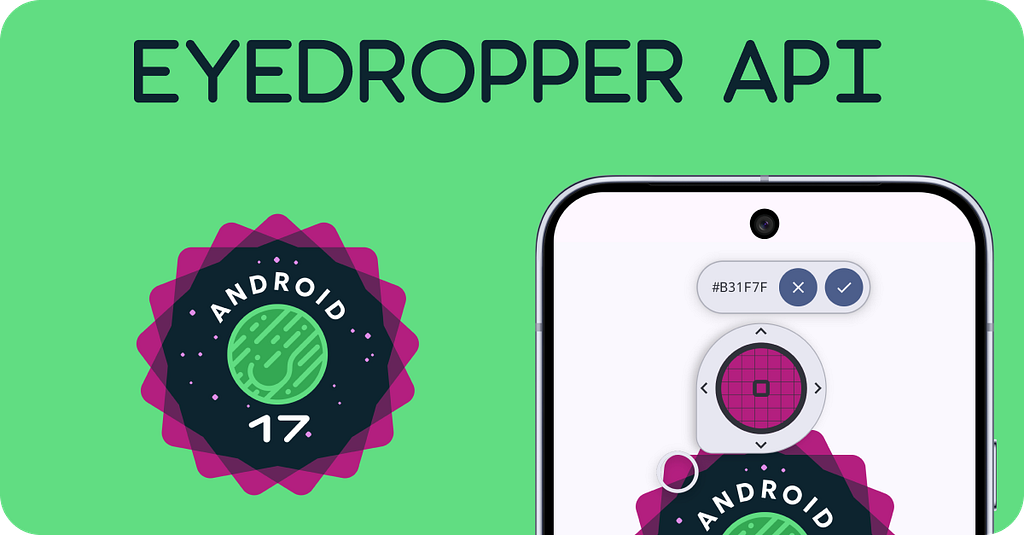

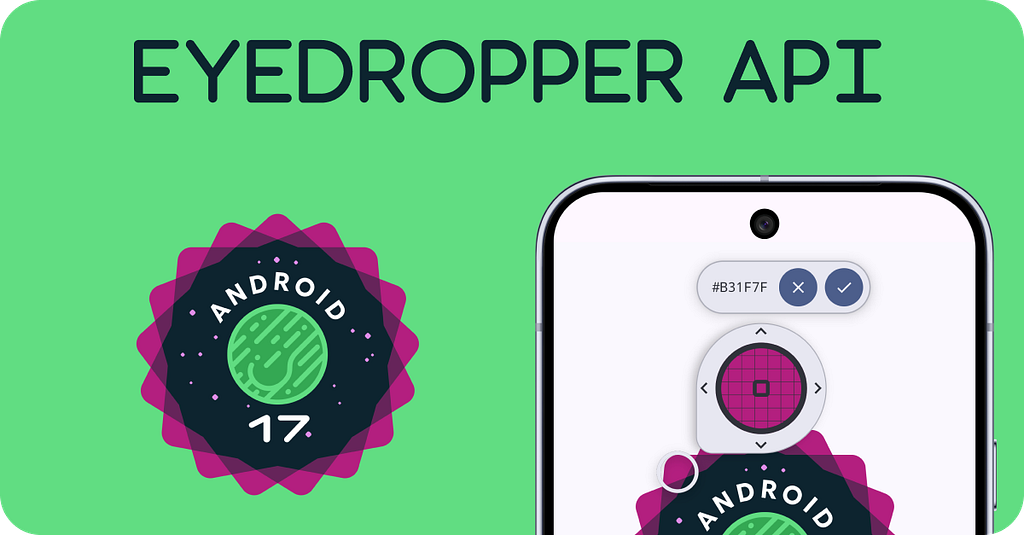
In this article, we will explore the new EyeDropper API, introduced in Android 17.
EyeDropper API, a powerful system-level API that lets Android applications grab a color from any pixel across the entire display — without needing risky screen capture permissions.
Before EyeDropper: Hacky Workarounds
❌ No native API existed — developers used screenshots with storage permissions, accessibility overlays, or third-party apps like Pixolor.
Android 17 Changes Everything
👁️ EyeDropper delivers clean, system-wide pixel picking with zero permissions. One intent call grabs any screen color 🎨
Implementation — 🧑💻
- Intent:
— Action- Intent.ACTION_OPEN_EYE_DROPPER
val intent = Intent(Intent.ACTION_OPEN_EYE_DROPPER)
- Result Key: Intent.EXTRA_COLOR
- Result Type: Int
@Composable
fun EyeDropperDemo() {

    // stateholder for color - default set to black
    var pickedColor by remember { mutableStateOf(Color.Black) }


    // Launcher - Initiate the color picker
    val launcher = rememberLauncherForActivityResult(
        contract = ActivityResultContracts.StartActivityForResult()
    ) { result ->
        if (result.resultCode == Activity.RESULT_OK) {
            result.data?.getIntExtra(
                Intent.EXTRA_COLOR,
                Color.Black.value.toInt()
            )?.let { colorInt ->
                Log.d("EyeDropperDemo", "Picked color: $colorInt")
                pickedColor = Color(colorInt)
            }
        }
    }

    // Content...!
    Column(
        modifier = Modifier.fillMaxSize(),
        horizontalAlignment = Alignment.CenterHorizontally,
        verticalArrangement = Arrangement.Center
    ) {
        // .....

        Button(
            onClick = {
                // Launch EyeDropper intent (Android 17+)
                val intent = Intent(Intent.ACTION_OPEN_EYE_DROPPER)
                launcher.launch(intent)
            }
        ) {
            Text("Pick Color 🎨 from Screen")
        }

        // Show picked color
        Box(
            modifier = Modifier
                .size(100.dp)
                .background(pickedColor)
        )
    }
}
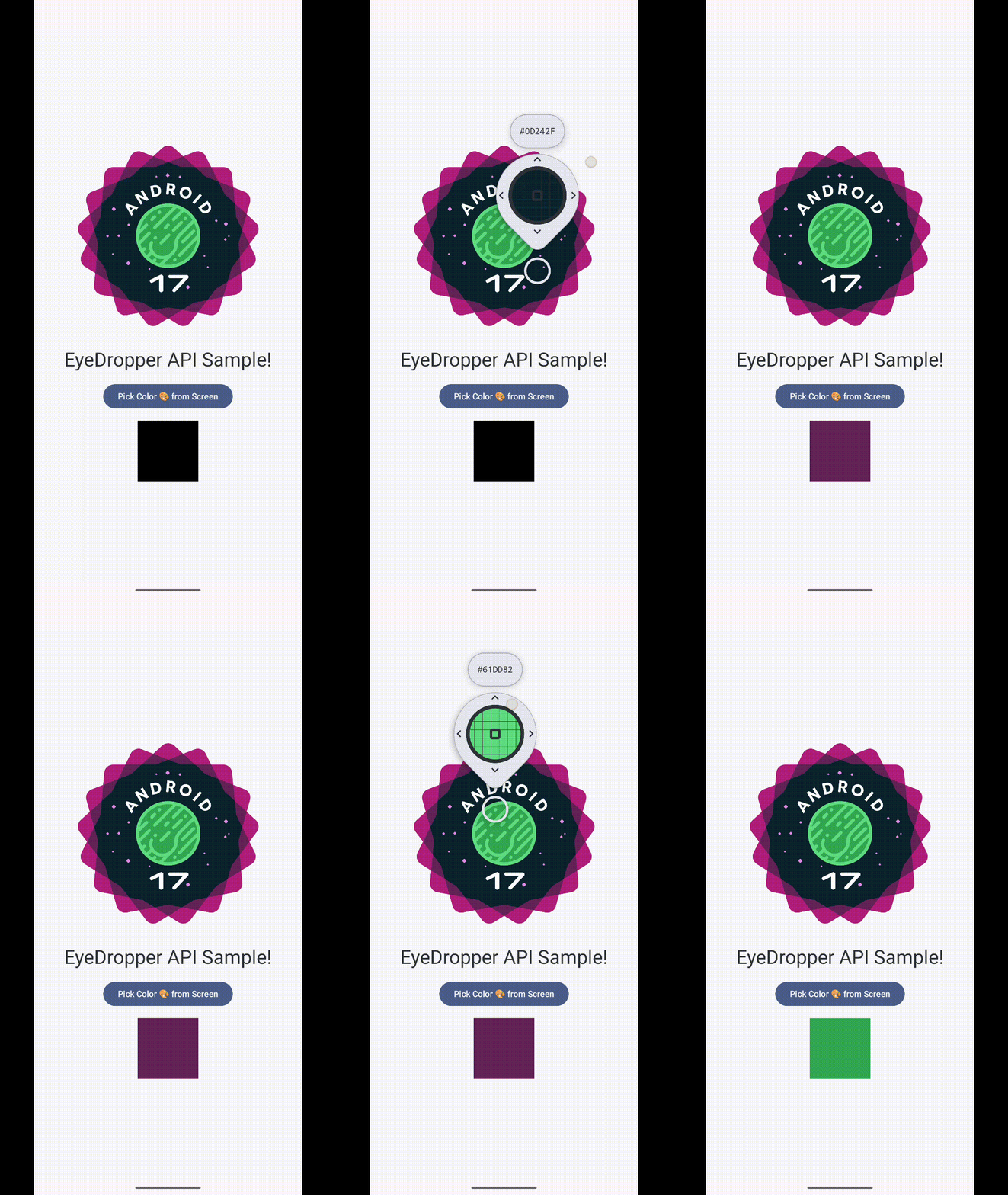
Demo
Keep in touch 🤜🤛
- Nav Singh (@navczydev@androiddev.social)
- navczydev – Overview
- navczydev.bsky.social
- JavaScript is not available.
https://www.linkedin.com/in/navczydev/
References
https://play.google.com/store/apps/details?id=com.embermitre.pixolor.app
Exploring the EyeDropper API- Android 17 was originally published in ProAndroidDev on Medium, where people are continuing the conversation by highlighting and responding to this story.





This Post Has 0 Comments