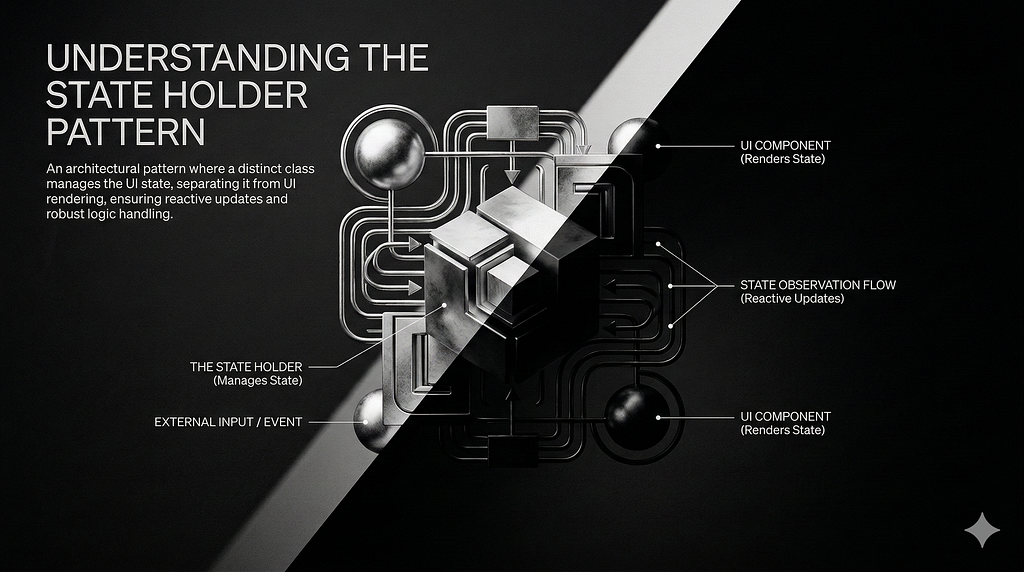

Have you ever noticed how quickly a Composable function’s parameter list can grow when building a design system? It doesn’t take long for the code to become messy and hard to read. Usually, we reach for a ViewModel to manage state and logic, but tying a ViewModel to simple, reusable UI components isn’t always practical. If we peek under the hood of Jetpack Compose — specifically at functions like rememberLazyListState—we find a much better alternative for these scenarios.
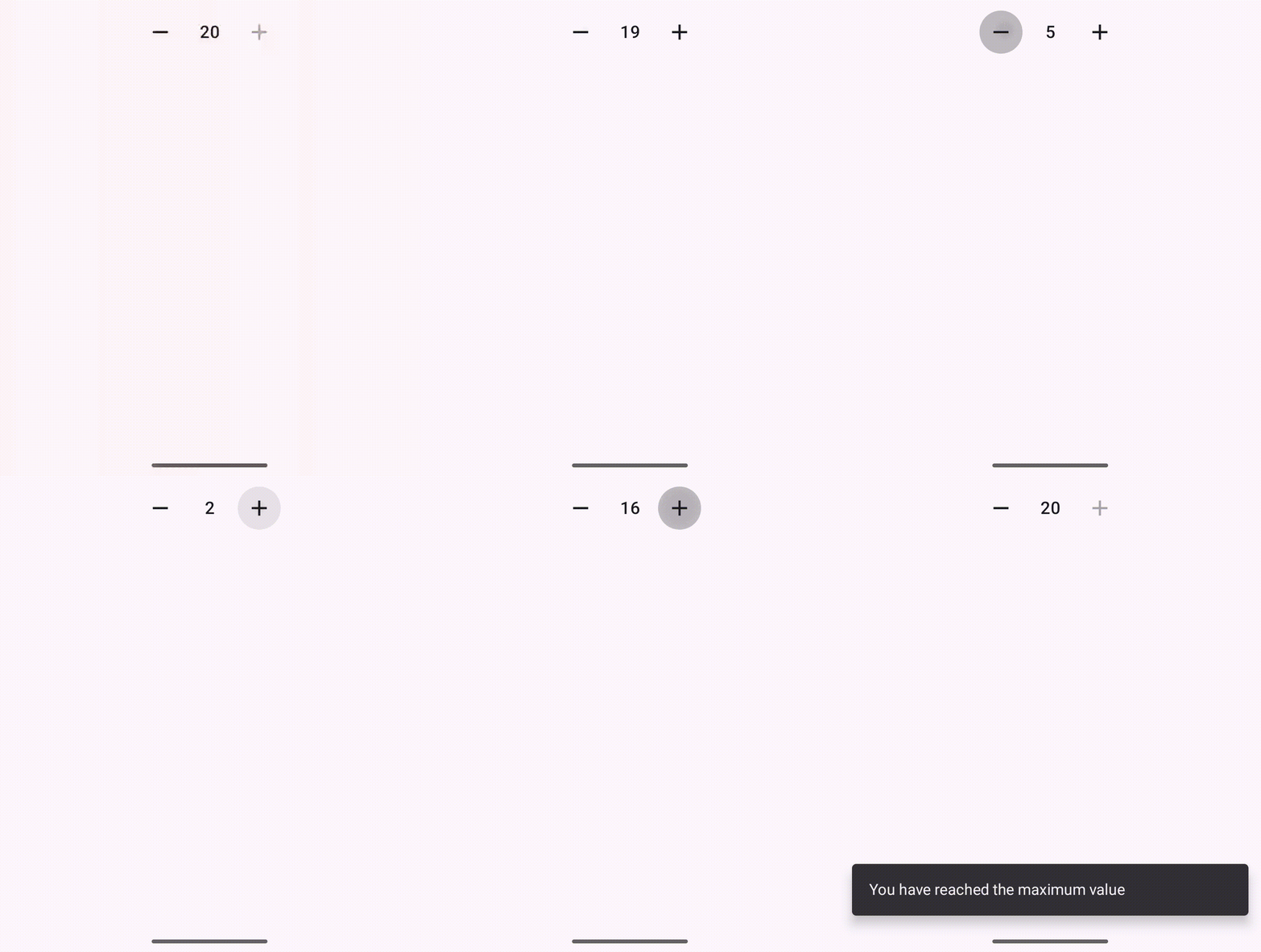
As an example, we will built the Stepper component, which allows to set min & max value and increment/decrement actions to user.
Building the State
It is the simple class which holds the current value and actions on it. It encapsulates the logic of the component as an individual state.
@Stable
class MyStepperState(
    val initialValue: Int,
    val minValue: Int = 0,
    val maxValue: Int = 10
) {
    // The current value, making the setter private so it can only be changed via defined actions
    var value by mutableIntStateOf(initialValue)
        private set

    // Derived state to automatically determine if buttons should be enabled
    val canDecrement: Boolean
        get() = value > minValue

    val canIncrement: Boolean
        get() = value < maxValue

    // Encapsulated UI logic
    fun increment() {
        if (canIncrement) value++
    }

    fun decrement() {
        if (canDecrement) value--
    }
}
Remember!!
During recomposition, local variables in a Composable are re-initialized. While remember prevents data loss during standard recompositions, it doesn’t survive configuration changes like screen rotations. To build a truly resilient component, we need rememberSaveable. Because our state holder is a custom class, it doesn’t benefit from default saving mechanisms (like primitives or Serializable types). Therefore, we must write a custom Saver to dictate how the state is explicitly saved and restored.
Different options for saver available, as an example, I have implemented the mapSaver. So, State class changed a bit like the following:
@Stable
class MyStepperState(
    val initialValue: Int,
    val minValue: Int = 0,
    val maxValue: Int = 10
) {
    // The current value, making the setter private so it can only be changed via defined actions
    var value by mutableIntStateOf(initialValue)
        private set

    // Derived state to automatically determine if buttons should be enabled
    val canDecrement: Boolean get() = value > minValue
    val canIncrement: Boolean get() = value < maxValue

    // Encapsulated UI logic
    fun increment() {
        if (canIncrement) value++
    }

    fun decrement() {
        if (canDecrement) value--
    }

    companion object {
        private const val KEY_VALUE = "value"
        private const val KEY_MIN = "min"
        private const val KEY_MAX = "max"

        // The custom Saver object
        val Saver = mapSaver(
            // 1. Save into a Map using keys
            save = { state ->
                mapOf(
                    KEY_VALUE to state.value,
                    KEY_MIN to state.minValue,
                    KEY_MAX to state.maxValue
                )
            },
            // 2. Restore from the Map using the same keys
            restore = { savedMap ->
                MyStepperState(
                    initialValue = savedMap[KEY_VALUE] as Int,
                    minValue = savedMap[KEY_MIN] as Int,
                    maxValue = savedMap[KEY_MAX] as Int
                )
            }
        )
    }
}
And here is the simplest remember for our state:
@Composable
fun rememberMyStepperState(
    initialValue: Int = 0,
    minValue: Int = 0,
    maxValue: Int = 10
): StepperState {
    // We pass our custom Saver to rememberSaveable
    return rememberSaveable(saver = StepperState.Saver) {
        StepperState(
            initialValue = initialValue,
            minValue = minValue,
            maxValue = maxValue
        )
    }
}
UI implementation
Here is the simplistic ui code for stepper component. As you can see, we can listen to state externally, and apply our logic. Recomposition & skips work as expected.
@Composable
fun MyStepper(
    modifier: Modifier = Modifier,
    state: MyStepperState = rememberMyStepperState()
) {
    Row(
        modifier = modifier
            .clip(RoundedCornerShape(8.dp)),
        verticalAlignment = Alignment.CenterVertically,
        horizontalArrangement = Arrangement.SpaceBetween
    ) {
        // Decrement Button
        IconButton(
            onClick = { state.decrement() },
            enabled = state.canDecrement
        ) {
            Icon(
                imageVector = Icons.Default.Remove,
                contentDescription = "Decrease quantity"
            )
        }

        // Current Value
        Text(
            text = state.value.toString(),
            style = MaterialTheme.typography.titleMedium,
            textAlign = TextAlign.Center,
            modifier = Modifier
                .padding(horizontal = 8.dp)
                .widthIn(min = 28.dp)
        )

        // Increment Button
        IconButton(
            onClick = { state.increment() },
            enabled = state.canIncrement
        ) {
            Icon(
                imageVector = Icons.Default.Add,
                contentDescription = "Increase quantity"
            )
        }
    }
}


@Preview(showBackground = true)
@Composable
private fun MyStepperPreview() {
    val scope = rememberCoroutineScope()
    val snackbarState = remember { SnackbarHostState() }

    val state = rememberMyStepperState(
        initialValue = 5,
        minValue = 0,
        maxValue = 20,
    )

    LaunchedEffect(state.value) {
        if (!state.canIncrement) {
            snackbarState.showSnackbar("You have reached the maximum value")
        }

        if (!state.canDecrement) {
            snackbarState.showSnackbar("You have reached the minimum value")
        }
    }

    MaterialTheme {
        Scaffold(
            snackbarHost = {
                SnackbarHost(hostState = snackbarState)
            },
        ) { contentPadding ->
            Box(
                modifier = Modifier
                    .fillMaxSize()
                    .padding(contentPadding),
                contentAlignment = Alignment.Center,
            ) {
                MyStepper(state = state)
            }
        }
    }
}
If you liked the article, don’t forget to clap!
Building Component with State Holder Pattern in Jetpack Compose was originally published in ProAndroidDev on Medium, where people are continuing the conversation by highlighting and responding to this story.




This Post Has 0 Comments