
Jetpack Compose Metaball Edge Effect — Final Part
Background
I explored a couple of metaball interaction approaches — nothing too complex, just blur and an alpha threshold.
But since blur() (API 31+) and RenderEffect (API 31+) have minimum API level requirements, and runtime shaders for alpha filtering (AGSL) are only available from API 33, I also explored alternative approaches for older Android versions.
I also experimented with implementing the metaball effect between two outlined circular buttons — same approach, but working with strokes instead of filled shapes. AGSL, unlike a color matrix, allows filtering within a specific alpha range, which makes it possible to render (see the bottom Supra section):

Github link to the metaball across API screen
Medium “Supra” outline article link
But then I had what felt like a simple and elegant idea — to implement the same metaball interaction between scrolling content and the screen edges. In my head, it looked really clean and beautiful, just like object-to-object metaball interaction.
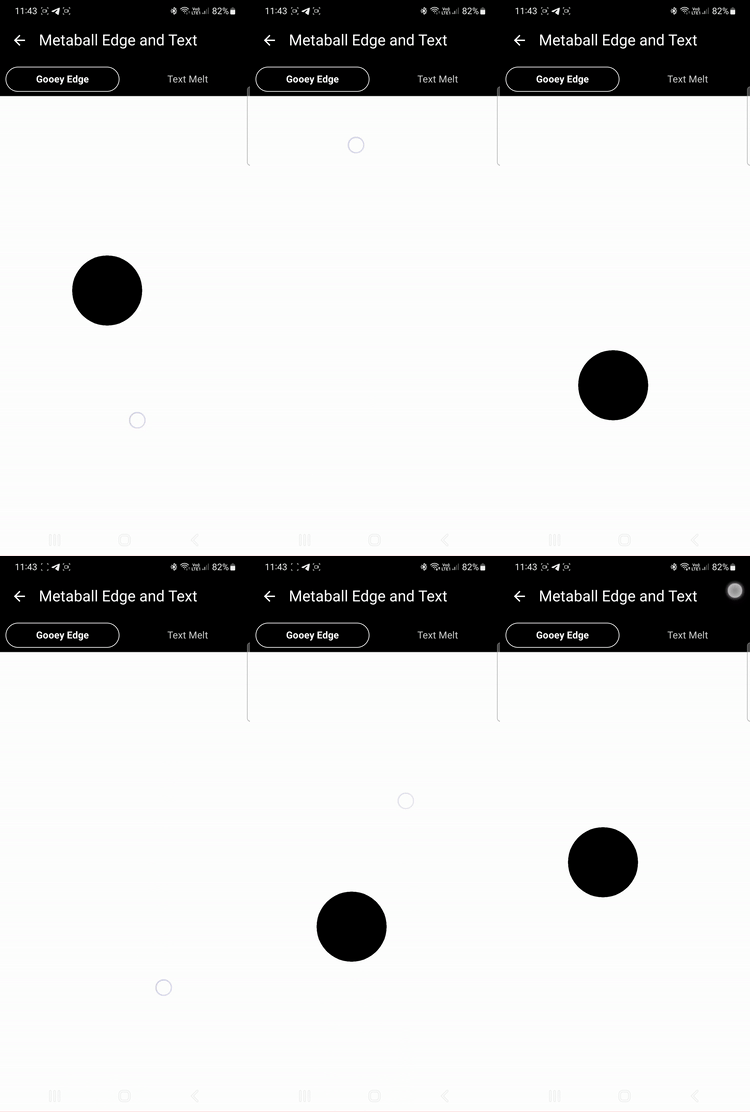
The POC was very simple — just add vertical gradient bands near the top and bottom edges, blur the circle object, and apply the usual alpha threshold filtering: github link “Gooey Edge” tab:
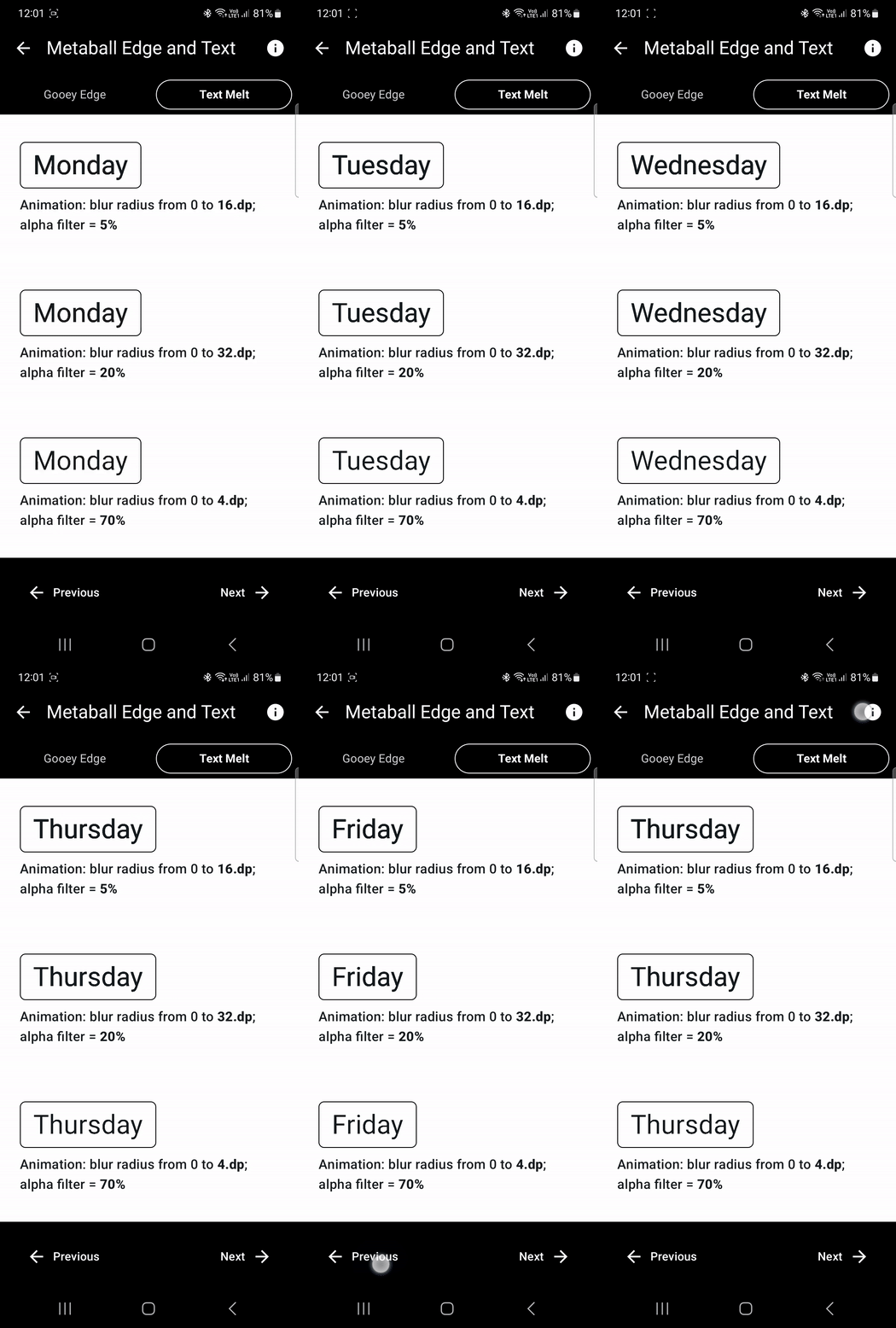
A small exploration of text showed that depending on the blur radius, alpha threshold, and text size, the result can vary — from a large solid blob to a small one, or even nothing at all after alpha filtering.
A nice property for a text replacement animation is to animate the blur from 0 to a certain value, swap the text, and then animate it back.
An interesting aspect is that depending on how you tune the metaball parameters, you can get several different behaviors:
- the text transforms into a metaball and then into another text
- the text turns into a metaball, shrinks and disappears, and then the process happens in reverse into a new text
- the text immediately melts and then a new text appears (I don’t like this one)
Maybe many people (myself included) have done something similar, but the first one who publicly shared it in a clean and well-presented way was Sinasamaki, so it’s fair to credit him as someone who brought this idea to Android. All his publications are masterpieces — works of pure art.
The main problem with metaball effects on scrolling text is that blur is applied as a RenderEffect to the entire composable (the scrolling column with text). As a result, the whole text becomes blurred, and the metaball interaction is no longer limited to the desired areas (near the top and bottom edges).
Instead, the entire content turns into one large dark blob. The stronger and more visually appealing you try to make the metaball effect, the worse it gets — because the text starts interacting with itself first, and only then (with much weaker influence) with the screen edges.
First, I tried to build a workaround — overlaying top and bottom zones that synchronously render the same text above the original one, blur it, and then apply the same effect, and ended up with a solution that worked, but was still dirty and full of workarounds.
So I came to the conclusion that I needed a custom blur that could be applied locally to the required areas — the top and bottom edges — with the blur strength increasing as it gets closer to the edges.
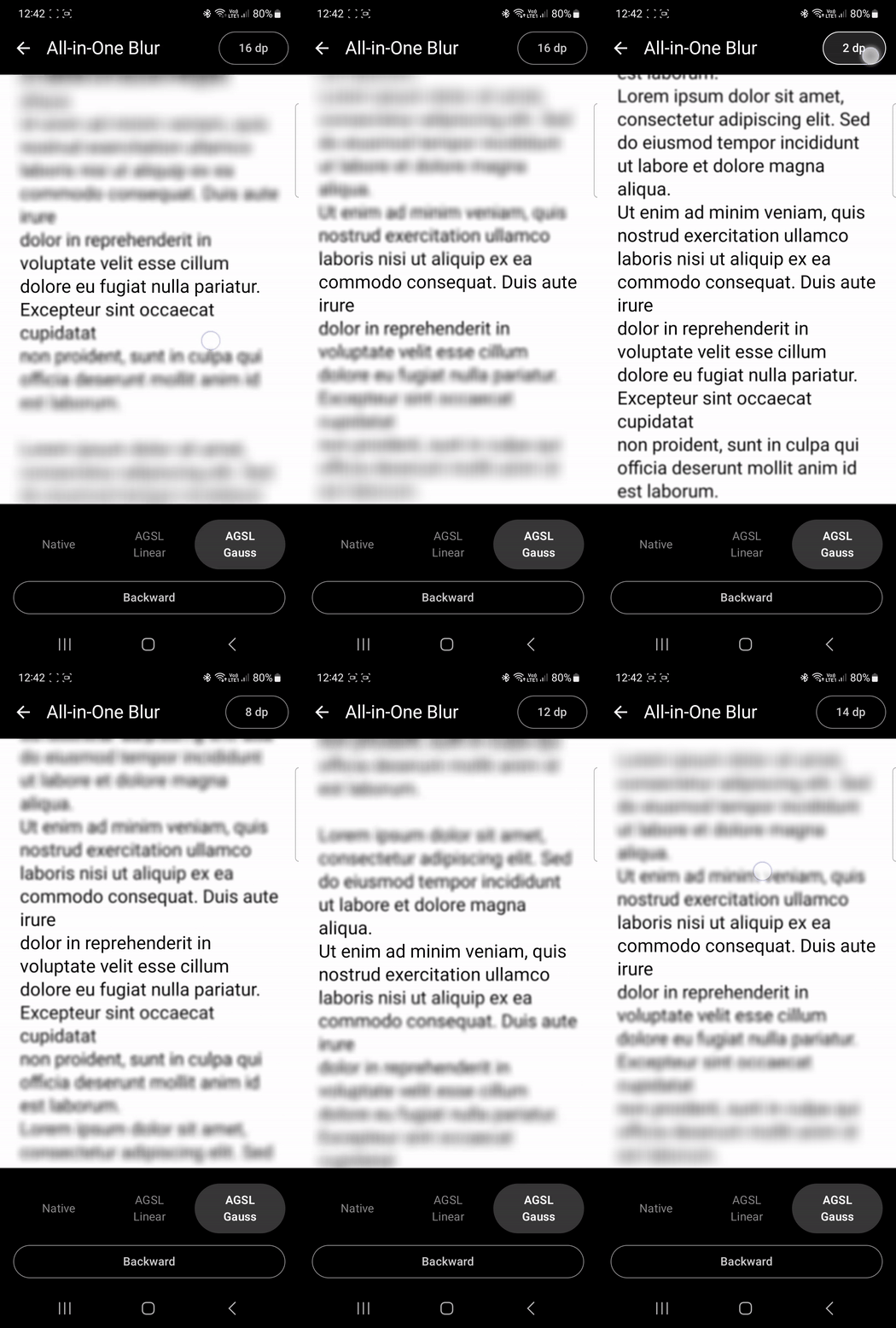
I did a series of tests and experiments around alpha-only blur (since for the metaball effect we don’t need RGB blurring). I compared linear and Gaussian approaches and also experimented with kernel quality — up to around 16dp (~17 taps) was fine, but beyond that it required multiple passes (around 61 taps). Using higher values (100+ taps) quickly becomes too expensive.
My article about custom AGSL local blur with a dynamic radius.
Github Link to custom Alpha blur experiments.
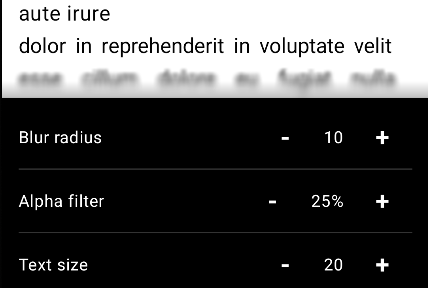
For the metaball effect, the following result was chosen:
So I am prepared to do it…
Vertical Scrolling Solution
The implementation is relatively straightforward.
Scrolling text is placed inside a Column with a custom blur modifier applied only to the top and bottom regions. The blur intensity increases progressively as the content approaches the edges of the scrolling container.
When working with very small elements like text (with stroke widths of just a few dp), all metaball configuration parameters — such as the height of the custom local blur zone or the gradient band — also become extremely small.
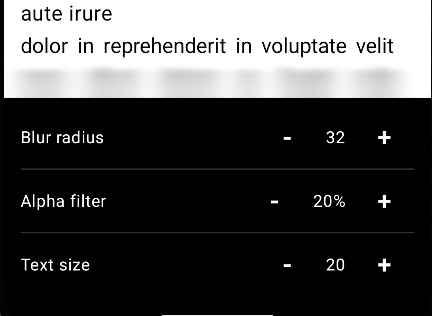
For the Gooey effect, small gradient bands with a height of 16dp were added, with a vertical gradient from 0.4 to 0
From previous experiments with text and its transformations, two behaviors were observed: the text either disappears or turns into a blob.
The disappearance near the edges can be called a “Melt” effect, while merging with the edges can also be called “Gooey.”
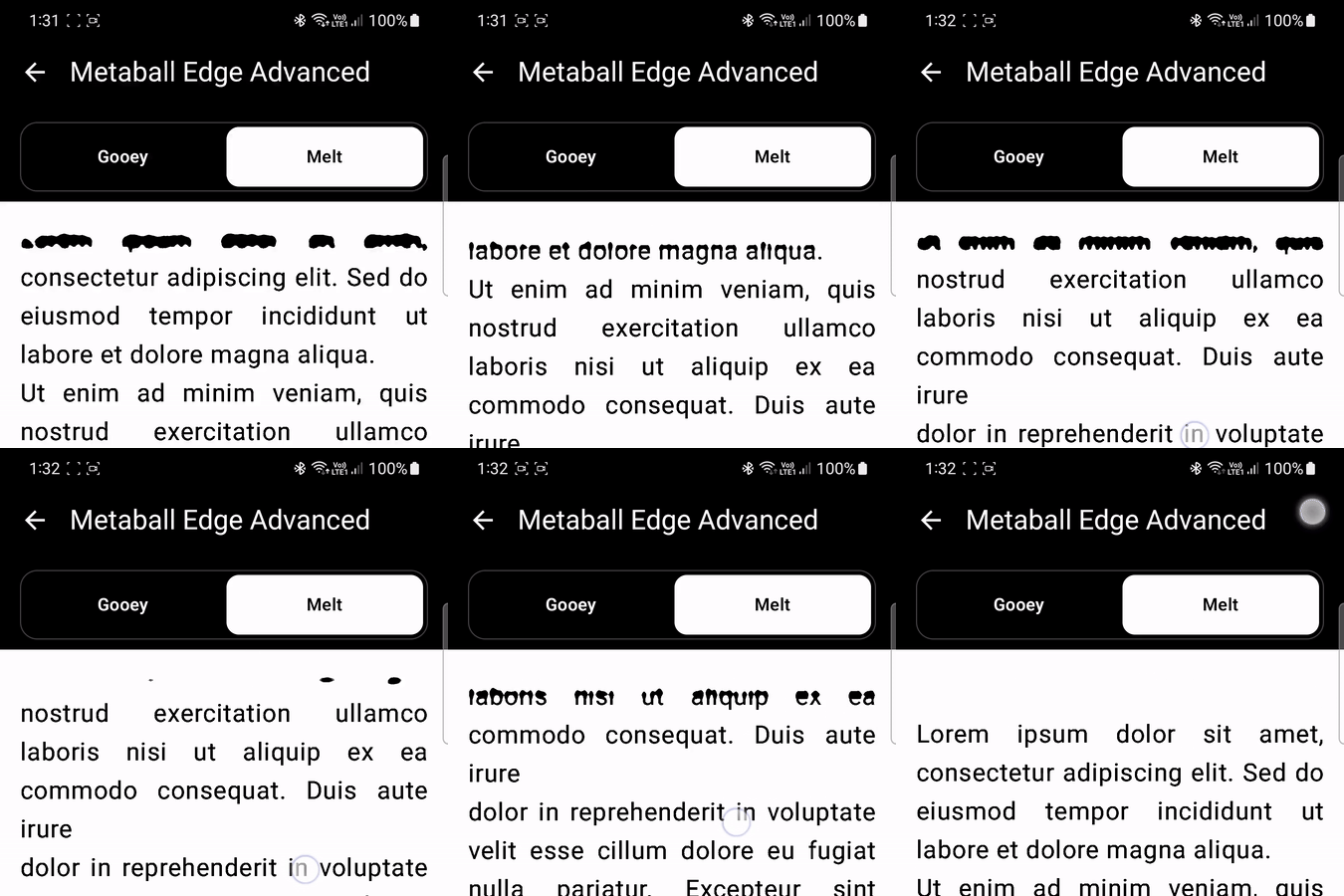
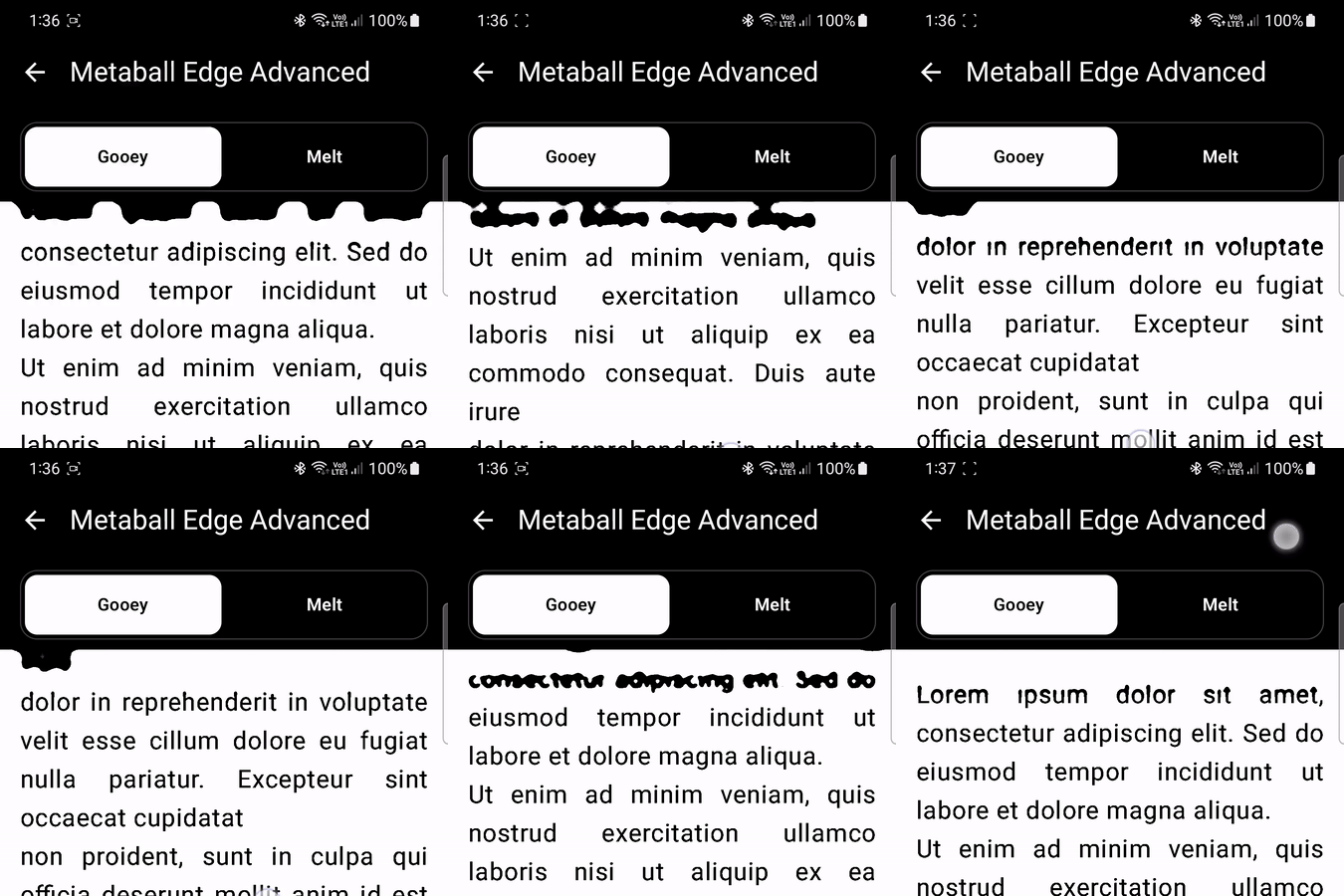
Solved — but I’m not happy. This is not how I imagined it. It doesn’t look as clean or as impressive as I expected.
To get at least some decent result, a lot of tuning is required for all these parameters: the blur, the AGSL application area, the alpha threshold, and the maximum alpha in the gradient bands. All of this is also tied to the text size, which, if defined in sp units, is not stable, and even line spacing can introduce a dirty look.
On top of that, we’re still dependent on API level because of RenderEffect, and no matter how much I tried, a custom alpha blur is not as cheap or as reliable as the system one and can introduce artifacts, especially at the edges.
Also, the merging of letters with the edge (the desired effect) comes with a downside — letters start merging with each other, and the shapes turn into blobs. Unfortunately, there’s no clean way to get rid of these side effects.
You can’t prevent a letter from merging with itself, but merging between neighboring letters doesn’t occur in the case of horizontal scrolling.
Git hub link: Vertical Scrolling Solution
Horizontal Scrolling Solution
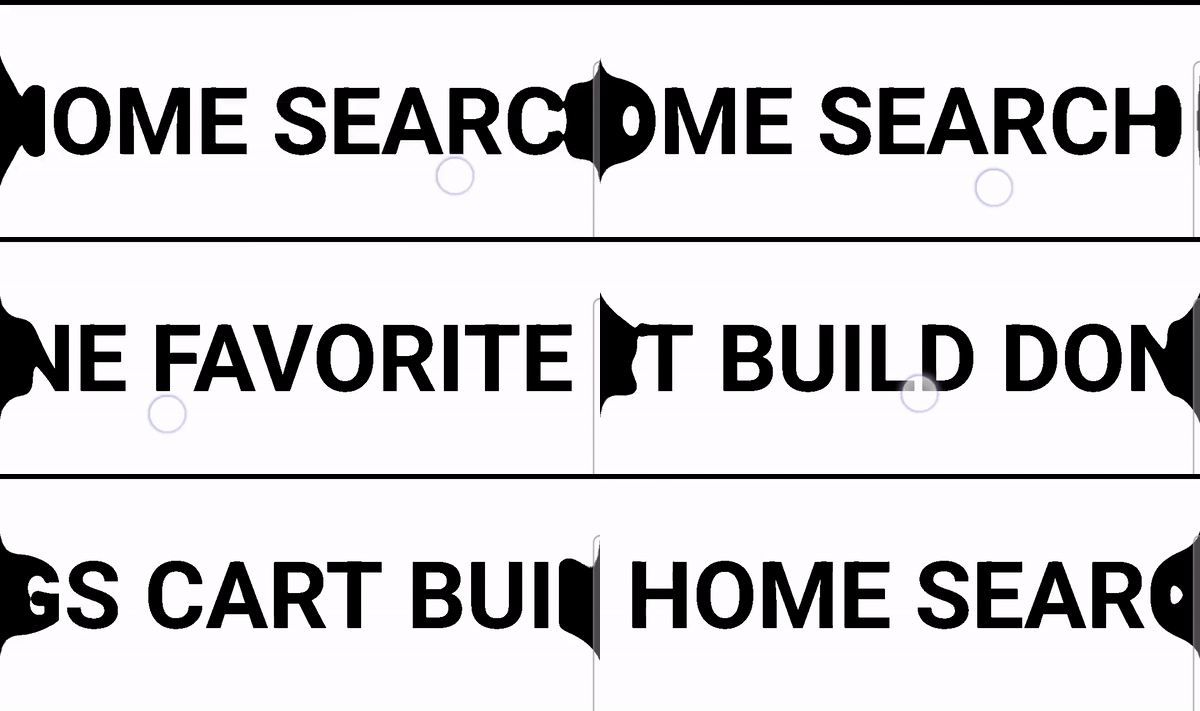
A more stable effect can still be achieved when working with objects that are relatively large compared to the blur radius — for example, large circular elements with icons inside, or just thicker and larger icons. And finally, even a huge single-line text scrolling horizontally tends to look a bit better.
//left/right custom blur local zones width and gradient edge boxes width
val effectMagnitude = 56.dp
val blurRadius = 30.dp
val alphaThresholdEffect = alphaThreshold50PercentEffect
// Max horizontal gradient
val edgeAlpha = 0.5f
val circleSize = 72.dp
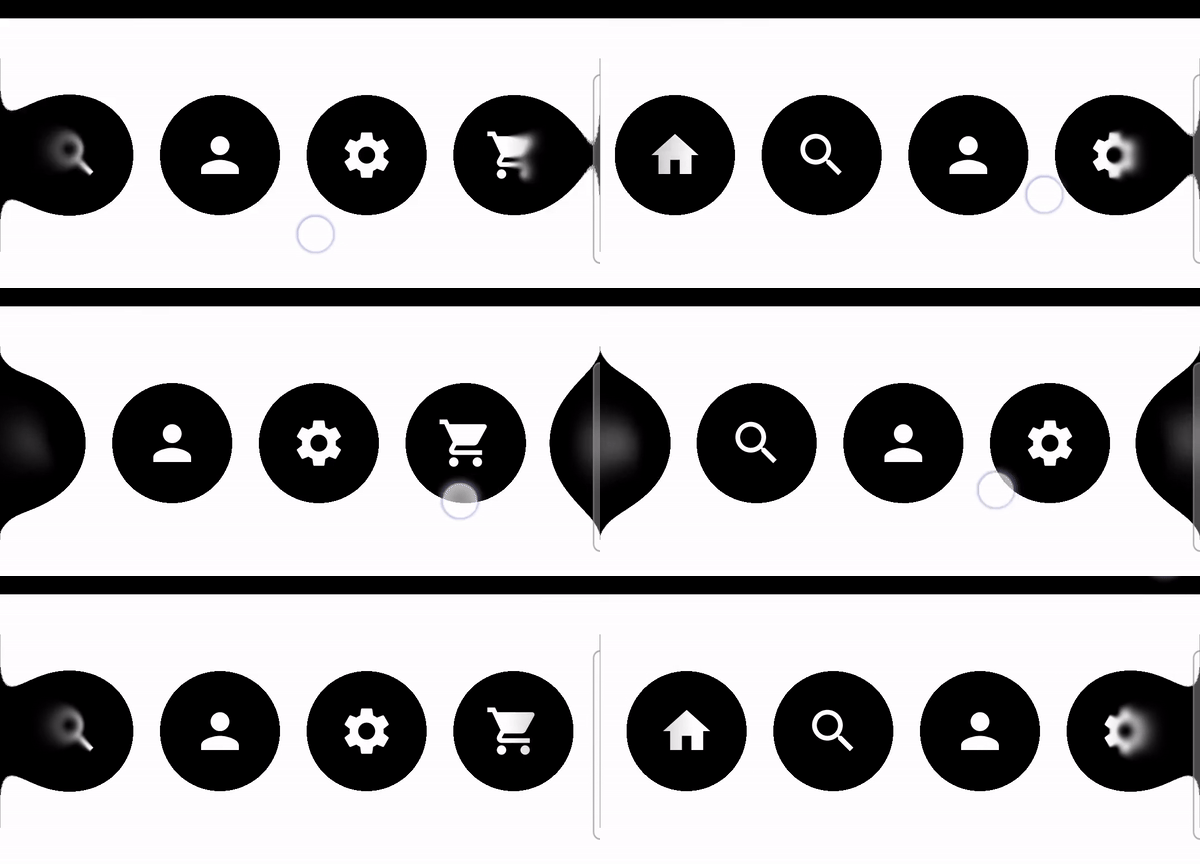
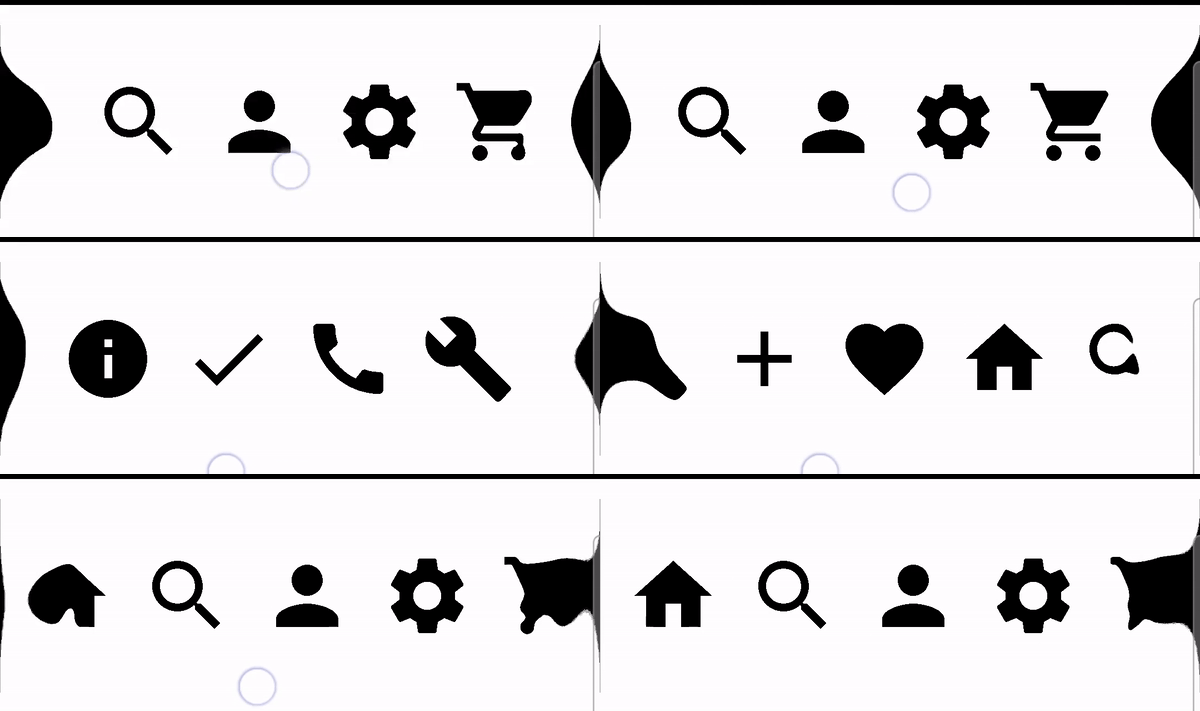
In the case of large icons, the effect is still very sensitive to small and thin elements — notice what happens to the Search, Check, and Plus icons. For those, the alpha threshold has to be lowered and the blur radius reduced.
val effectMagnitude = 56.dp
val blurRadius = 30.dp
val alphaThresholdEffect = alphaThreshold50PercentEffect
val edgeAlpha = 0.5f
val iconSize = 56.dp
val effectMagnitude = 30.dp
val blurRadius = 20.dp
val alphaThresholdEffect = alphaThreshold30PercentEffect
val edgeAlpha = 0.3f
//use dp instead of sp for stable effect
val HorizontalTextSize = 56.sp
Can the custom blur be replaced with a regular one?
Yes, but it introduces a key problem: the entire content becomes blurred and starts forming unwanted metaball interactions everywhere. In a previous publication, this exact issue was explored and addressed.
Can we avoid using RenderEffect blur or a custom blur?
Yes, it’s possible. In my previous article, I explored around six different ways to draw a glowing halo border, and the same idea can be applied here — draw a blur mask filter or a halo gradient around a circular element. This way, the inner part will not be deformed.
However, you still need to solve the problem of neighboring elements intersecting with each other through their “alpha fields,” making the overlapping areas visible. A simple approach is to detect the leftmost and rightmost elements and apply the effect only to them.
Github link: Horizontal Scrolling Solution
Conclusion
Yes, a localized custom blur significantly simplifies the problem.
However, it does not solve the issue of visual “dirt.” The content still tends to turn into a blob first, and only then begins interacting with the edges.
The key difference between the metaball effect and something like Liquid Glass ( glassmorphism ) is that the metaball effect happens between elements. The effect occurs beyond the UI elements themselves, in the space between them, where many other elements may exist.
In contrast, glassmorphism is visually contained within a single component.
Because of that, Liquid Glass usually looks clean and controlled, while metaball effects can quickly become messy when multiple elements are involved.
Jetpack Compose Metaball Edge Effect — Final Part was originally published in ProAndroidDev on Medium, where people are continuing the conversation by highlighting and responding to this story.




This Post Has 0 Comments