
 [[{“value”:”
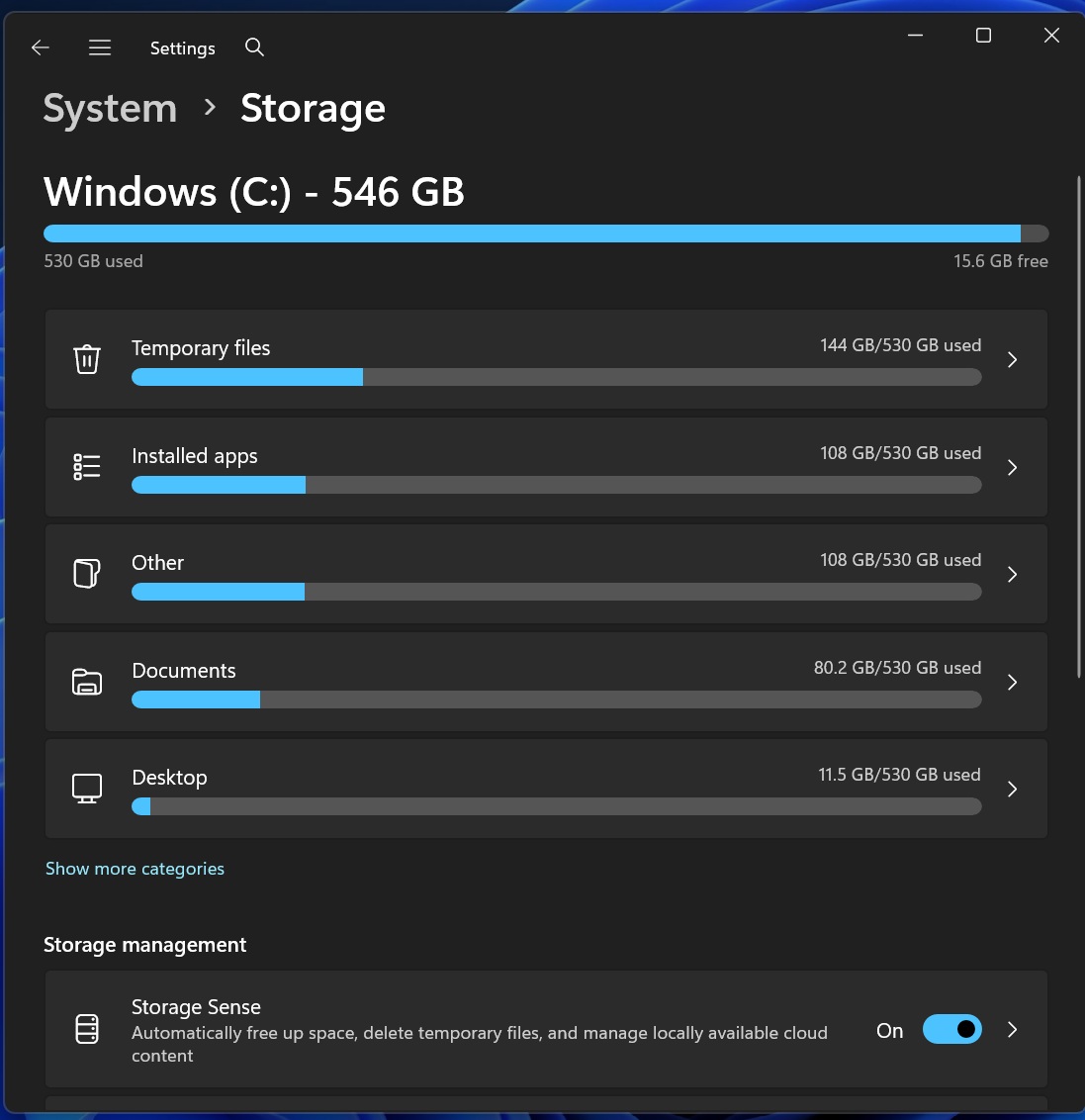
Windows 11 KB5074105 (Build 26200.7705) quietly added a new feature that requires admin permission to access your Storage settings. Microsoft confirmed to Windows Latest that this change is “intentional” and is not a known issue. It’s part of the company’s efforts to prevent unauthorized access to your PC’s storage settings.
Windows 11 KB5074105 shipped on January 29 and is an optional update, so it doesn’t install on its own. However, quite many of us installed it because it finally addresses the January 2026 Patch Tuesday’s black-screen bug on Nvidia GPUs. The update also fixed issues with the Start menu.
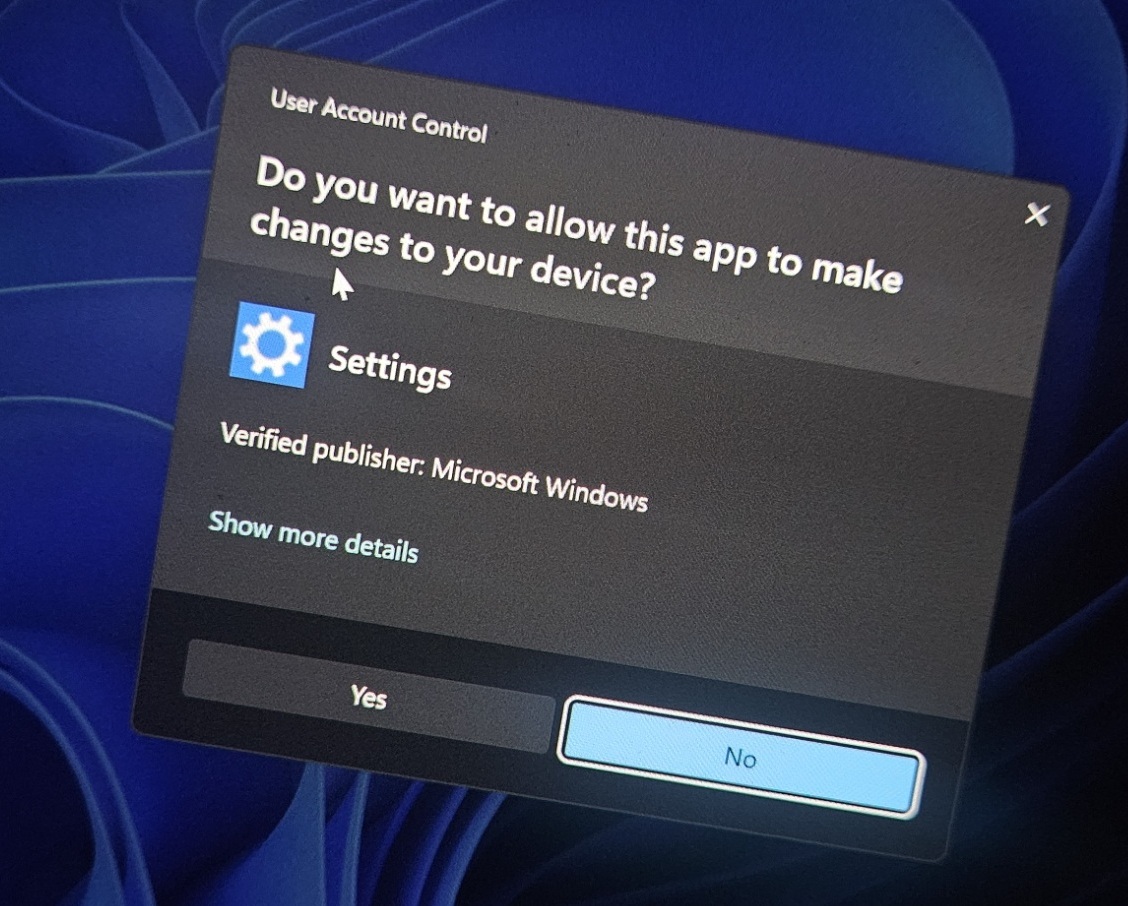
At the same time, you might notice that Windows 11 now shows a User Account Control (UAC) prompt when you open Storage settings. Don’t worry, this does not mean Windows suddenly turned on BitLocker or changed your drive encryption.
By forcing an elevation check, Windows makes sure only an administrator-approved session can access system locations and protected files, which reduces the risk of a standard user account, a background process, or a bad attacker from deleting data.
“To help ensure that only authorized Windows users can access system files, Windows now displays a User Account Control (UAC) prompt when you open Storage settings (Settings > System > Storage),” Microsoft also noted in an update to the support document.
Speaking of Settings, you’ll also see a new Device Card on the home page
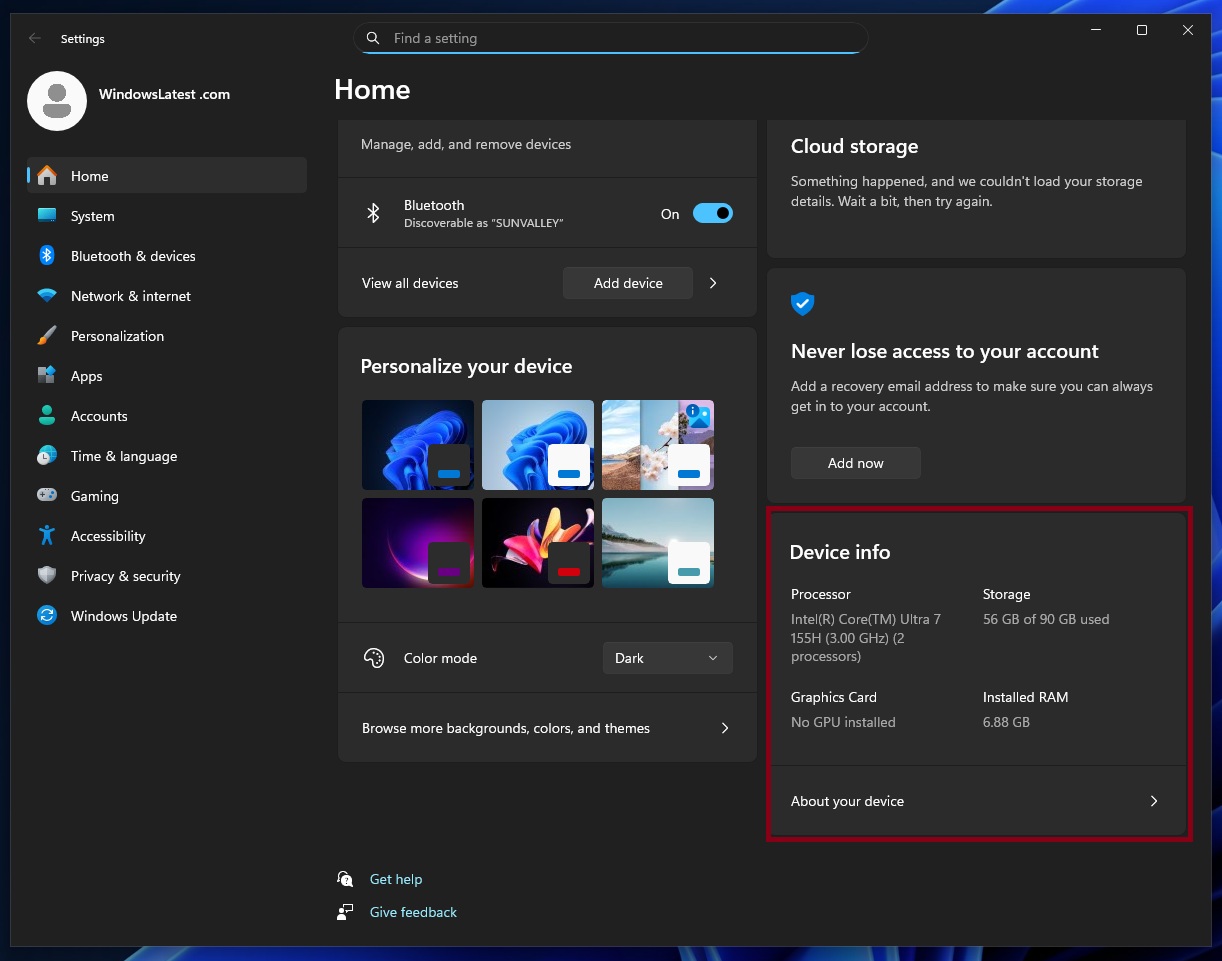
It’s not a groundbreaking feature, but the card lets you take a quick look at current free storage, CPU, or RAM.
What are the other changes shipping on Windows 11 this week?
If you’re on Windows 11 Build 26200.7705 or newer, there are quite a few noteworthy changes to watch out for. One of the biggest changes is the Cross Device Resume feature for Windows 11, starting with Android apps.
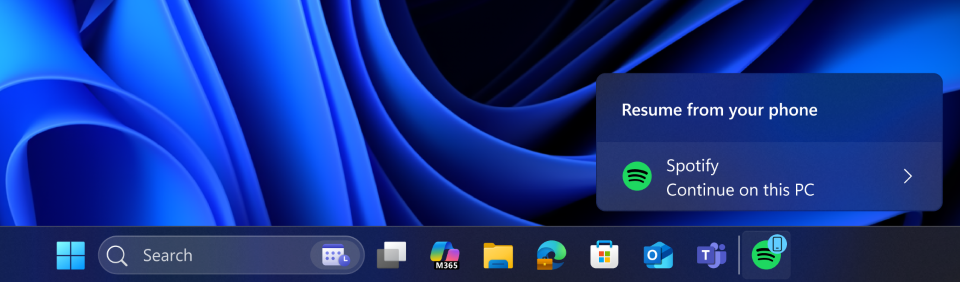
For example, if you play a song on Spotify on your phone, then switch to desktop, the Windows taskbar will let you instantly resume the playback.
Or you can resume editing and viewing documents in apps like Microsoft 365, but the catch is that only phones from certain companies support this feature. Supported phone brands include Samsung, Xiaomi, OPPO, and even Honor. But if you own an iPhone, you can’t use the Resume feature, thanks to Apple’s restrictions.
Also, Microsoft confirmed that it’s now possible to turn on or off Smart App Control (SAC) without clean installing Windows 11.
This means, if you go to Windows Security App > App & Browser Control > Smart App Control, you will notice that it’s now possible to turn on or off the feature.
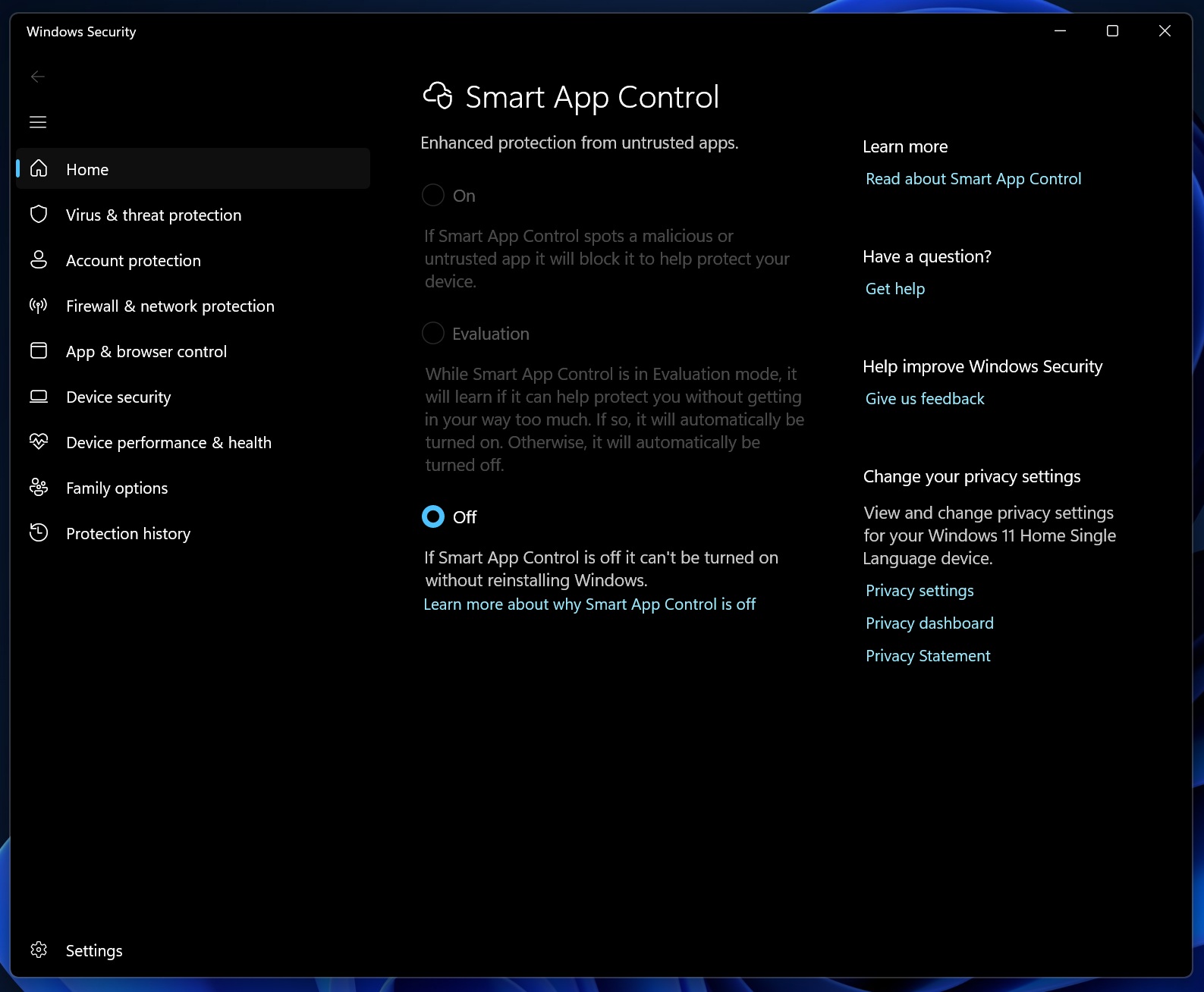
However, we cannot verify if we still need to clean install this specific build of Windows 11 before the Smart App Control feature is no longer tied to Windows clean install. That’s my theory because the update is installed, and I still cannot turn on Smart App Control.
While I understand Smart App Control change is a gradual rollout, I’ve force-enabled it and haven’t had any luck. What about you? Let me know in the comments below.
The post After KB5074105, Windows 11 now asks for admin access to open Storage settings to protect your files appeared first on Windows Latest
“}]]


This Post Has 0 Comments