
 [[{“value”:”
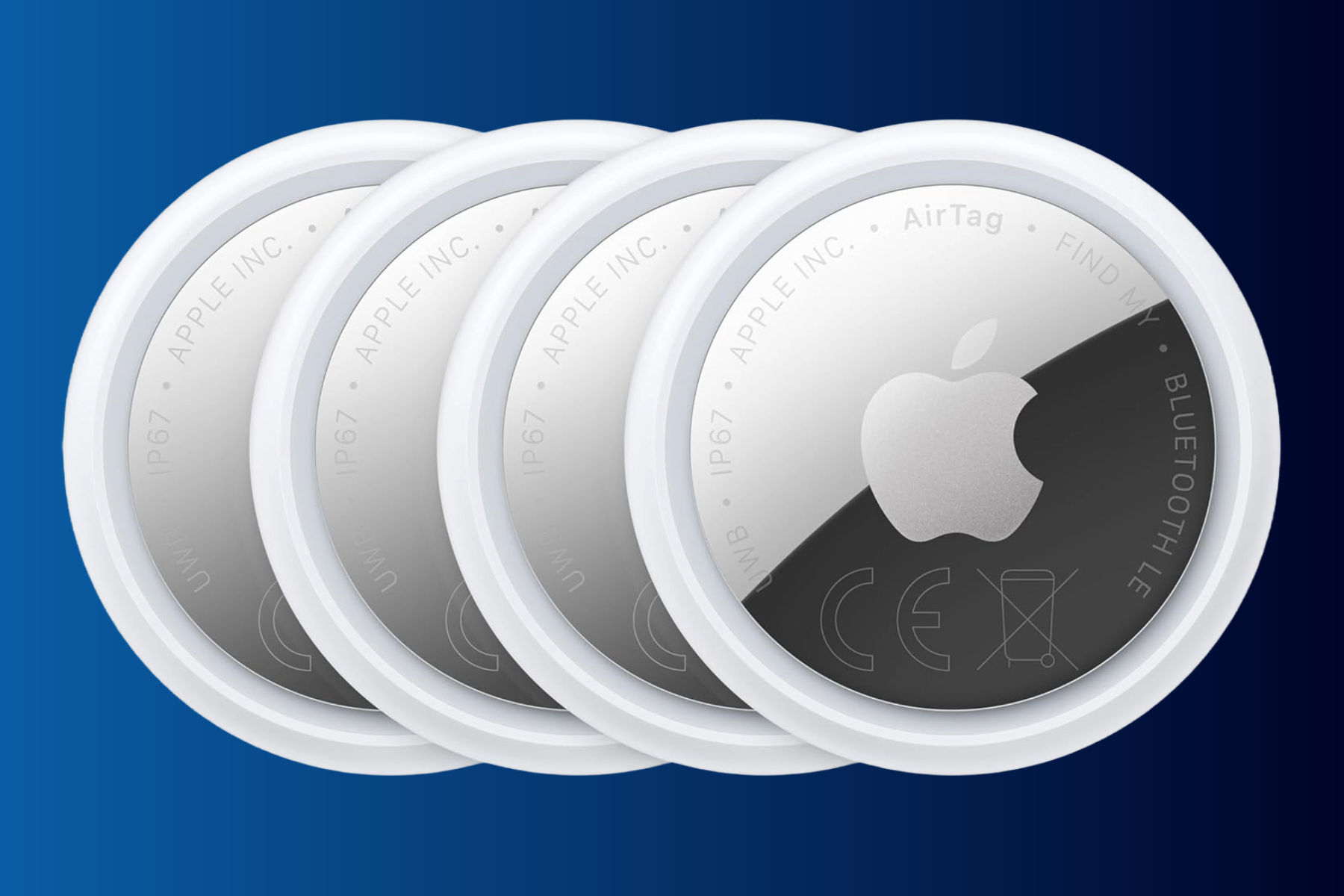
Apple’s AirTags have a host of privacy and security features, including notifications when an AirTag that isn’t yours (or one you have permitted) is seen traveling with you. In such a case, you can locate the offending AirTag with Precision Finding and cause it to make a beeping noise. It’s an important security feature to help prevent people from placing an AirTag on you to track your whereabouts.
A new firmware update, version 3.0.45, improves this feature by updating the sound to make it easier to locate. This only applies to the new 2nd-gen AirTags. Apple’s official release notes are as follows:
Updates the unwanted tracking sound to more easily locate an unknown AirTag during Precision Finding.
Bug fixes and other improvements.
It’s not clear how Apple has changed the tracking sound, but it appears to be similar to the update Apple delivered to the original AirTag in 2022. Back then, Apple adjusted the tone sequence to make unknown AirTags easier to find. Like Apple’s other accessories, there is no way to force your AirTags to update. You just have to have them within Bluetooth range of your iPhone and wait for it to happen.
If you want to see the firmware version of your AirTags, follow these steps:
- Open the Find My app.
- Tap the Items tab.
- Select your AirTag in the list of items.
- Tap the name of your AirTag, and the serial number and firmware version will appear.
“}]]


This Post Has 0 Comments