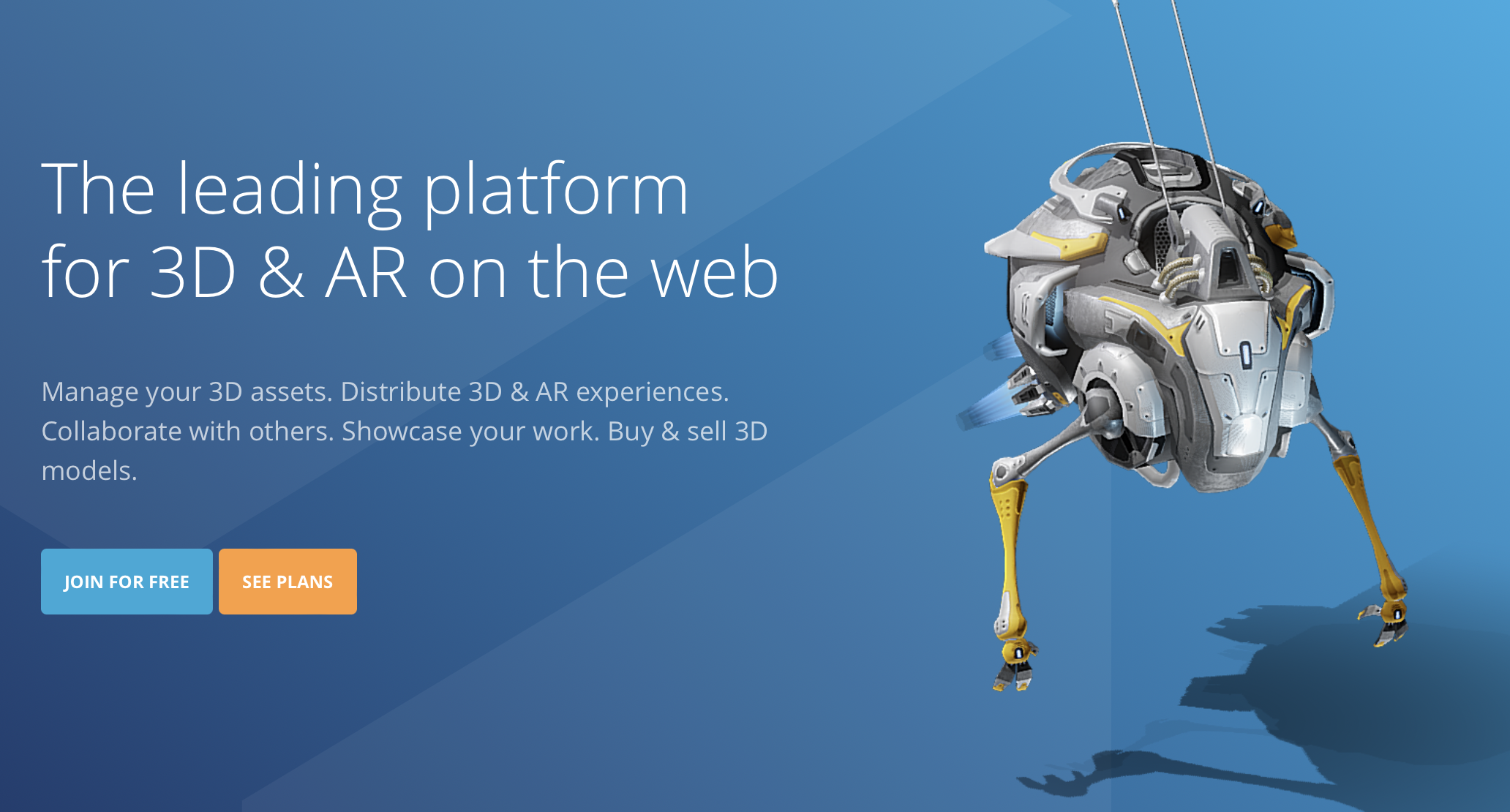

There are a few different ways you can create 3D models and upload them to Sketchfab. Here are three options:
- Use 3D modeling software: If you have experience with 3D modeling software such as Blender, Maya, or 3ds Max, you can use these tools to create and export your model in a format that can be uploaded to Sketchfab.
- Use online 3D modeling tools: There are also online tools that you can use to create 3D models, such as Tinkercad or BlocksCAD. These tools are often more user-friendly and require no prior experience with 3D modeling software.
- Use 3D scanning: If you have a physical object that you want to create a digital 3D model of, you can use a 3D scanner to create a digital version of the object. There are various 3D scanning apps and software that you can use for this purpose.
Once you have created your 3D model, you can upload it to Sketchfab by signing up for an account and then selecting the “Upload” option from the main menu. You will be prompted to select your 3D model file and provide some basic information about it, such as the title and description. You can then publish your model to the Sketchfab website, where it can be viewed by others.

This Post Has 0 Comments