
 [[{“value”:”
Are you ever out and about, and want to know what song is playing, so you can listen to it again later? You don’t need to buy a special music recognizer app; your iPhone or iPad can recognize songs for free.
Why You’ll Love This Tip
- Learn how to add Shazam to the Control Center on your iPhone and iPad so you can figure out what song is playing currently.
- Purchase the song from Apple Music once the music recognizer identifies the song.
How to Add an iPad & iPhone Music Recognizer to the Control Center
System Requirements
This tip was tested on an iPhone 17 Pro running iOS 26.4. Find out how to update to the latest version of iOS.
What song is this? It’s easy to find out, and free! Here’s how to add Shazam to the Control Center of your iPhone and iPad.
Note: A lot of people want to know how to find a song by humming. I tried humming a couple of songs while using the Shazam Control Center feature, but the songs weren’t recognized. Let me know in the comments if you have better luck!
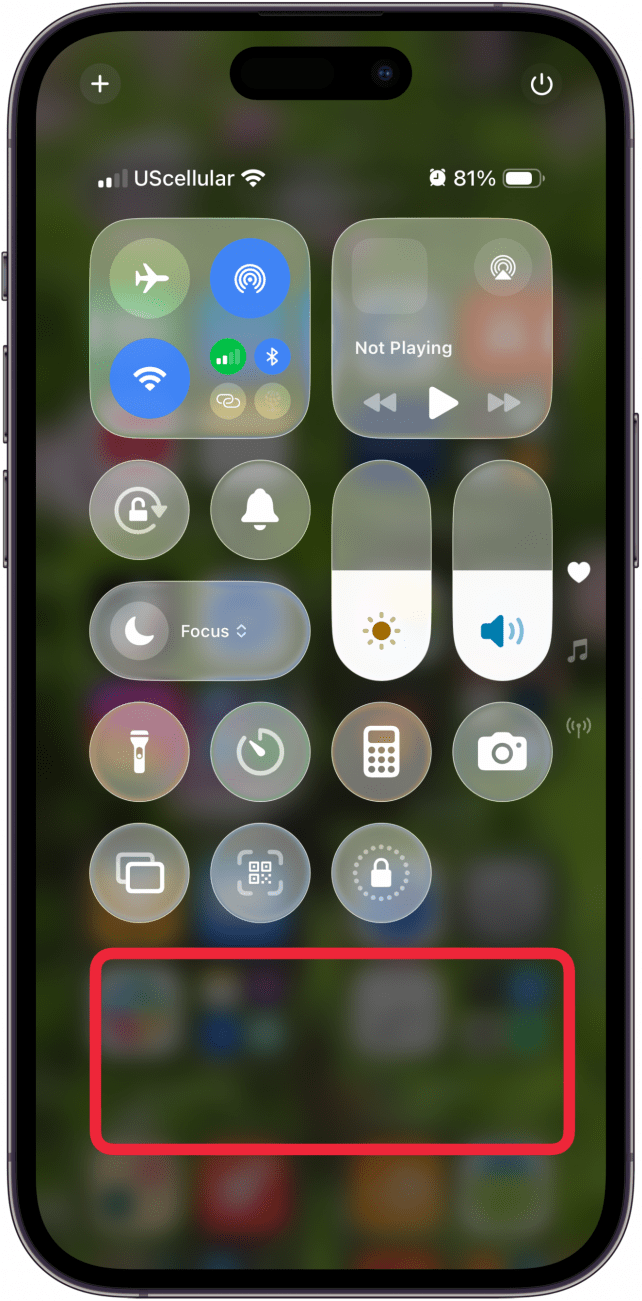
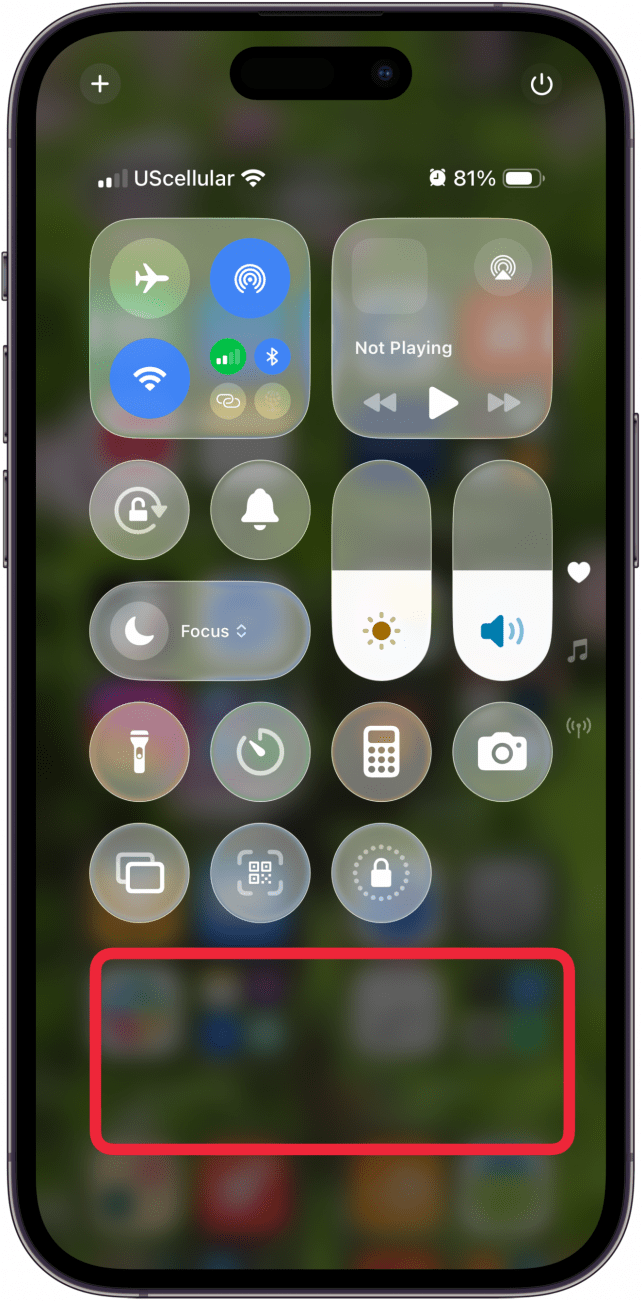
- Open the Control Center.
- Touch and hold a blank spot in the Control Center.
<!–[if IE 9]>

- Tap Add A Control.
<!–[if IE 9]>

- Tap the Recognize Music icon.
<!–[if IE 9]>

- Tap a blank spot in the Control Center to exit editing mode.
<!–[if IE 9]>

- Now, when you want to identify a song, open the Control Center, tap the Recognize Music icon, and your iPhone or iPad will identify the song (unless it’s extremely obscure). You can tap the Apple Music icon in this box to purchase the song.
<!–[if IE 9]>


And that’s it! Now you know how to add Shazam to the Control Center on your iPhone and iPad. Next, learn how to say, “Hey Siri, what song is this?” to identify songs hands-free. For more great Control Center tutorials, check out our free Tip of the Day.
“}]]


This Post Has 0 Comments