
 It is now possible to upgrade LMDE 6 to version 7. First, refresh your cache and install the Upgrade Tool by typing the following commands in a terminal: Then type the following command to launch the Upgrade Tool: Follow the instructions on the screen. When the tool is done and the upgrade is successful uninstall [[{“value”:”
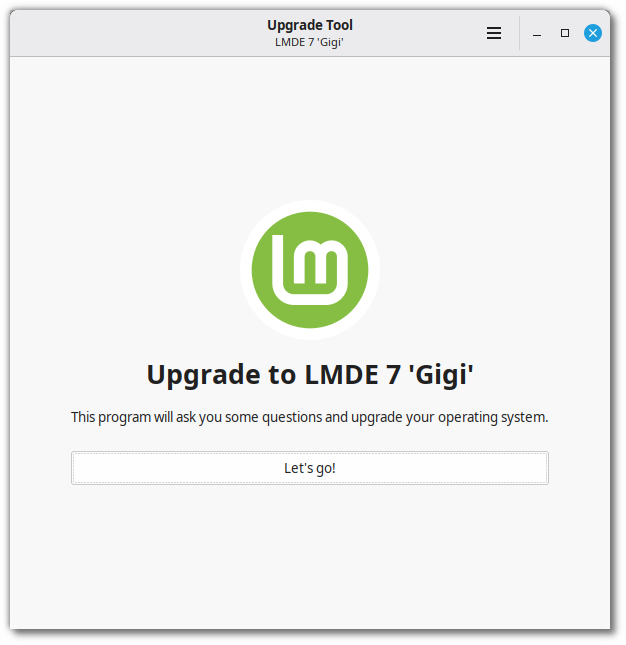
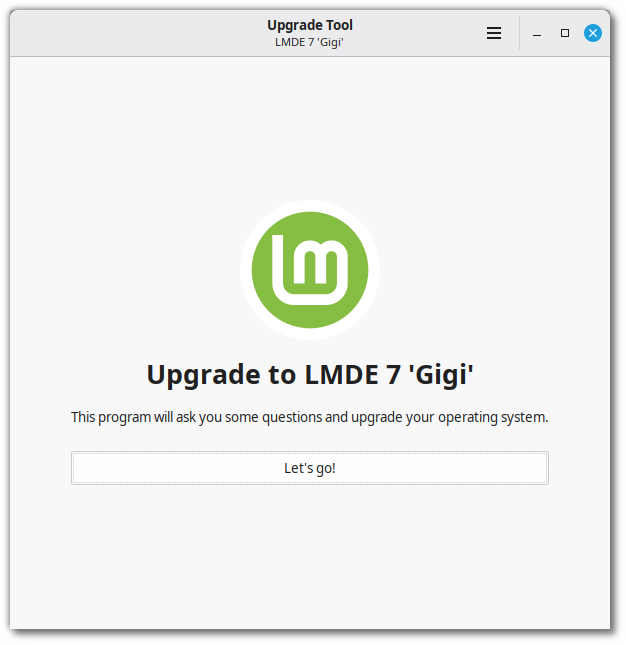
It is now possible to upgrade LMDE 6 to version 7.
First, refresh your cache and install the Upgrade Tool by typing the following commands in a terminal:
apt update
apt install mintupgrade
Then type the following command to launch the Upgrade Tool:
sudo mintupgradeFollow the instructions on the screen.
When the tool is done and the upgrade is successful uninstall it and reboot your computer.
apt remove mintupgrade
sudo reboot
This is a major upgrade. It can take several hours.
You will be asked to be up to date and to prepare system snapshots. Do not rush, do not take shortcuts.
Don’t hesitate to seek help if you have questions or if you face problems with the upgrade.
Notes:
- If you have other ways of rolling back the upgrade and restoring your system to the way it was before, you can skip the system snapshots requirement by disabling it in the preferences.
- Temporary files are left behind during the upgrade. Please read section 5.1.6 of the Debian 13 release notes for information on this issue and how to remove these files.
- Debian discontinued support for i386 so LMDE 7 is only available in 64-bit. It is not possible to upgrade from LMDE 6 32-bit.
“}]]



This Post Has 0 Comments