
If you’ve ever built a design tool, a photo editor, or an accessibility utility for Android, you’ve likely run into a frustrating limitation: How do you let a user pick a color from outside your app’s window?
Until now, the answer wasn’t pretty. You had to rely on heavy-handed workarounds like the MediaProjection API (which triggers a scary “This app is recording your screen” warning) or Accessibility Services (which requires navigating deep into system settings and trusting the app with immense power). Both approaches ruined the user experience and raised massive privacy red flags.
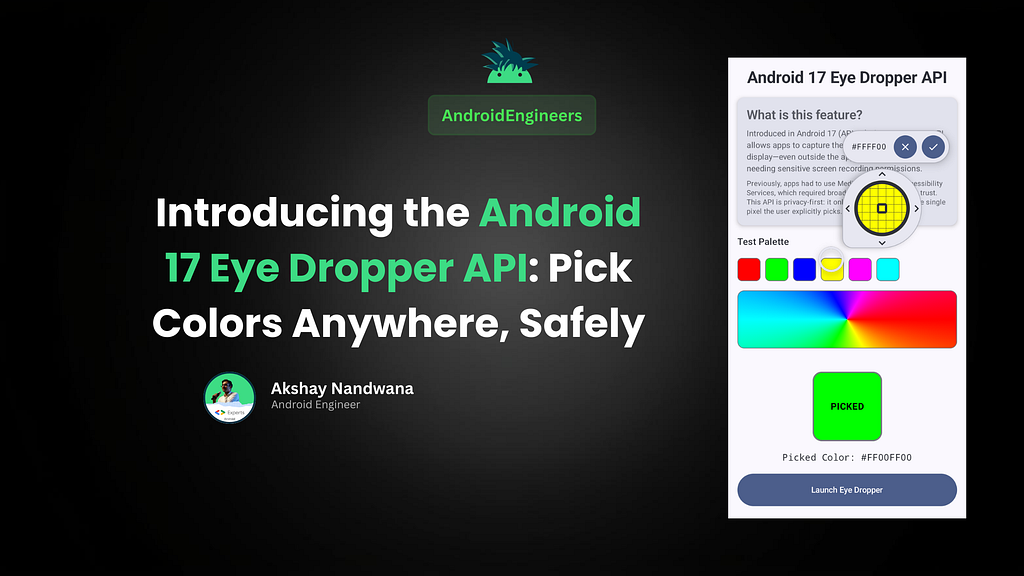
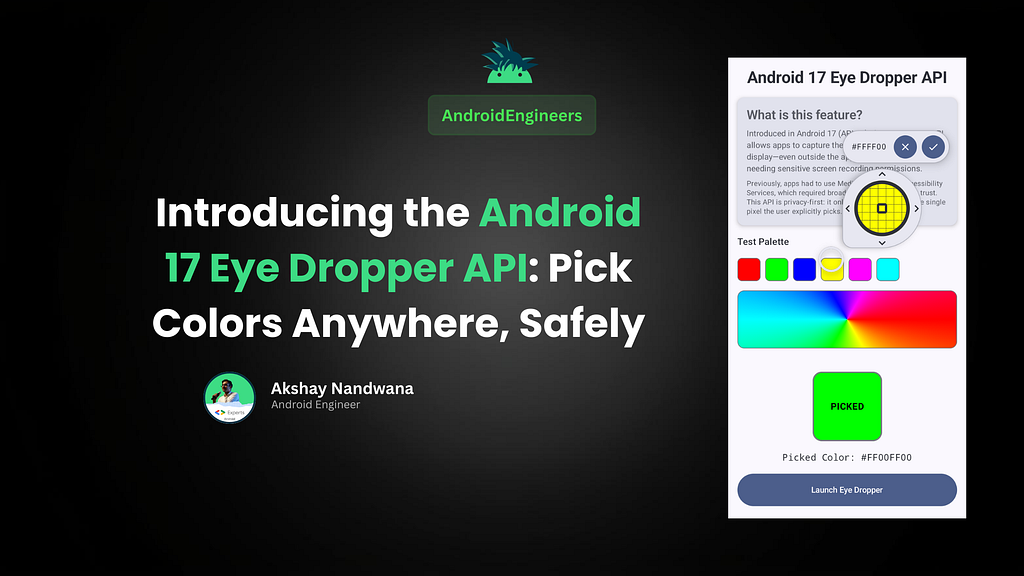
Thankfully, Android 17 (API 37, codenamed “CinnamonBun”) is finally giving us a clean, native solution: The Eye Dropper API.
Here’s a look at what it is, why it matters, and how you can implement it in your Jetpack Compose apps today.
🕵️♂️ What is the Eye Dropper API?
The Eye Dropper API allows your application to capture the color of any pixel on the user’s display — whether it’s on their home screen, inside another app, or over the system UI.
But here is the best part: It is 100% privacy-first.
Instead of your app recording the whole screen to figure out what color the user is pointing at, the system handles the actual UI overlay and pixel inspection. Your app simply asks the system to launch the tool, the user manually selects the pixel they want, and the system hands only that final color code back to your app.
✨ Why You Should Care
- Zero Permissions Required: Say goodbye to requesting MEDIA_PROJECTION or CAPTURE_VIDEO_OUTPUT.
- Seamless User Experience: Standard Intent-based workflow. It feels like a native part of the OS because it is a native part of the OS.
- Built for Cross-App Tasks: The user can navigate to the exact screen or app they want to sample a color from, and your app waits patiently in the background.
💻 How to Use It in Jetpack Compose
Implementing the Eye Dropper in an Android 17 app is incredibly straightforward. It uses the standard Activity Result APIs we already know and love.
Here is a simple Compose implementation to get you started:
1. Setup Your State and Constants
First, we need to track our selected color and define the Intent action and extra strings (since these might not be deeply integrated into the standard SDK constants wrapper just yet).
@Composable
fun EyeDropperScreen(modifier: Modifier = Modifier) {
    // Keep track of our selected color and hex string
    var pickedColor by remember { mutableStateOf(Color.Gray) }
    var colorHex by remember { mutableStateOf("#808080") }
    // Constants for the EyeDropper API (Android 17+)
    val ACTION_OPEN_EYE_DROPPER = "android.intent.action.OPEN_EYE_DROPPER"
    val EXTRA_COLOR = "android.intent.extra.COLOR"
    // ...
2. Register for the Activity Result
Next, we set up a launcher to handle the result when the user finishes picking a color. The system will return an integer representing the exact pixel color.
val launcher = rememberLauncherForActivityResult(
contract = ActivityResultContracts.StartActivityForResult()
    ) { result ->
        if (result.resultCode == Activity.RESULT_OK) {
            // Safely extract the color, default to Black if something goes wrong
            val colorInt = result.data?.getIntExtra(EXTRA_COLOR, android.graphics.Color.BLACK)
                ?: android.graphics.Color.BLACK
            // Update our Compose state
            pickedColor = Color(colorInt)
            colorHex = String.format("#%08X", colorInt)
        }
    }
3. Launch the Intent!
Finally, we just need a button to trigger the API. It’s a simple implicit Intent launch. You should also ensure you check the device’s SDK version before launching it to prevent crashes on older devices.
Button(
onClick = {
            val intent = Intent(ACTION_OPEN_EYE_DROPPER)
            launcher.launch(intent)
        },
        enabled = Build.VERSION.SDK_INT >= 37 || Build.VERSION.CODENAME == "CinnamonBun"
    ) {
        Text("Launch System Eye Dropper")
    }
📱 Seeing it in Action
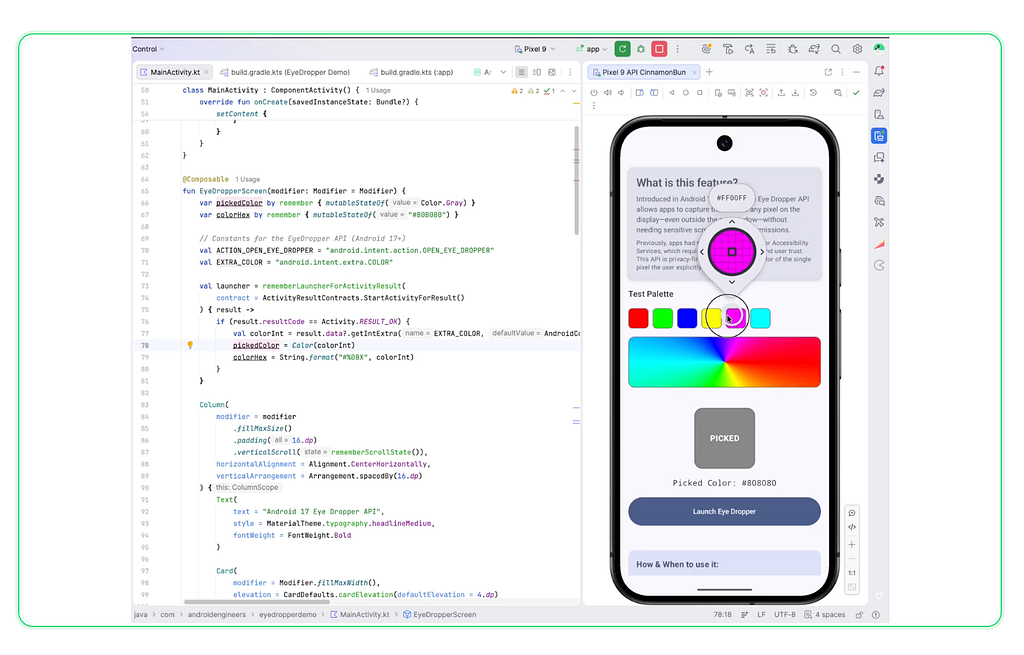
Once launched, the system takes over. The user gets a precise magnifying glass UI to hover over any pixel on their screen. Once they tap to confirm, your Compose state beautifully updates with the new pickedColor and colorHex.
Here is how you might display the result:
// Display picked color visually

Box(
        modifier = Modifier
            .size(120.dp)
            .clip(RoundedCornerShape(16.dp))
            .background(pickedColor)
    )
    // Display the Hex Code
    Text(
        text = "Picked Color: $colorHex",
        fontFamily = FontFamily.Monospace
    )
🚀 Conclusion
The new Eye Dropper API in Android 17 is a prime example of the Android team balancing powerful developer capabilities with strict user privacy. By moving the screen-reading responsibility out of individual apps and into a secure system UI, we get a much safer ecosystem without sacrificing functionality.
If you’re building developer tools, UI design apps, photo editors, or theme generators, it’s time to start preparing your codebase for API 37 to take advantage of this fantastic addition.
Have you started playing with the Android 17 preview yet? Let me know what features you’re most excited about in the comments!
Now you can use the AndroidEngineers Mobile app too
Android — https://play.google.com/store/apps/details?id=co.lily.dmqkk
iOS — https://apps.apple.com/sa/app/myinstitute/id1472483563
Use Org Code: vndqqs for iOS users
Introducing the Android 17 Eye Dropper API: Pick Colors Anywhere, Safely 🎨 was originally published in ProAndroidDev on Medium, where people are continuing the conversation by highlighting and responding to this story.





This Post Has 0 Comments