
 [[{“value”:”
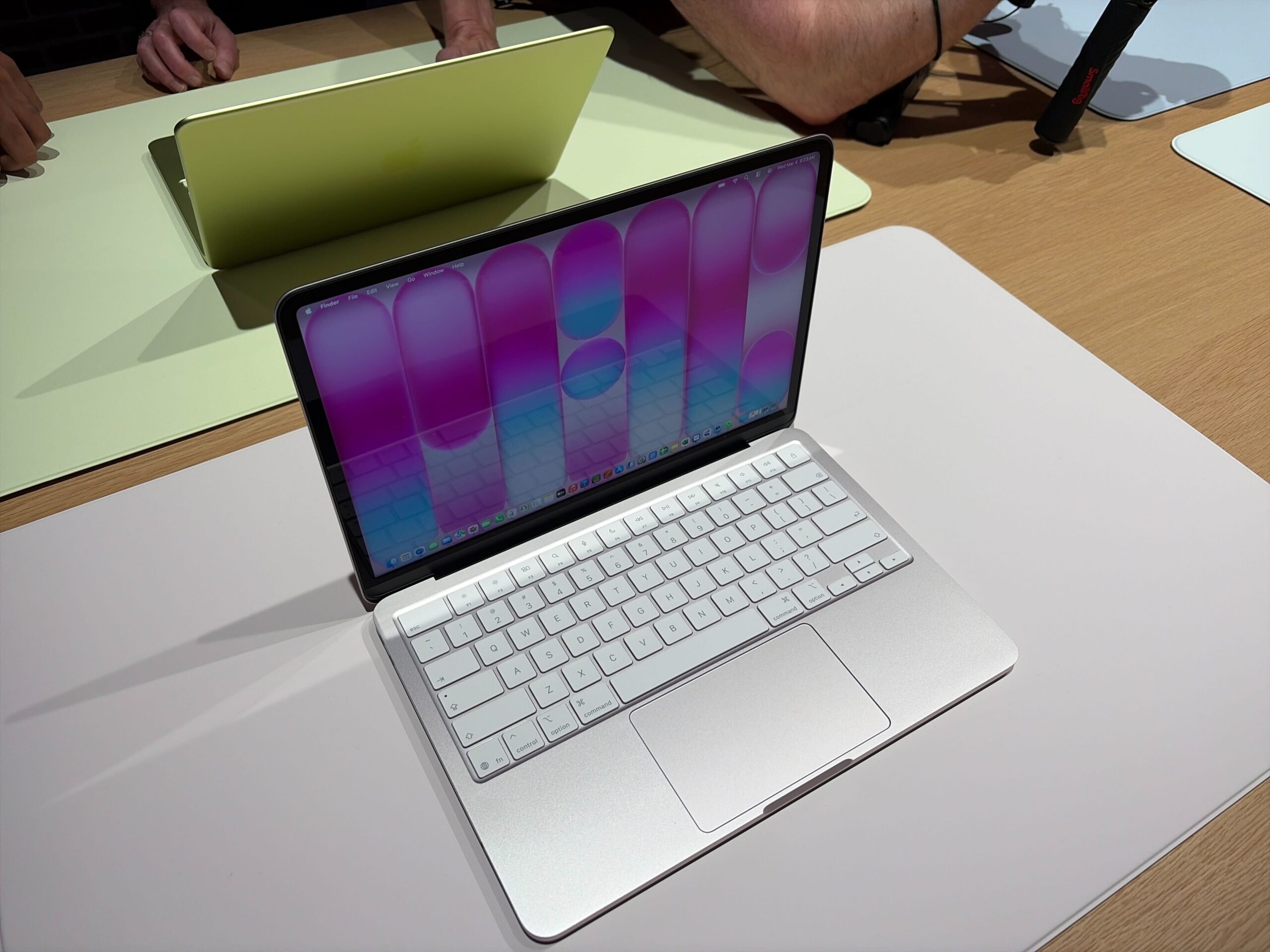
With the introduction of the MacBook Neo, Apple has finally done what many thought it never would: ship a truly budget Mac laptop. At $599, the MacBook Neo becomes the cheapest Mac you can buy and undercuts the cheapest MacBook Air by a wide margin.
But to achieve this price point, the MacBook Neo comes with some compromises. Apple had to cut back on several long-standing features and technologies to keep this Mac so affordable, but do they really matter? Here are all the MacBook Neo’s missing features compared to the MacBook Air—ranked from least to most important.
11. Wide color gamut display
For a long time now, pretty much every Apple device has supported the P3 wide color gamut, which is a color standard for displays that allows for richer reds and greens, resulting in more vivid and accurate colors for showing photos and videos. However, the MacBook Neo sticks with the sRGB color standard.
While having a display with more accurate colors is extremely important for photographers, designers, and video editors, most everyday users probably won’t notice the difference. The vast majority of web content is optimized for sRGB anyway.
At this price, it’s not shocking. But it does mark a clear visual step down from the MacBook Air. Notably, the entry-level iPad also lacks a DCI-P3 display.
10. True Tone
True Tone adjusts the display’s white balance based on ambient lighting, making the screen appear more natural in different environments. iPhones, Macs, and iPads have had it for years, but the Neo doesn’t.
Given that True Tone is an optional feature and divides opinion among users, some people probably won’t even notice that it’s not there. The display will still look good, and users who really care about True Tone can manually calibrate the display colors to match their environment.
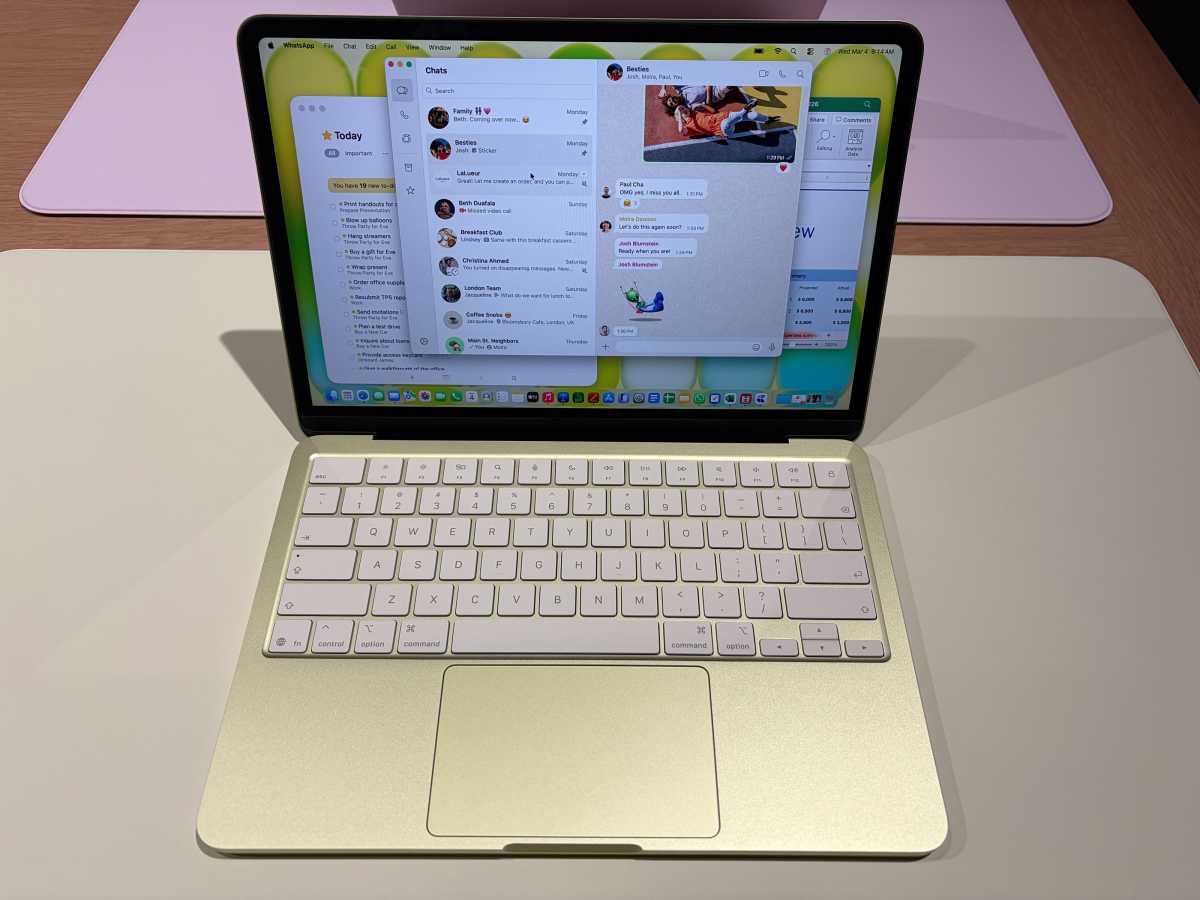
The MacBook Neo has a very nice display, but it’s missing some key features of its higher-end sibling.
Michael Simon / Foundry
9. Center Stage
While the MacBook Neo comes with a built-in 1080p webcam, it lacks some of the features available on more modern MacBooks. This includes Center Stage, which uses an ultra-wide sensor to automatically reframe the image, keeping people always centered during video calls.
If you frequently use your laptop for video calls, you’ll probably miss Center Stage. But you can still get the feature by using your iPhone as a webcam with Continuity Camera or by setting up an external webcam that has it. It’s not a huge deal—and the Neo will certainly be better for FaceTime calls than holding an iPad.
8. Wi-Fi 7
While the latest MacBook Air and Pro are equipped with Wi-Fi 7, the MacBook Neo still relies on the older Wi-Fi 6E standard.
Wi-Fi 7 is a significant upgrade from Wi-Fi 6E, offering up to 3x faster speeds and double the channel bandwidth. This means that Wi-Fi 7 is not only faster but also less susceptible to signal interference.
However, given that Wi-Fi 7 is a relatively new standard and many people don’t even have routers that support it, users probably won’t notice the difference when using Wi-Fi 6E. It’s more like something that would make this Mac a little more future-proof.
7. Ambient light sensor
Most Apple devices use an ambient light sensor to automatically adjust screen brightness based on surrounding conditions. However, according to the MacBook Neo spec sheet, this sensor isn’t present.
Manual brightness control still works, of course. But automatic adjustments may be less precise or responsive. It’s not the end of the world, but it can annoy users who are constantly moving between different environments.
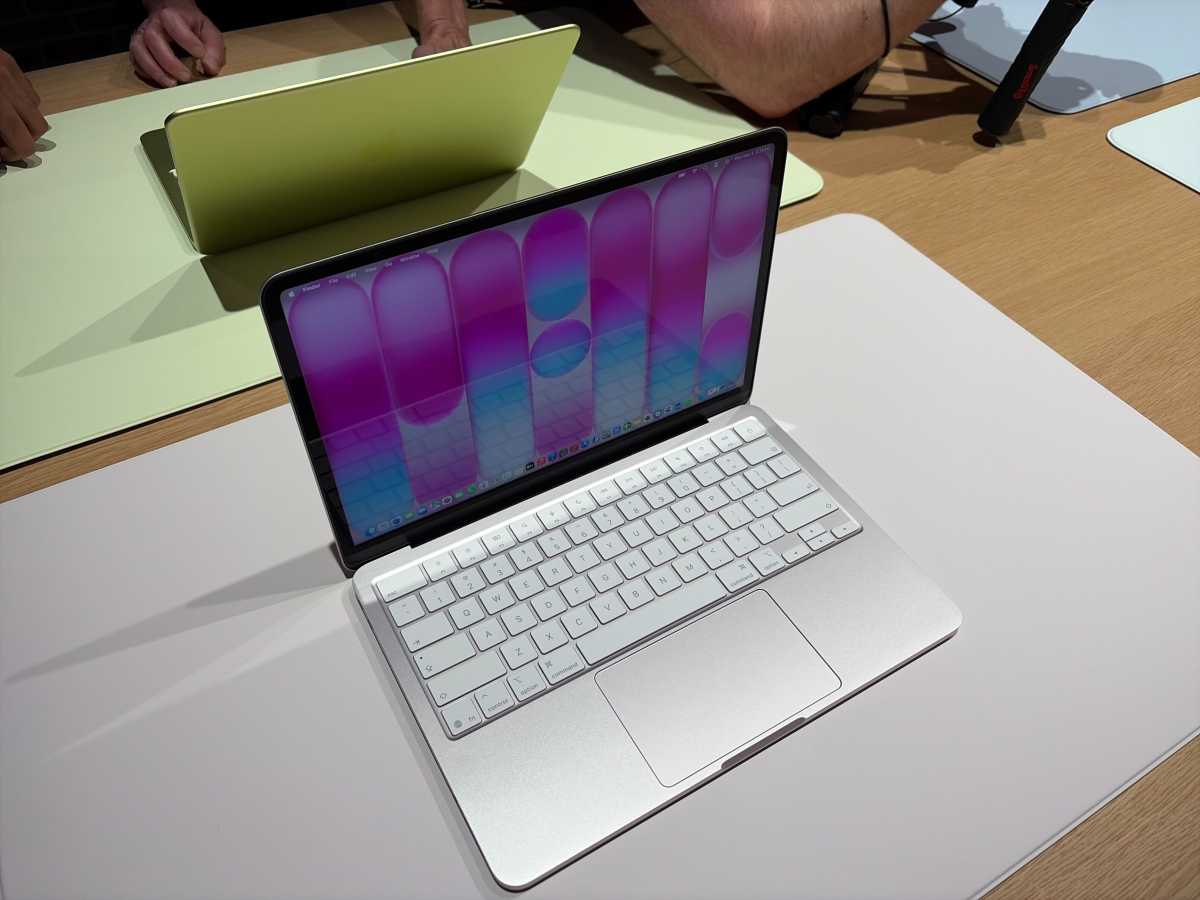
The MacBook Neo’s trackpad actually clicks–it doesn’t have Force Touch tech.
Michael Simon / Foundry
6. Force Touch trackpad
Apple’s Force Touch trackpads use haptic feedback and pressure sensitivity to simulate clicking and enable deeper press gestures. This technology has become one of the key features not only of MacBooks, but also of the Magic Keyboard on the iPad Pro.
However, the MacBook Neo has a mechanical multi-touch trackpad without pressure detection.
For many users, this won’t change their regular use. Tap-to-click and gesture navigation still work, and the entire trackpad is clikcable unlike some similarly-priced Windows PCs. But the loss of haptic click feedback makes this machine feel less premium, and it removes certain pressure-based shortcuts in macOS.
Its absence will certainly be more noticeable if you’re coming from a MacBook Air or MacBook Pro. But you can always pair it with a standalone Magic Trackpad
5. Backlit keyboard
One of the main weaknesses of the MacBook Neo that will ultimately affect many users is the loss of backlit keys. While all modern MacBooks have backlit keyboards that allow users to see the keys in the dark, this is not the case with the Neo.
The keyboard on the MacBook Neo looks a lot more like Apple’s wireless Magic Keyboard, which has engraved keys and no LEDs. This can make it a litle difficult to type in the dark, if that’s something you do often.
For a laptop in 2026, that’s a glaring omission. Even many budget Windows laptops include keyboard backlighting.
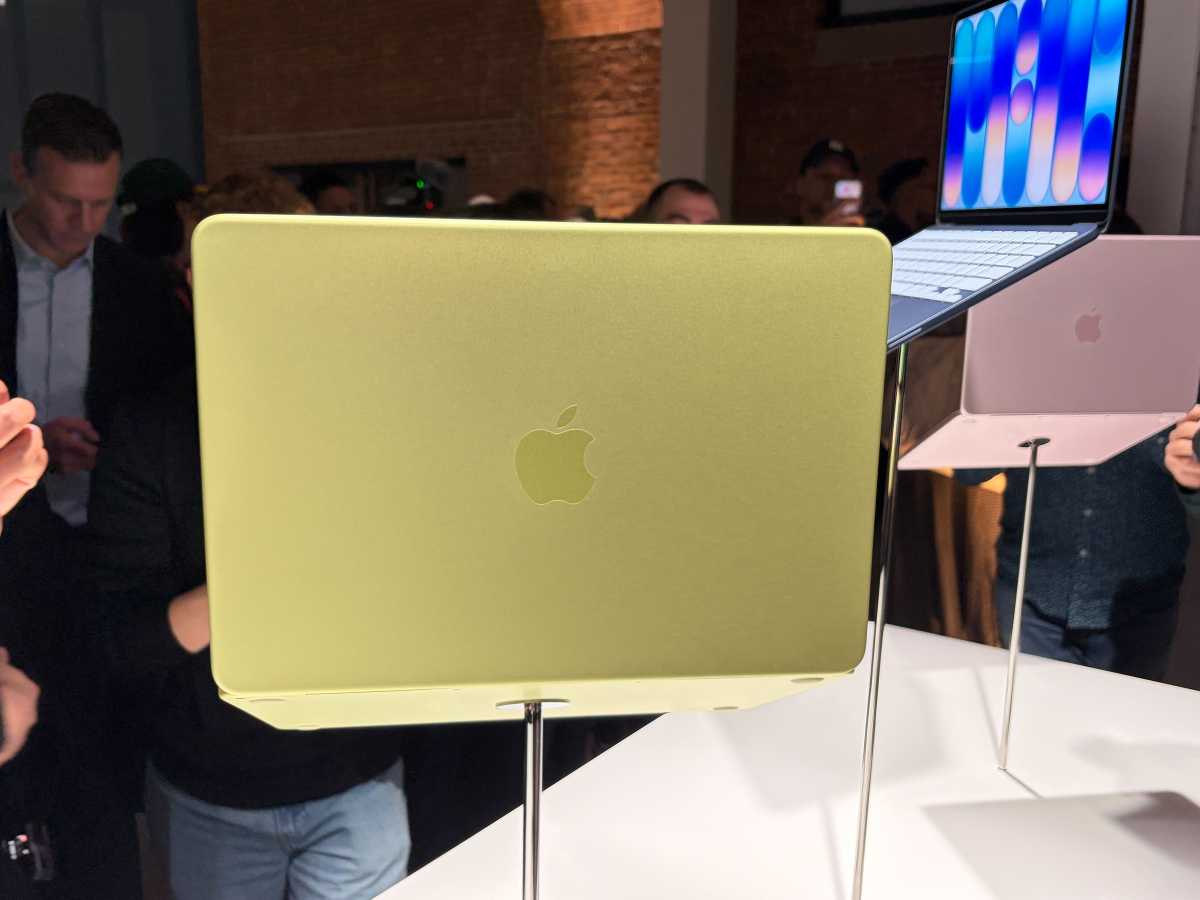
You get pretty colors with the MacBook Neo—but it could be tricky to use in the dark without a backlit keyboard.
Michael Simon / Foundry
4. RAM upgrades
The MacBook Neo ships with 8GB of unified memory, and that’s it. You can’t upgrade the RAM, not even at the time of purchase, like you can with a MacBook Air or MacBook Pro.
It’s been a while since 16GB became the industry standard for PCs, but Apple only upgraded its entry-level laptops to 16GB a couple of years ago. Sure, 8GB is fine for light tasks like web browsing, opening documents, and streaming, but don’t expect the MacBook Neo to handle heavier apps like Final Cut Pro or even Xcode well.
The bigger concert isn’t just performance, it’s longevity. Without a 16GB option, the first-generation MacBook Neo may become outdated sooner than you might expect, especially with apps and even macOS increasingly relying on AI-based tasks, which demand a lot of RAM.
3. Neural Accelerators
Speaking of AI, the MacBook Neo’d processor also lacks Neural Accelerators, which have become a staple feature of the M5 and A19 Pro chips. This technology, built directly into the GPU, enables much higher performance for processing AI tasks locally.
For basic AI features in macOS and Apple Intelligence, it should perform well. But sustained creative tasks such as video encoding, large-scale photo processing, or complex ML workloads won’t match even entry-level M-series Macs.
This won’t be an issue for this Mac’s target audience, but it could be a deal-breaker if you rely on heavy AI tasks in your workflow.
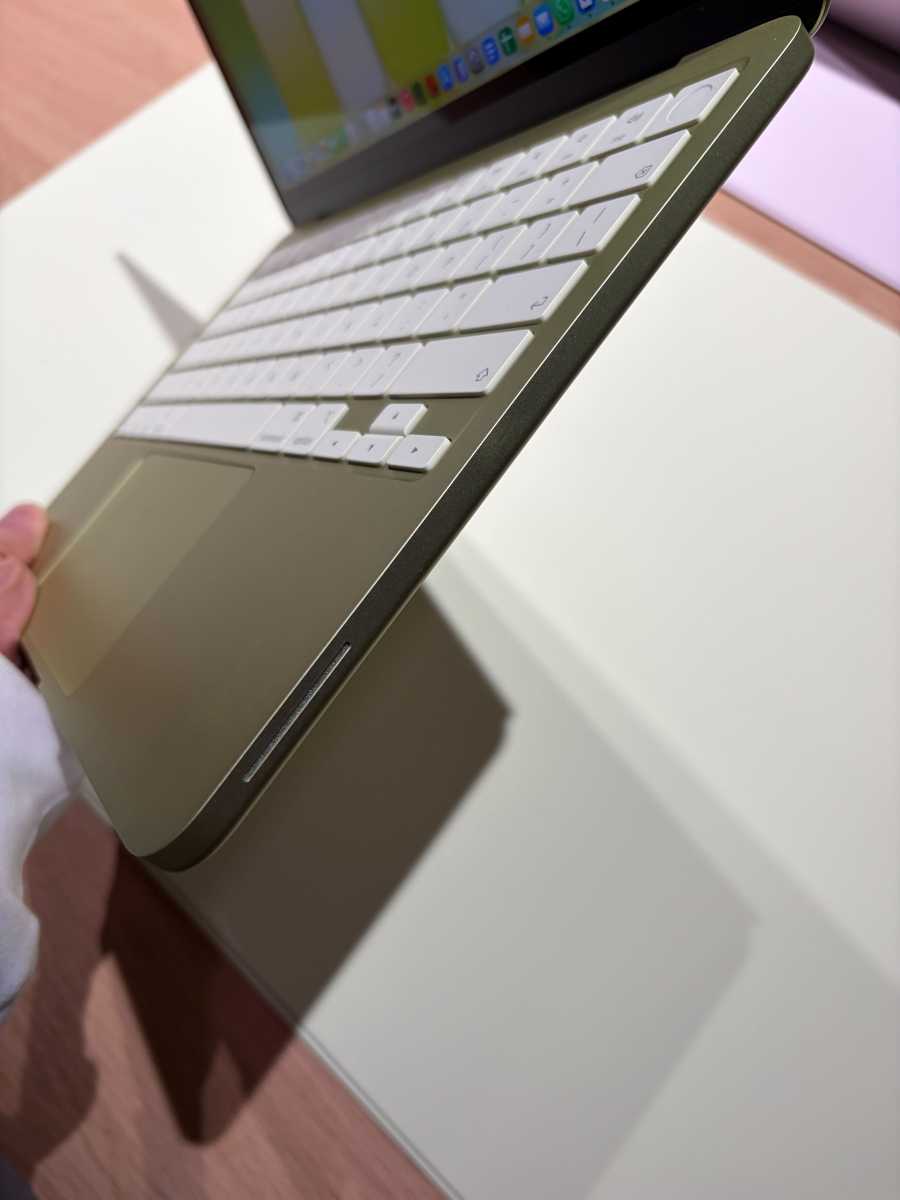
You only get one USB 3.1 port on the MacBook Neo.
Michael Simon / Foundry
2. High-speed ports
The MacBook Neo includes two USB-C ports, but there’s a catch. Only one of the ports supports the modern USB 3 standard, while the other is limited to USB 2.0 speeds. While the faster port can deliver up to 10Gbps of data, the other only reaches up to 480Mbps.
USB 2.0 is fine for plugging in a charger or using basic accessories such as headphones, but it makes file transfers extremely slow, especially if you have an external SSD. It also limits this Mac to a single external monitor.
Also, the Neo lacks MagSafe, so inevitably one of the USB-C ports will remain busy when the Mac is plugged into the charger. Again, it’s not a big deal for casual users, but you might want to buy a dongle for this Mac.
1. Touch ID
Finally, what consumers should probably keep in mind when buying a MacBook Neo is that the $599 model doesn’t have built-in Touch ID.
The biometric sensor for unlocking your Mac and confirming purchases with your fingerprint is only available if you purchase the MacBook Neo with 512GB of storage for $699.
The 256GB version replaces Touch ID with a simple button to lock or wake your Mac, so you’ll need to type in passwords when you want to log in or use your iPhone to complete an Apple Pay purchase. This is easily the biggest limitation for people who want the cheapest MacBook possible.
An all-new laptop at a great price
While some expected the MacBook Neo to be a stripped-down version of the MacBook Air, it’s actually a whole new category of MacBook, designed specifically for its price point.
Most of the missing features such as wide color, True Tone, and Center Stage are luxuries. Others, like backlighting and Touch ID, could impact daily usability more directly, while the USB limitation could represent a meaningful constraint on performance.
Still, this Mac is aimed at students, first-time Mac buyers, and users who primarily just want a laptop for basic web browsing. For these people, the Neo delivers exactly what it promises: a capable and more affordable Mac.
And if you feel like you need more, there’s still the M5 MacBook Air with all these premium features and much more.
“}]]



This Post Has 0 Comments