
 [[{“value”:”
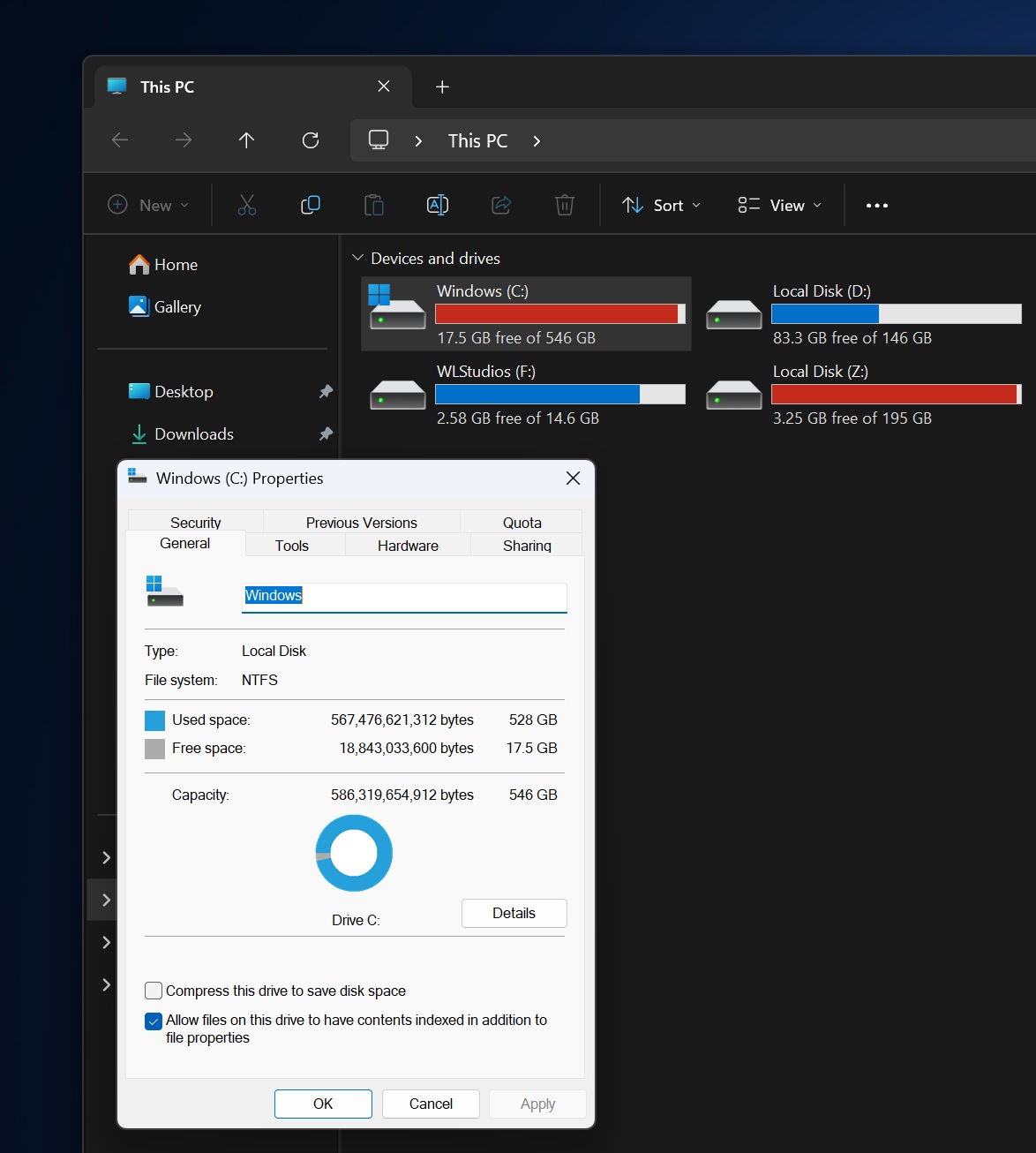
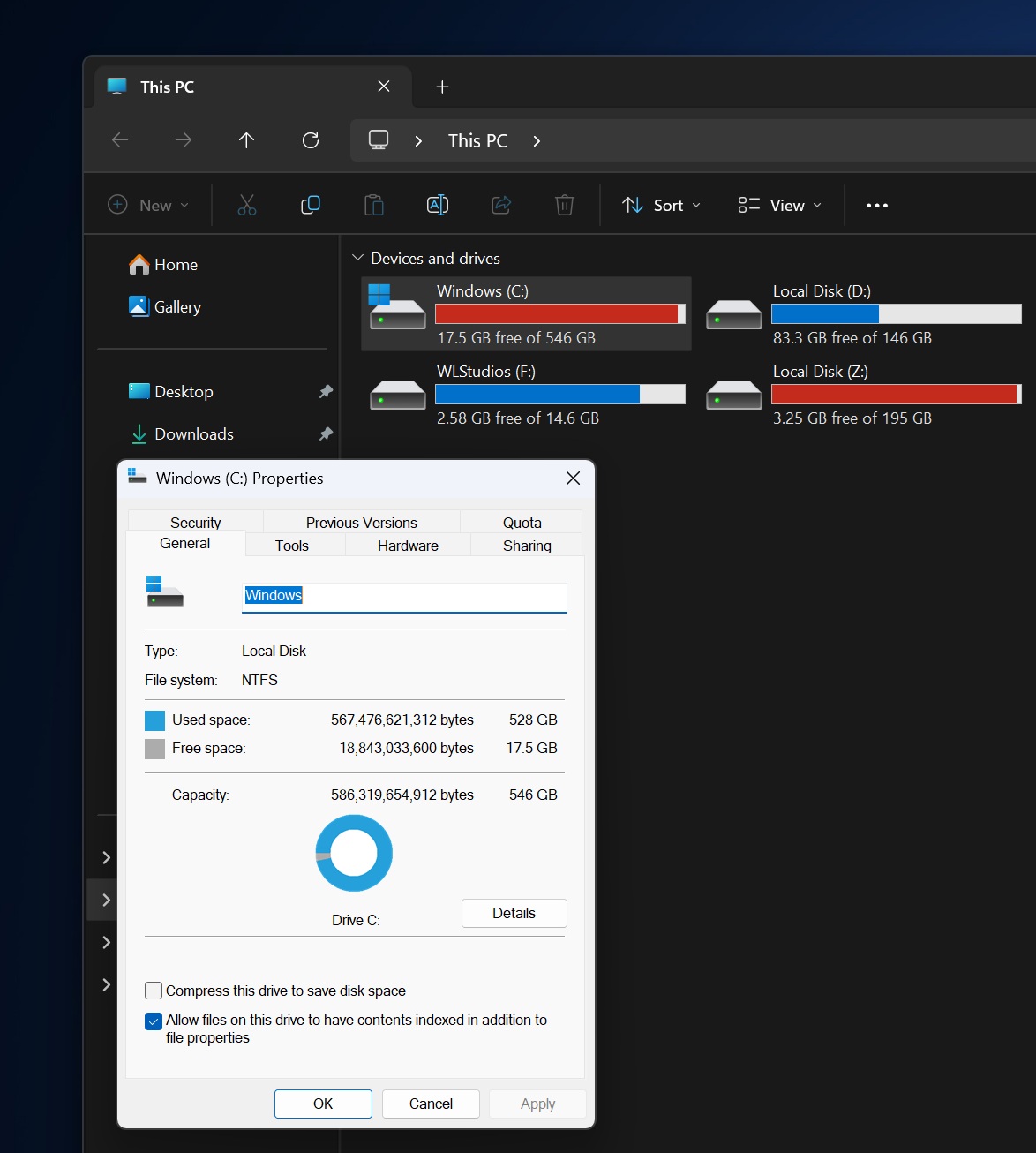
Windows 11 has a full-fledged dark theme, and it works well for the most part, but it doesn’t really apply to legacy pop-ups, such as the Properties tab. Windows Latest has learned that Microsoft is preparing to roll out a dark-themed Properties tab, and now a senior executive has confirmed the plans.
In a response to developer Albacore and Microsoft watcher Zac, Marcus Ash, who leads Design and Research for Windows and Devices, confirmed that a major dark mode upgrade is in progress.
According to Marcus Ash, Microsoft is building tools to bring dark mode to more areas of Windows 11 and plans to keep improving consistency. The company won’t make commitments just yet, but there are also plans to cover legacy tools like the Registry Editor.
“We are pushing to get our tools/techniques to the point where we can get dark theme into more areas across Windows. No timelines to commit to yet for Regedit. As we make progress in various legacy system panels/dialogs, we will keep improving consistency,” Marcus Ash wrote in a X post.
However, Microsoft may be able to roll out dark mode across all system-level dialogs and pages in Windows, but it can’t force third-party apps to use dark mode, as that might end up breaking the interface.
This means third-party tabs that haven’t adopted dark theme will continue to appear in light mode, but that doesn’t mean Microsoft has no plans to encourage more third-party developers to better support Windows 11 theming.
“Third-party tabs that haven’t adopted dark theme support will render in light. We’re focused on improving platform support to make dark mode easier for developers to adopt across their tabs,” Microsoft’s executive noted in another X post.
Microsoft won’t tell us when major dark mode improvements will roll out, but it’s definitely coming later this year.
What’s wrong with Windows 11’s dark mode?
Right now, if you use Windows 11 in dark mode and go to different areas of the operating system, such as the Properties tab in File Explorer, you’ll see a light background.
You might argue how difficult it is to paint every corner of File Explorer with a dark background when File Explorer itself runs in dark mode. Well, it’s not as easy as you might think, and it’s largely because of how Windows is built.
Windows does not draw every interface element from the same shared theme pipeline, so dark mode does not automatically apply consistently across all components.
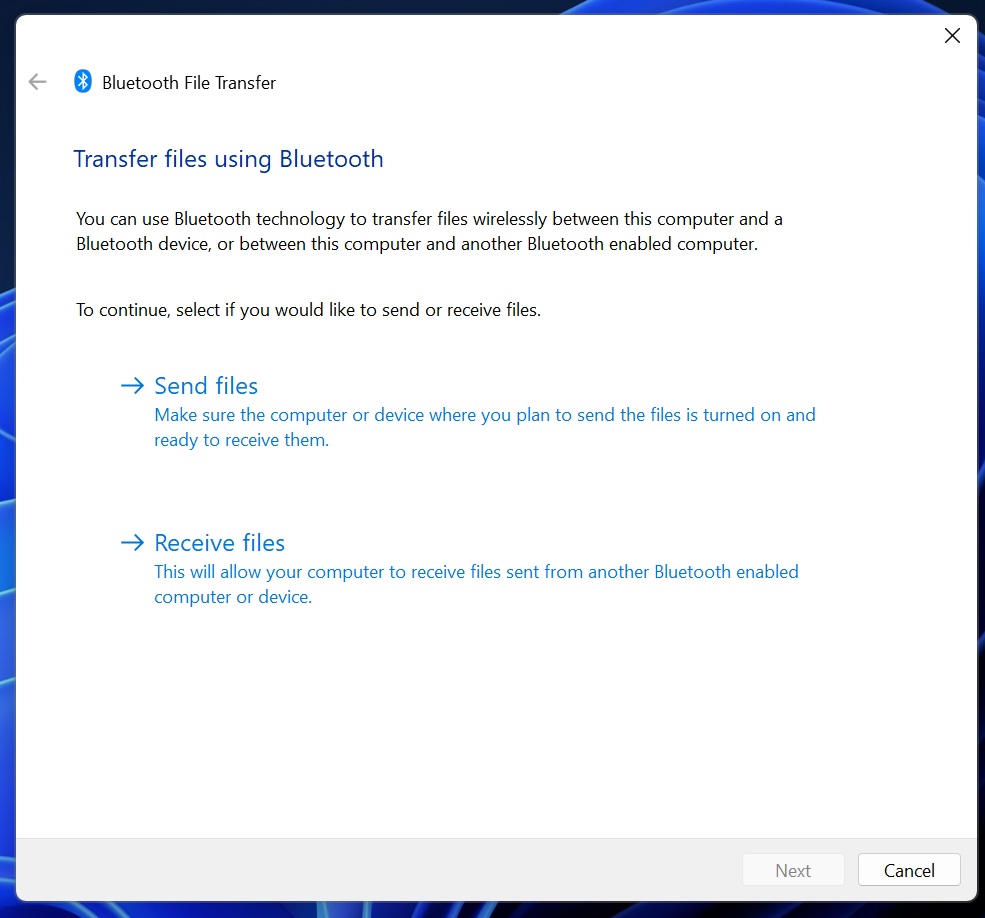
As a result, most legacy features in Windows still do not support dark mode. If you open Bluetooth & devices settings, then click on Send and receive files, Windows will open a legacy dialog that still uses a light background.
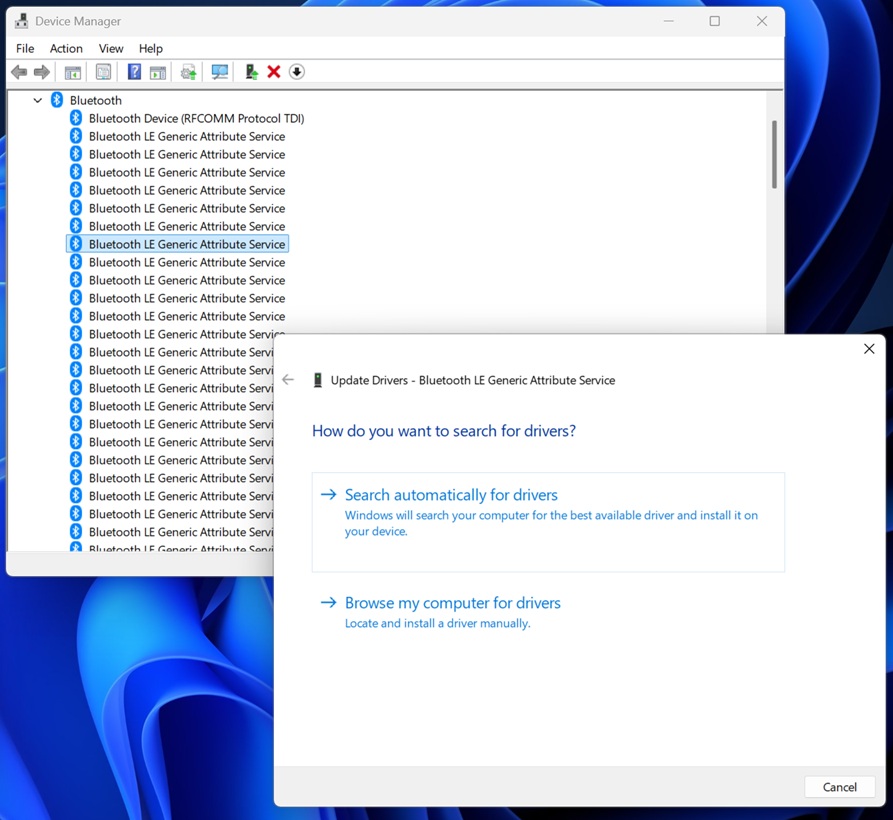
Or if you go to Device Manager and try to update one of the drivers, you’re only going to come across light-themed pop-ups.
I am only sharing a few examples, but there are hundreds of pop-ups in Windows still using a light background, or even design controls from Windows 3.1.
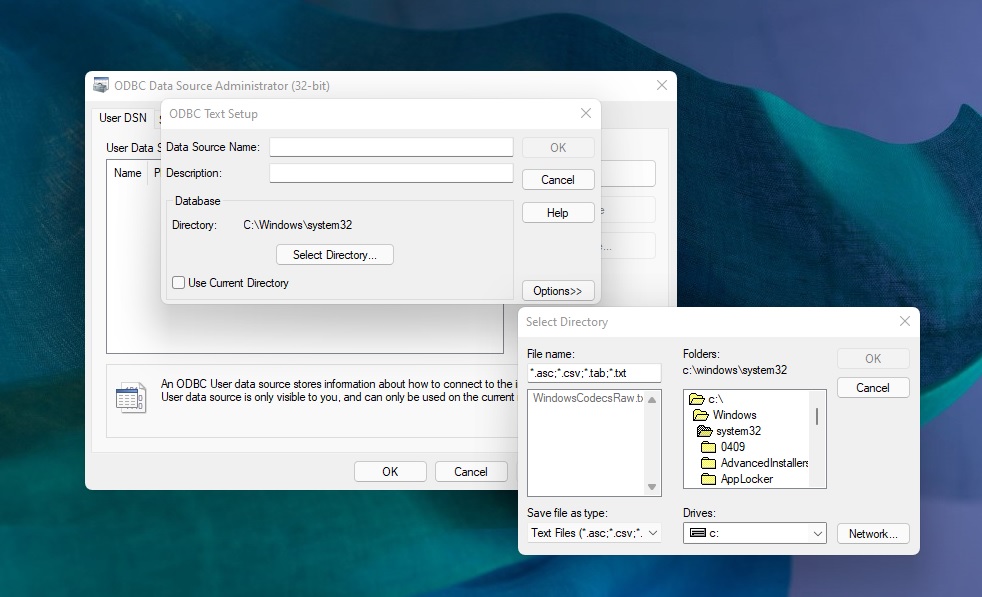
Dark mode has gotten better in the last few years
In December 2025, the Patch Tuesday update rolled out dark mode across most operations dialogs, including the dialog that shows up when you try to delete a large folder or copy-paste duplicate files or folders.
Operations dialogs dark mode update also includes error dialogs, which appear when you try to delete folders that you shouldn’t, such as the Windows folder.
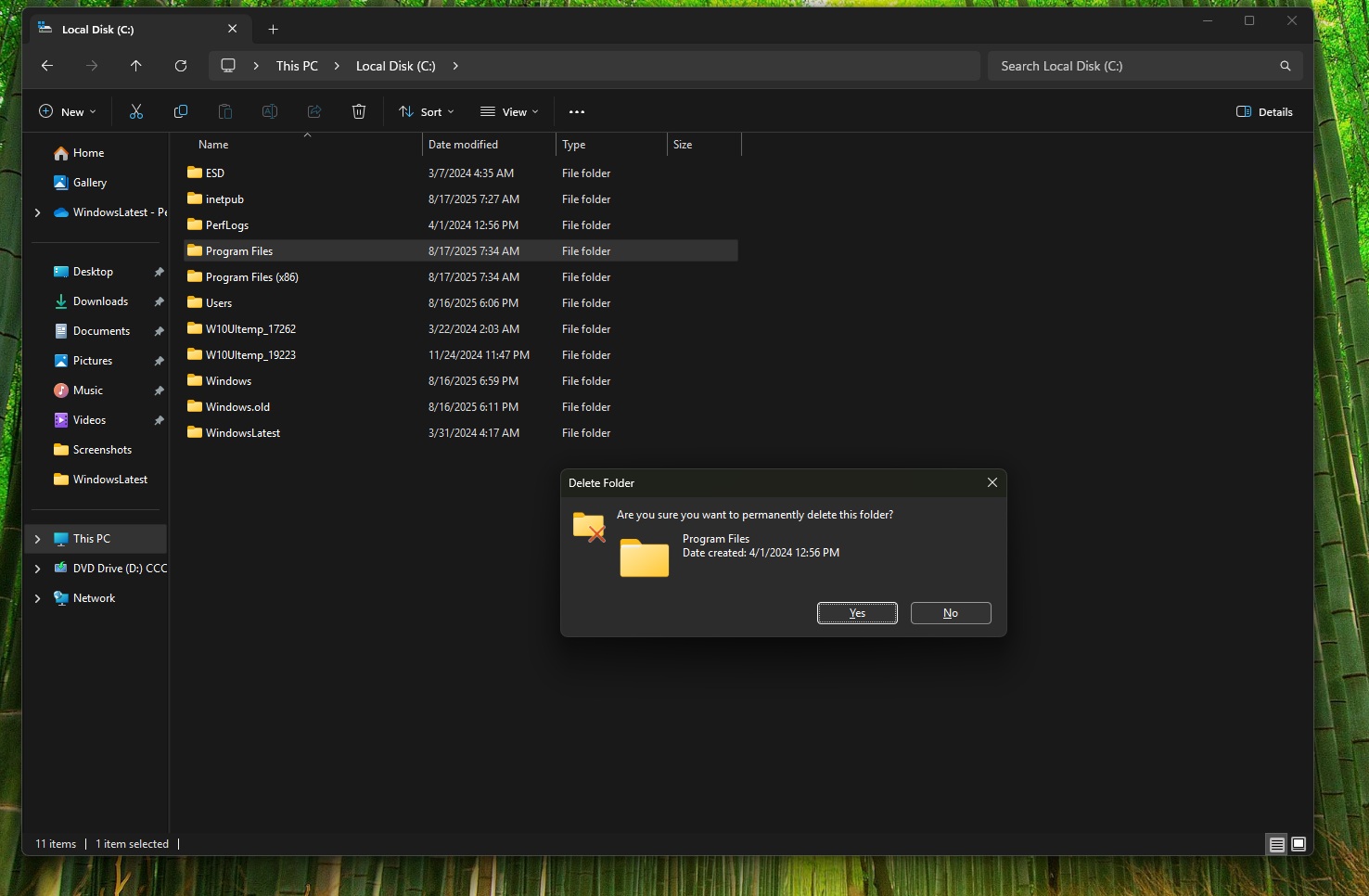
Likewise, Microsoft also rolled out dark mode to the progress window, which appears when you try to move large files or folders from one location to another.
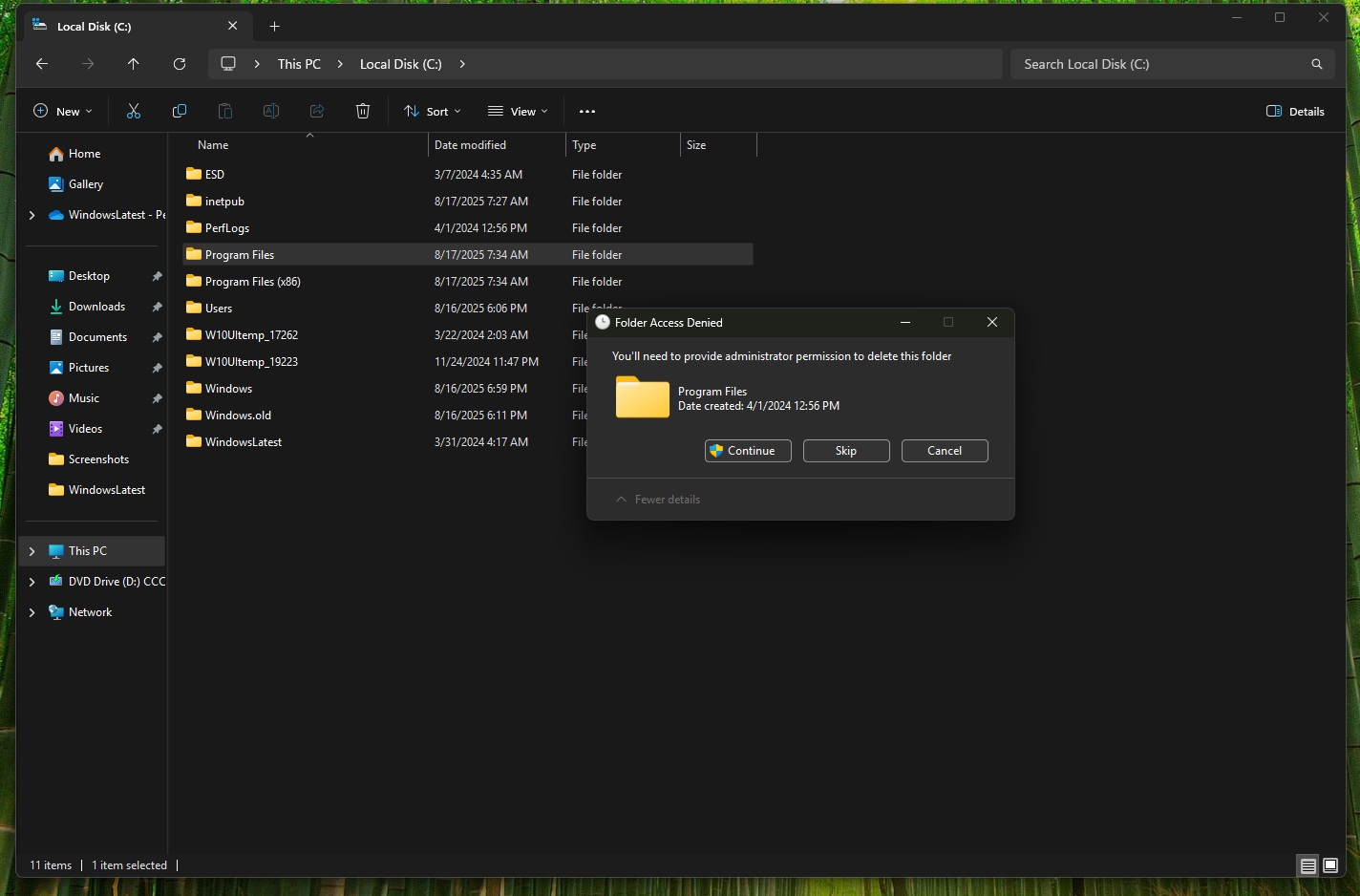
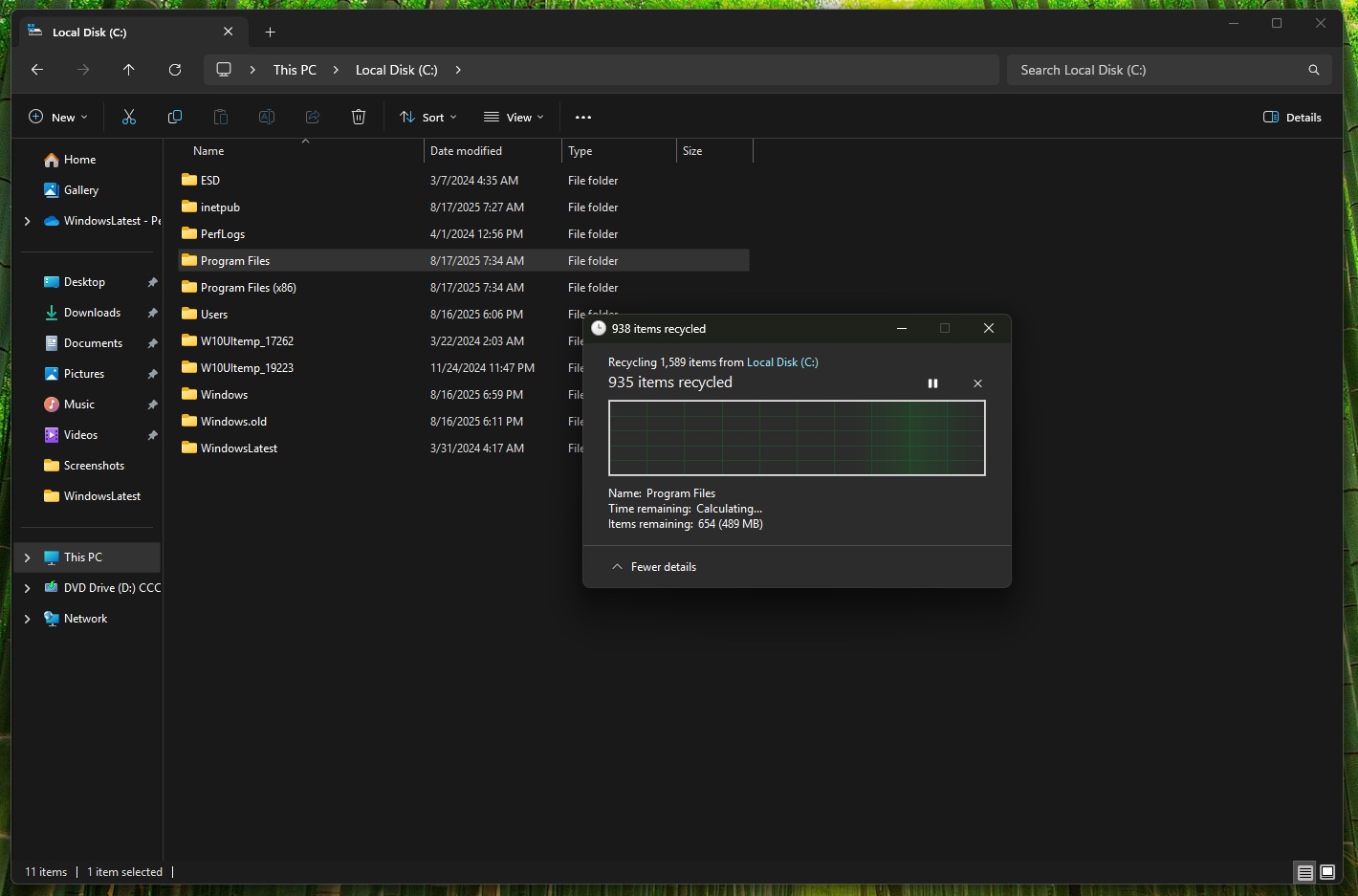
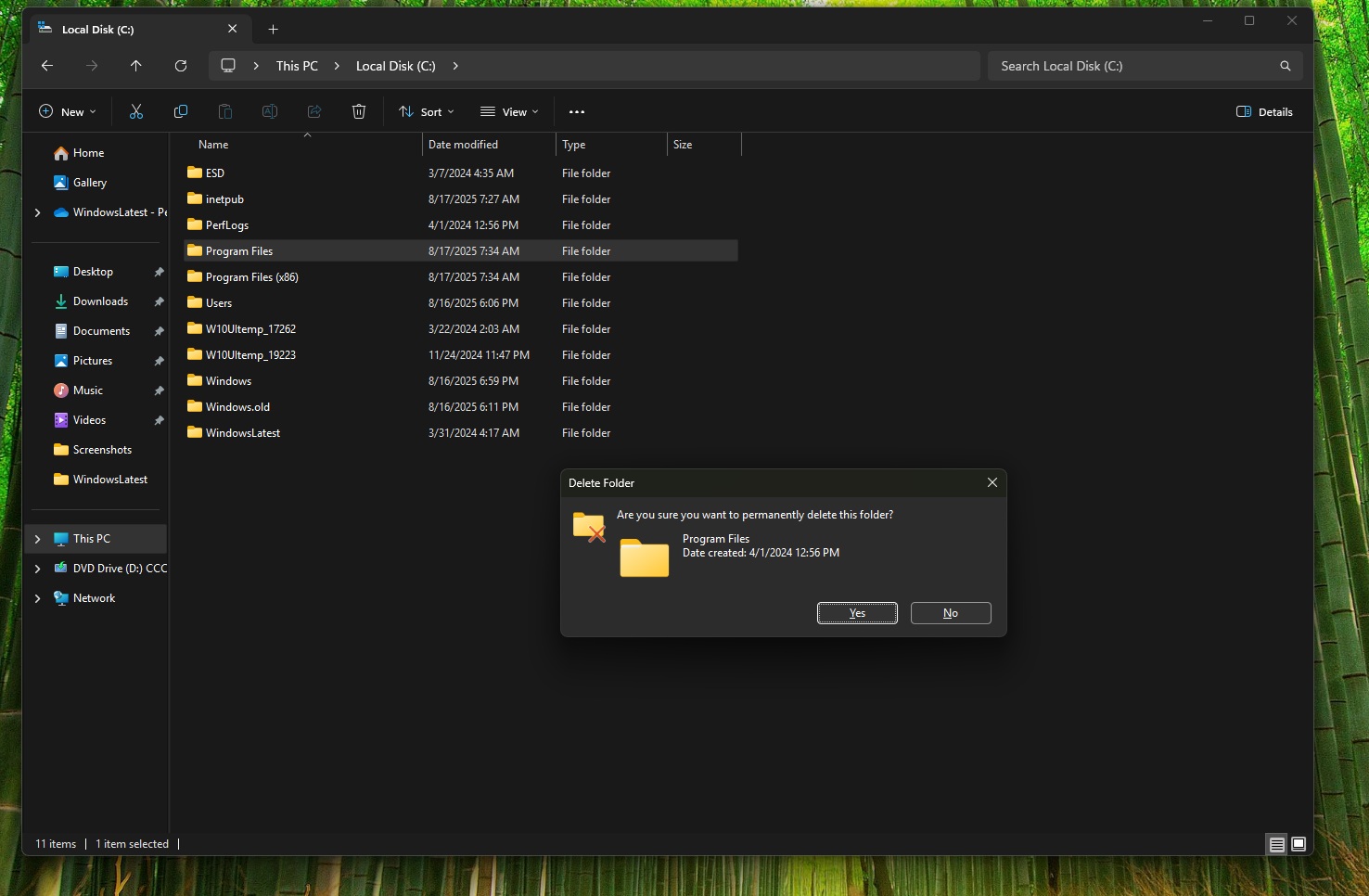
This change is available on all PCs running Windows 11 25H2/24H2 with recent cumulative updates, and if you haven’t tested it thoroughly yet, I can confirm dark mode shows up across these pop-ups:
- A dialog that appears when a file is in use.
- A pop-up that appears when you don’t have enough disk space.
- Or when you empty the Recycle Bin, Windows needs final confirmation. Even that dialog has dark mode.
- And even the conflict dialog, which appears when another file with the same name exists.
Other dialogs with dark mode support include zip pop-ups and security warnings. It’s only going to get better from here, as the company has confirmed the big upgrade and is already testing dark mode for Windows Run (legacy).
The post Microsoft confirms Windows 11 dark mode upgrade, with plans for third-party apps and Registry Editor appeared first on Windows Latest
“}]]


This Post Has 0 Comments