
 [[{“value”:”
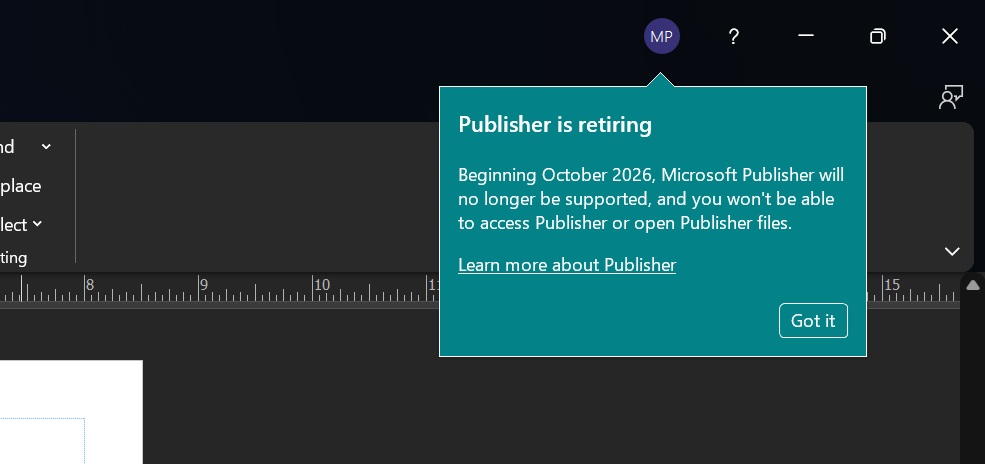
If you use Microsoft Publisher via Microsoft 365, you’ll now see an alert titled “Publisher is retiring.” The alert warns that “beginning October 2026, Microsoft Publisher will no longer be supported, and you won’t be able to access Publisher or open Publisher files.” There’s a ‘Got it’ button to dismiss the alert.
Windows Latest spotted Microsoft Publisher end-of-life alerts when we tried opening existing .pub files, and it aligns with the original plans shared by the company.
Microsoft previously confirmed the retirement of Publisher (.pub) for October 2026, but turns out it’s more than just a simple end-of-life date. In October 2026, your Microsoft Publisher will become useless unless you use a perpetual license, not a Microsoft 365 subscription.
What does Microsoft Publisher’s October 2026 end-of-support mean for you?
It means you won’t be able to open Microsoft Publisher (.pub) files, and you should export or save your work before the October 16, 2026 deadline. You’ll get locked out of the app, and it’s not really easy to migrate files to a new format without access to Publisher app.,
How to convert .pub files to another format in Microsoft Publisher?
- In Microsoft Publisher, open the file you want to convert.
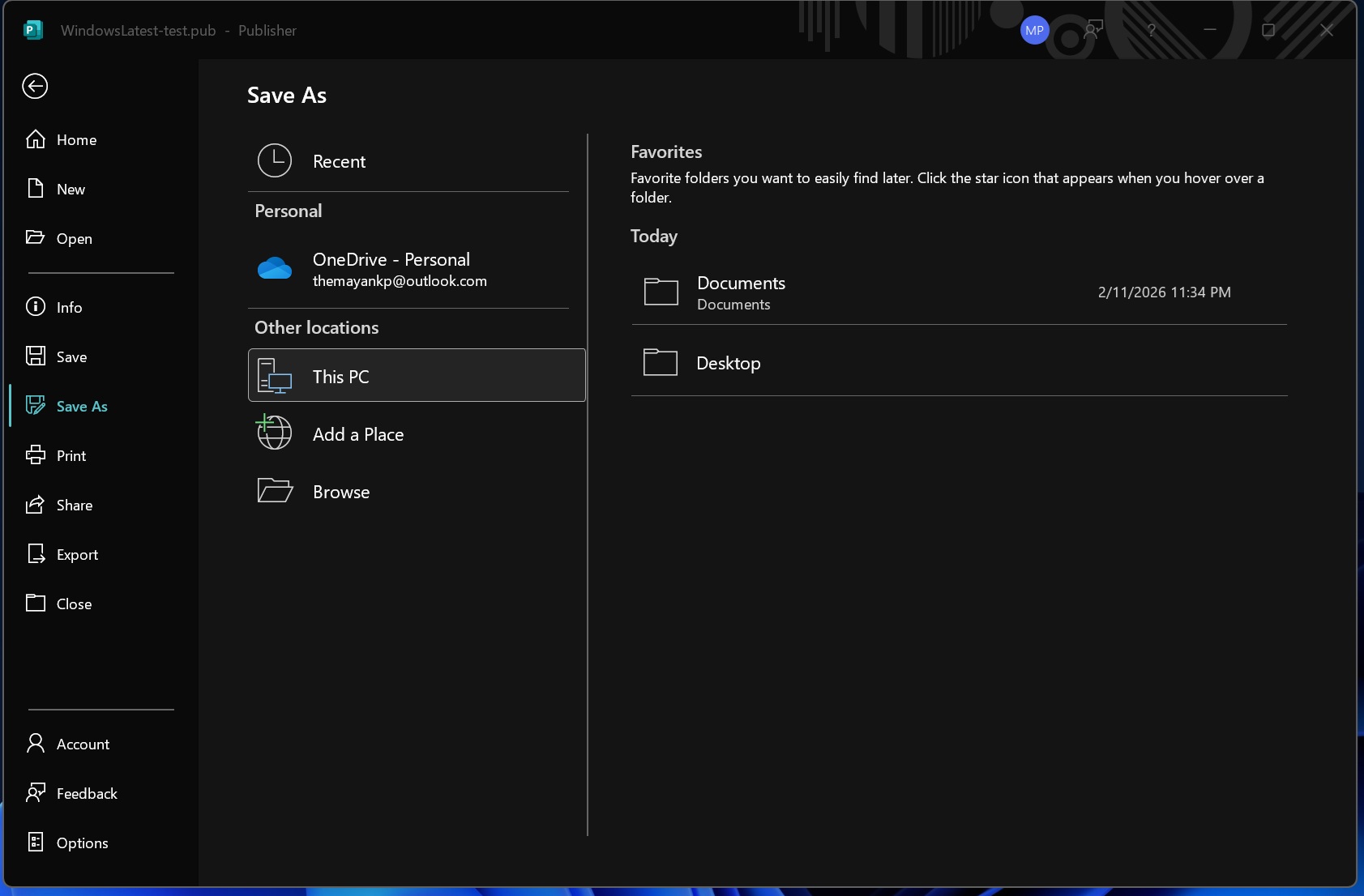
- Now, open File and click ‘Save as.’
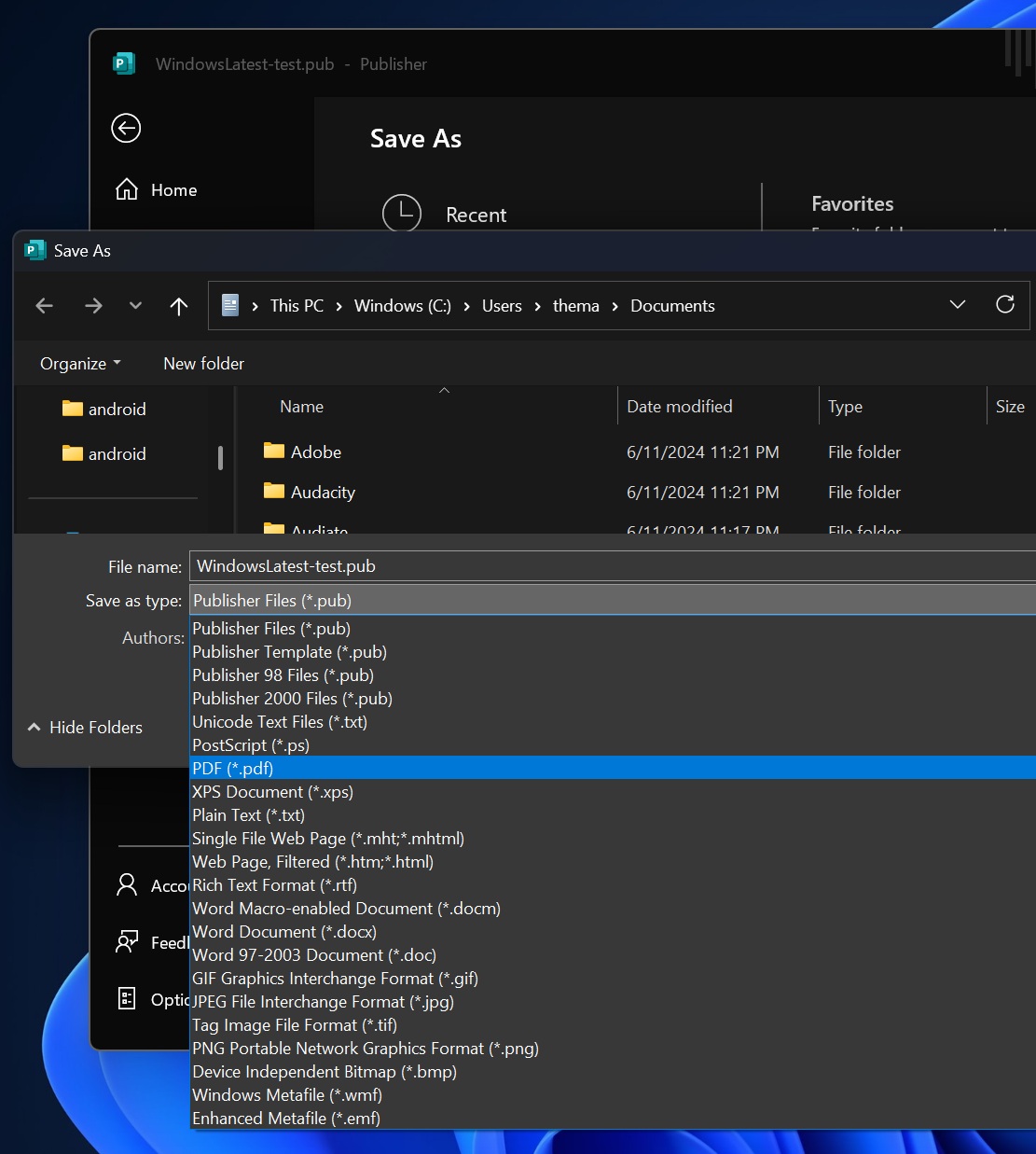
- This time, select ‘PDF’ as your file type, and save it.
I tested it on my PC and it converts all Microsoft Publisher (.pub) files, but the catch is how can you automate the process?
PowerShell script to convert Microsoft Publisher (.pub) files
You can’t manually open each .pub files, and save as PDF in the next few months (until October 2026). But you can automate the process using a PowerShell script, which can be downloaded from Microsoft’s website.
You need to edit the PowerShell script before you use it, and before you run it, you should understand how it works. Windows Latest found that Microsoft’s official PowerShell script converts Microsoft Publisher (.pub) files into PDFs using the Publisher desktop app through its COM/Interop interface.
In the PowerShell script, you’re giving it a -Filter (like *.pub or C:Docsfile.pub) and optionally -Recurse, and then it searches for Publisher files using Get-ChildItem.
Once it finds files, it loads the Publisher assemblies and tries to start Publisher.Application, and it begins convert replacing .pub with .pdf.
I asked Microsoft for more details and it told me that customers are advised to convert existing files to another format before October 2026.
But can you edit .pub files in Publisher after October 2026?
No, you won’t be able to edit .pub files because it’ll no longer be possible to even access Microsoft Publisher. However, you can convert .pub files to .pdf, and then convert .pdf to MS Word, and edit it.
You can open MS Word, then File > Open, and open the converted .pdf file. This will allow you to edit your converted pdf, but the catch is that MS Word PDF conversion is far from perfect, and it could corrupt text, which means you’ll probably need to spend hours or days editing all pdf-converted .pub files.
Is there any way to keep using Microsoft Publisher after October 2026?
Microsoft Publisher 2021 in Office LTSC 2021 will still work after October 13, 2026. Unlike Microsoft 365, which is a subscription, Office LTSC 2021 is a perpetual (one-time purchase) license.
Microsoft Publisher retirement plans were made official in 2025. However, Publisher is a part of the Office 2021 LTSC edition, and that forced Microsoft to honor the commitment until 2026. The LTSC editions get five-year support assurance, so Microsoft couldn’t remove the app until the edition expired.
After the due date, Microsoft 365 plans won’t include the old tool as they always did. You have close to nine months to make the migration, plan your escape, and salvage your files from the app.
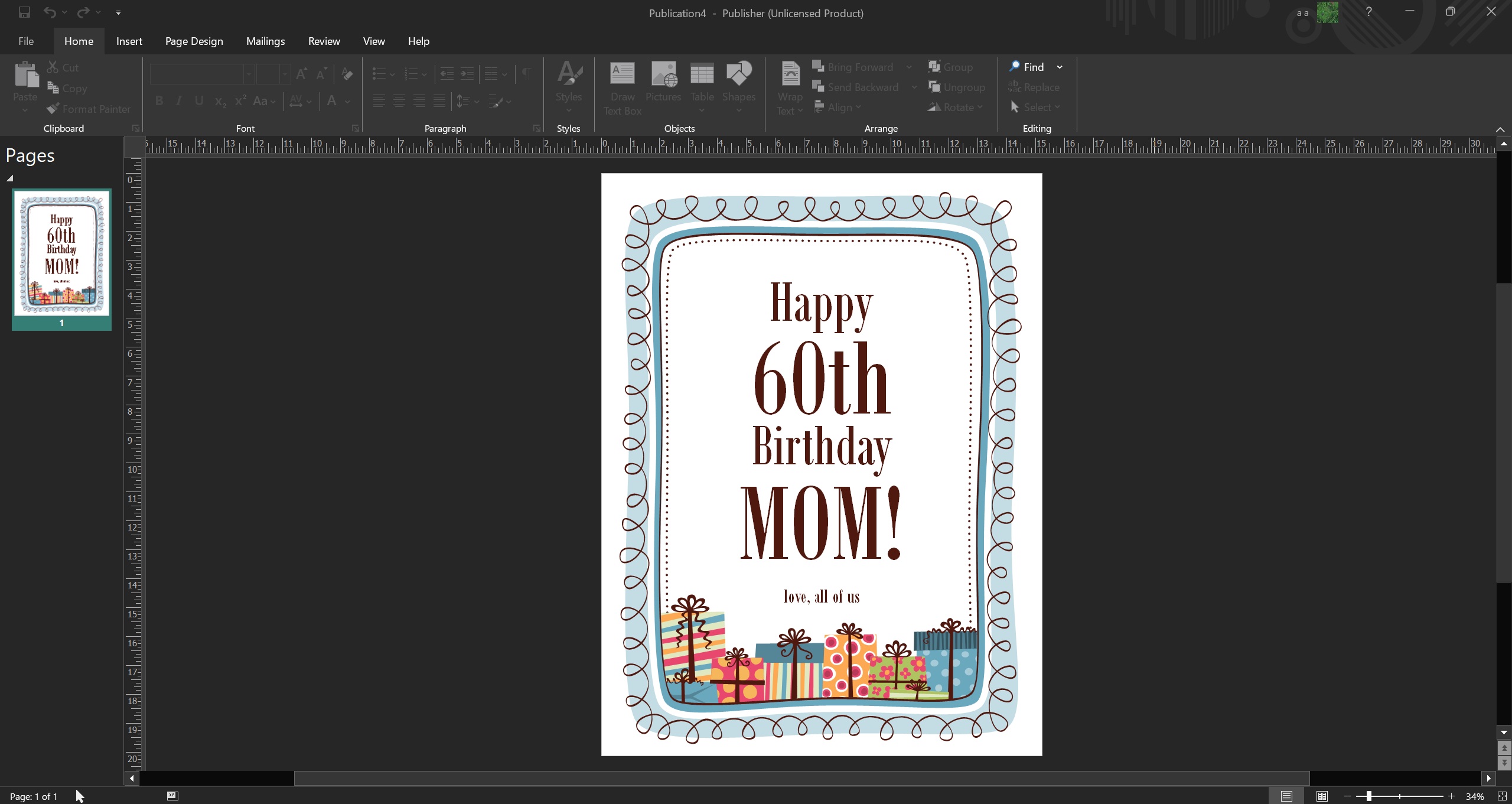
The next course of action would be to find an alternative if you haven’t thought about it yet. Microsoft’s official document assures that the company is looking to fill the gap left by Publisher in other apps.
It’s not a secret that modern editions of Word, PowerPoint, and Designer have plenty of default designs to build a variety of documents. Pre-curated templates aren’t hard to find, but Microsoft’s statement hints that they might add more templates and tools. Doing so will keep the users locked into the Microsoft Office ecosystem rather than wandering to other web tools.
Was Microsoft Publisher such a great deal?
Well, it was a part of the official suite, and it didn’t hurt to have a print-focused tool at your disposal. It made it incredibly easy to design flyers, brochures, invites, the whole deal, and was less complex than professional tools.
However, you wouldn’t want to cling to something that didn’t receive a facelift that it needed, and it is soon retiring. Canva is a much better option that has a free tier with limited access, but it gets the job done. I use it to design resumes, social photos, documents, and whatnot, and won’t miss Publisher at all.
You can export your Publisher files in PDF format so you can use them later in Canva. Or you can use tools like LibreDraw and a few others to open and edit your .PUB files.
The post Microsoft Publisher: You won’t be able to access Publisher or open files (.pub) in October 2026 appeared first on Windows Latest
“}]]


This Post Has 0 Comments