
 [[{“value”:”
Buying a new laptop or smartphone is supposed to feel exciting. You unbox it, power it on, and within minutes, your device is ready. That’s how it should work. But not on Windows 11 PCs.
Instead of getting to the desktop quickly, you’re pulled into a long, interruption-filled Windows 11 setup process that really tests your patience. And it’s not like Microsoft isn’t aware of it.
In their recent commitment to Windows quality announcement, the company promised that Windows 11 setup will become “quieter and more streamlined, with fewer pages and reboots,” and that users will be able to skip updates during setup to “get to the desktop faster.”
With the wave of new Windows 11 laptops coming soon, courtesy of Intel’s Panther Lake and Snapdragon X2 series, Microsoft has to nail the Windows 11 setup experience.
Because, as of now, a typical Windows 11 OOBE (Out-of-Box Experience) can take anywhere from 45 minutes to an hour, depending on updates and configuration.

But it’s not just the amount of time OOBE takes to finish installing updates. Windows setup is filled with upsells and ads, which no one except Microsoft’s finance department is happy about, and all of it takes a lot of skipping to finally get to the desktop.
Windows 11 OOBE is slow, cluttered, and filled with upsells
While setting up a new PC, I decided to screen record the whole thing just to check how long it takes to see the desktop, because for the past few weeks, YouTubers, like MKBHD, have been testing Windows PCs (because of the new MacBooks) and saying that the setup process takes well over 30 minutes.
To my surprise, it took more than an hour for me to see the desktop.
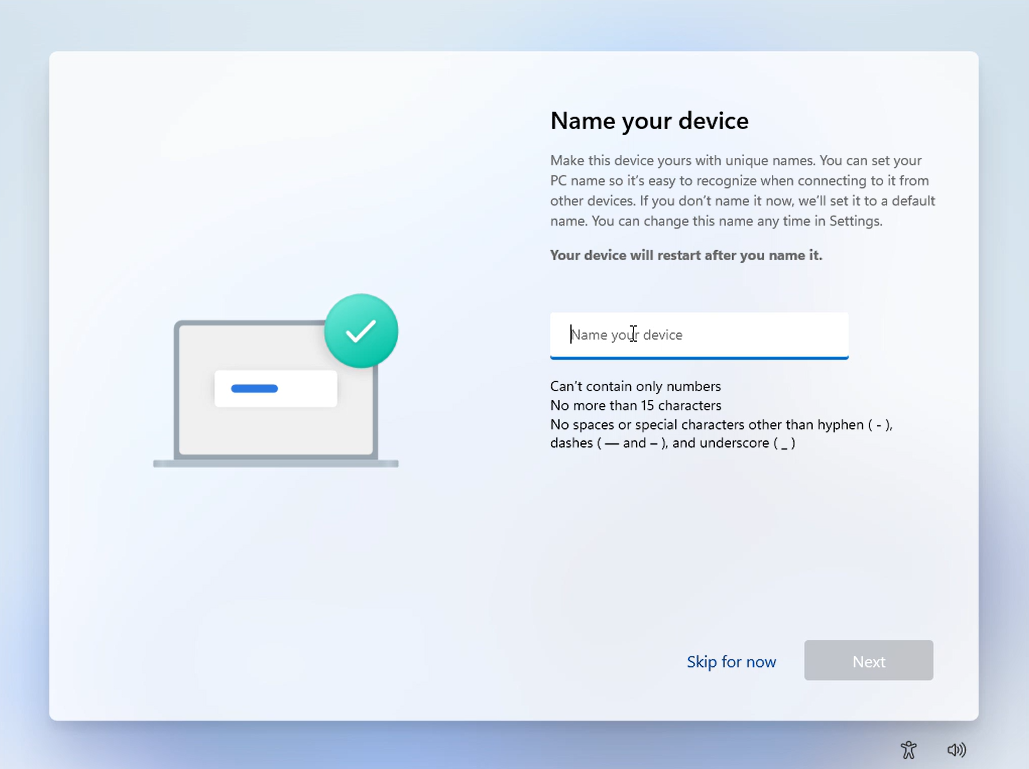
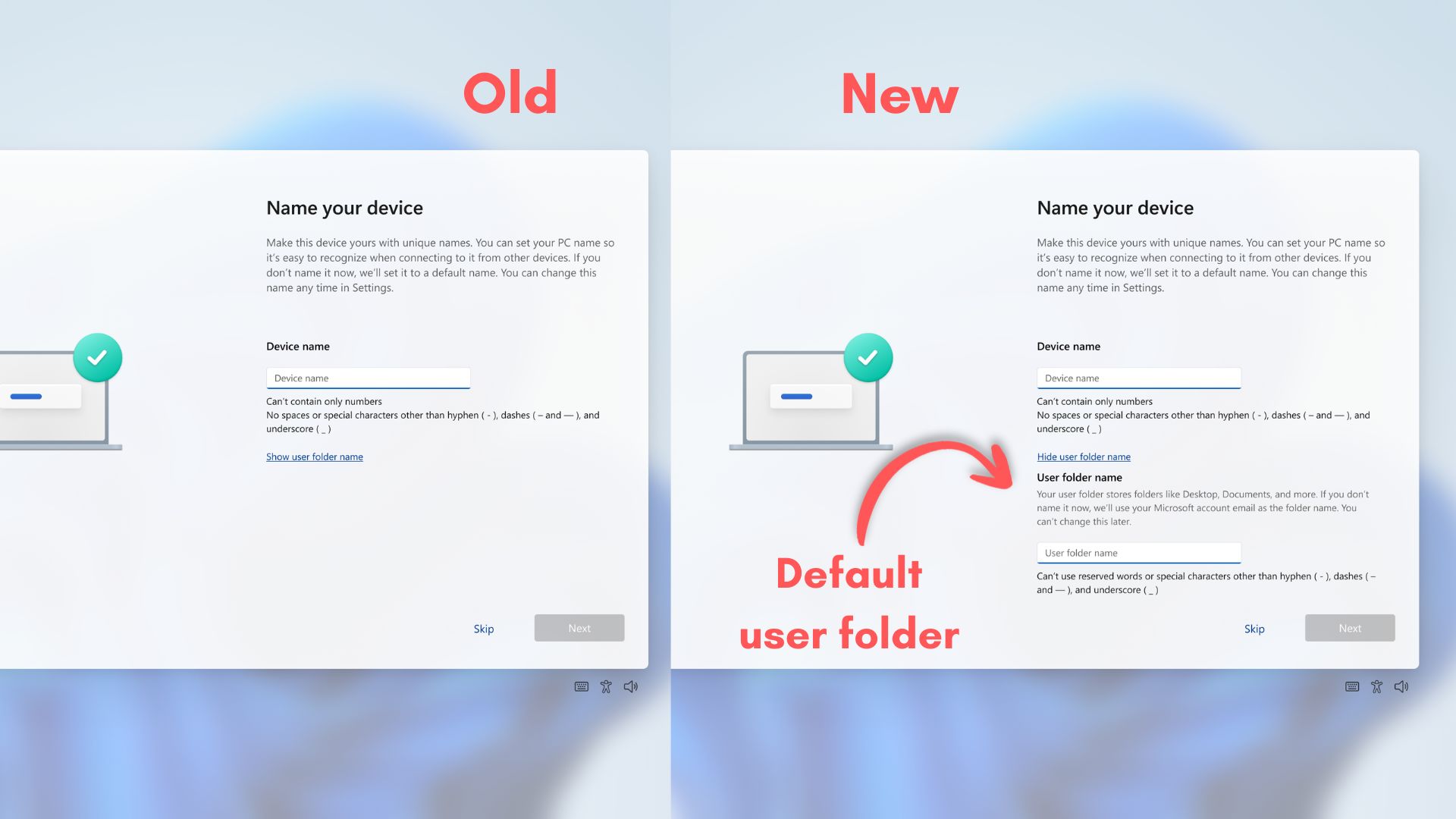
The setup process begins with naming your device. It’s harmless. And Microsoft is even adding the option here to change the name of your default User folder, which includes Documents, Downloads, Pictures, and the lot. You wouldn’t have to settle for the first five letters of your email address, which is a very welcome change.
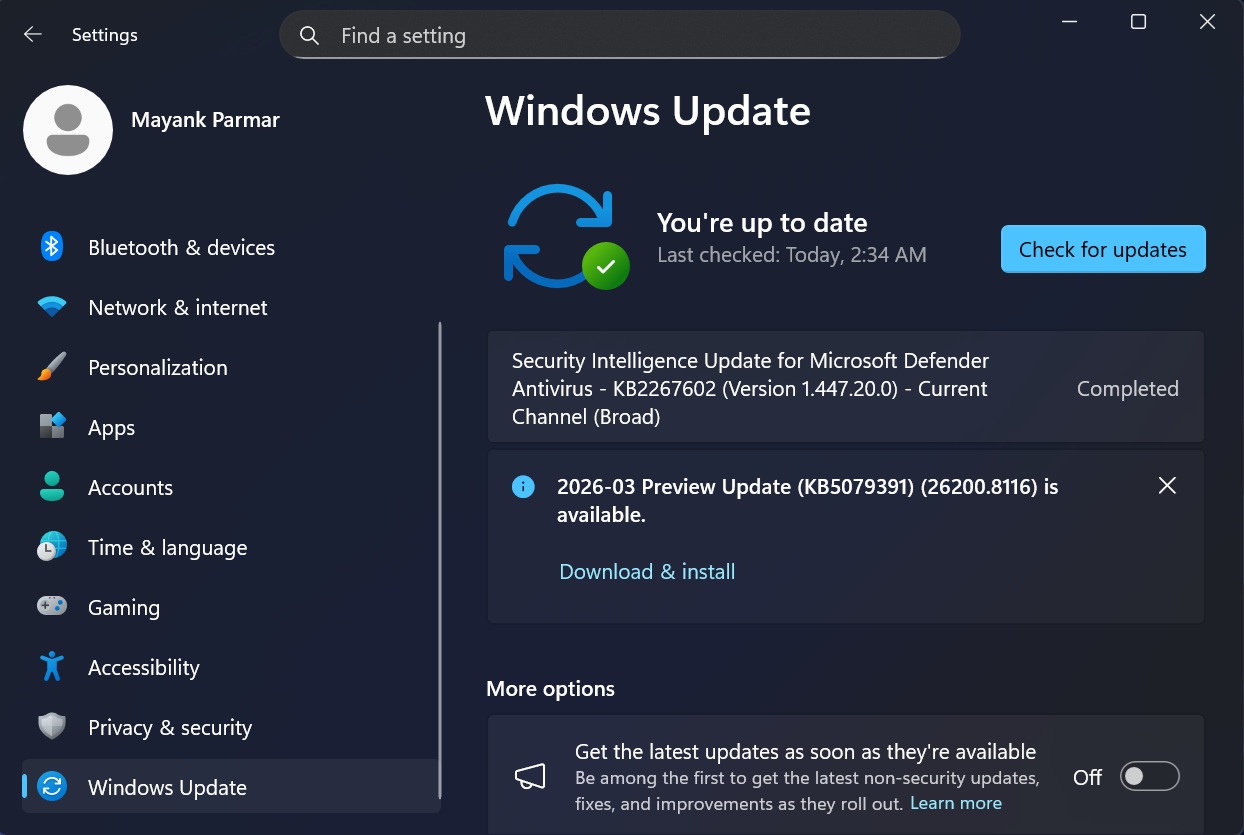
But what’s not welcome is the next page, which starts checking for Windows updates automatically, and then starts downloading them, and installing them, all before you even see the desktop.
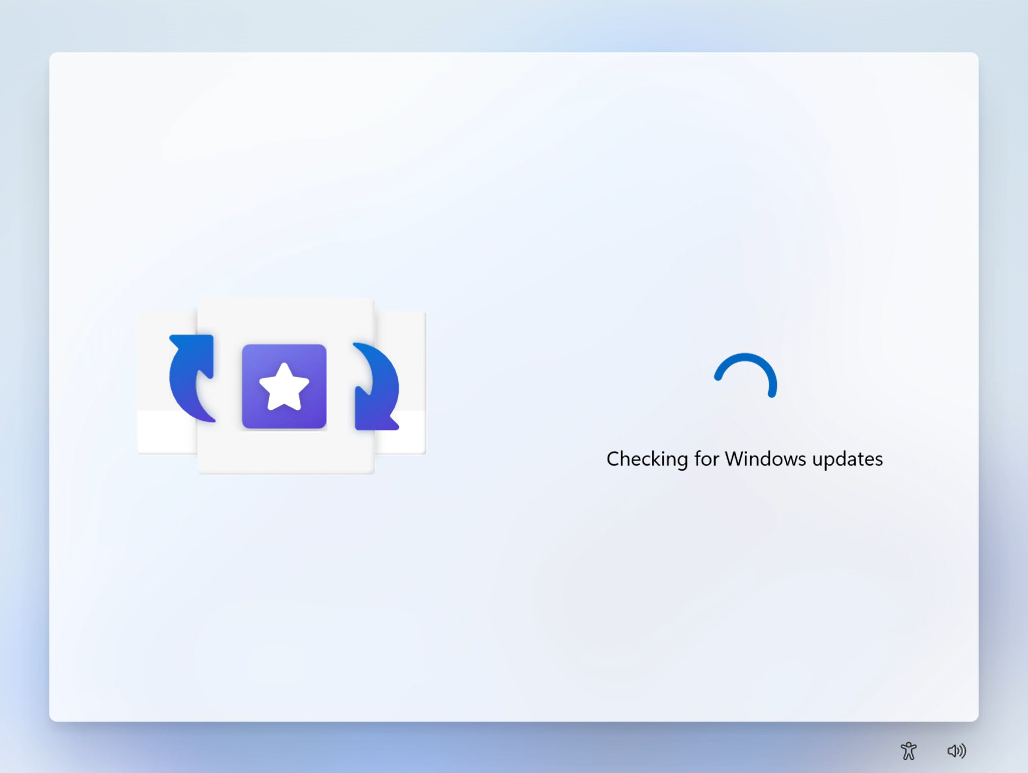
Updates during Windows 11 setup are time-consuming
Depending on whether you’re buying a laptop that has been sitting on the shelves for several months, there might be more than one update waiting for you during setup.
After one update downloads and installs, the system may loop back and check again, triggering a second round of updates.
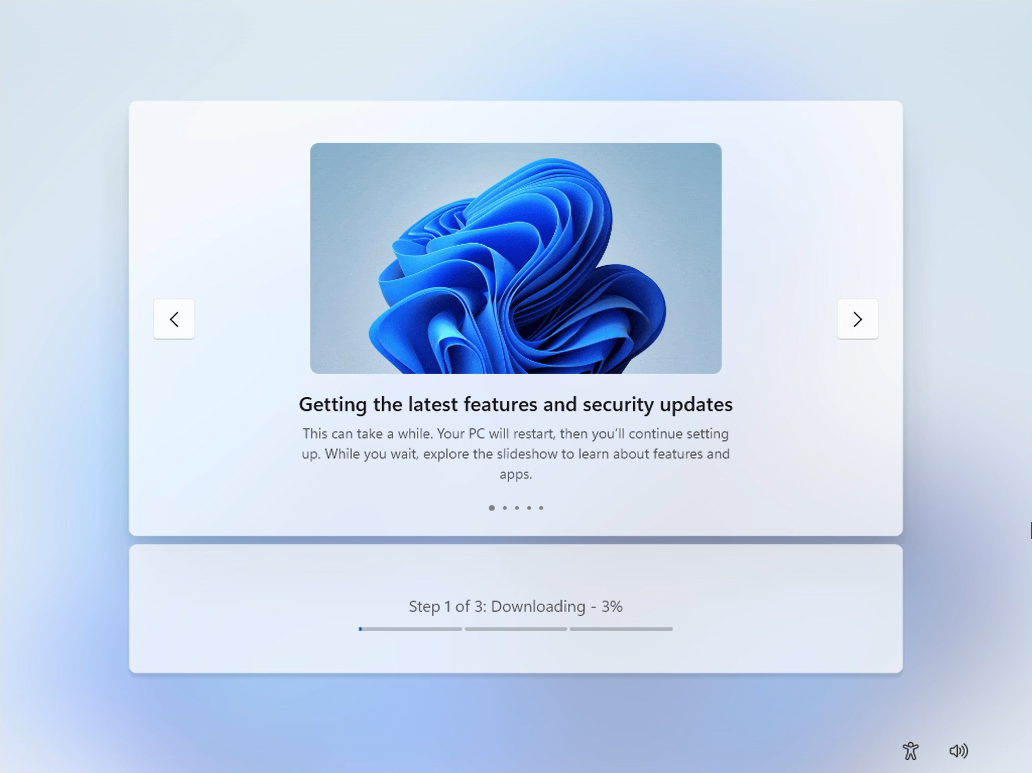
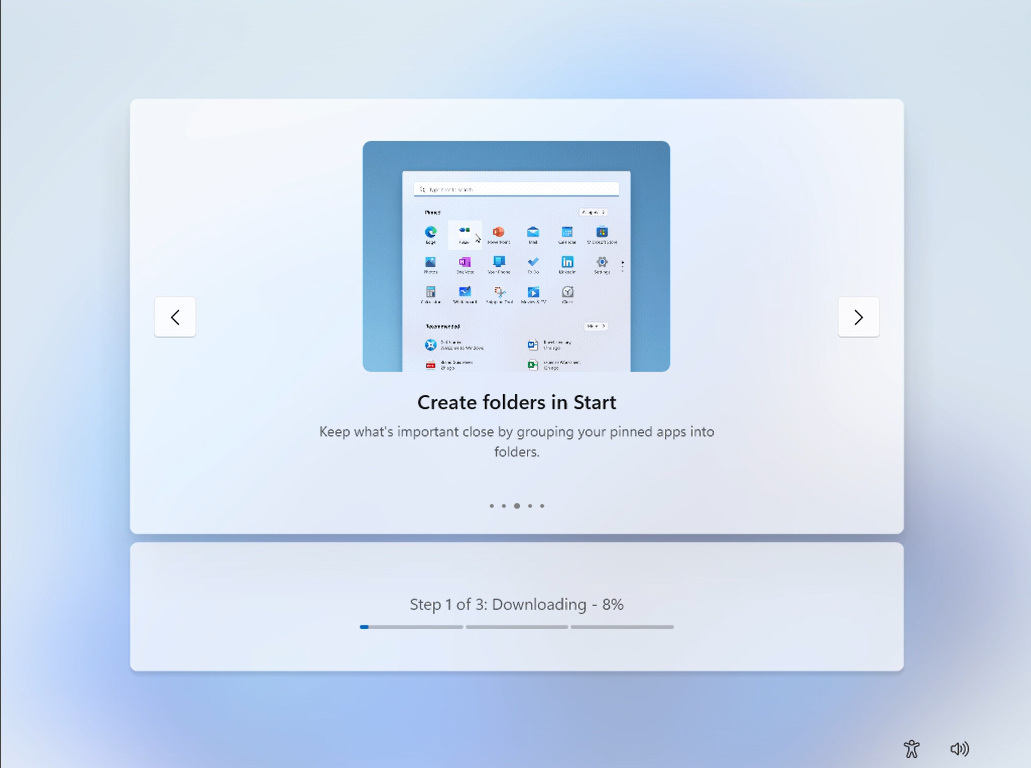
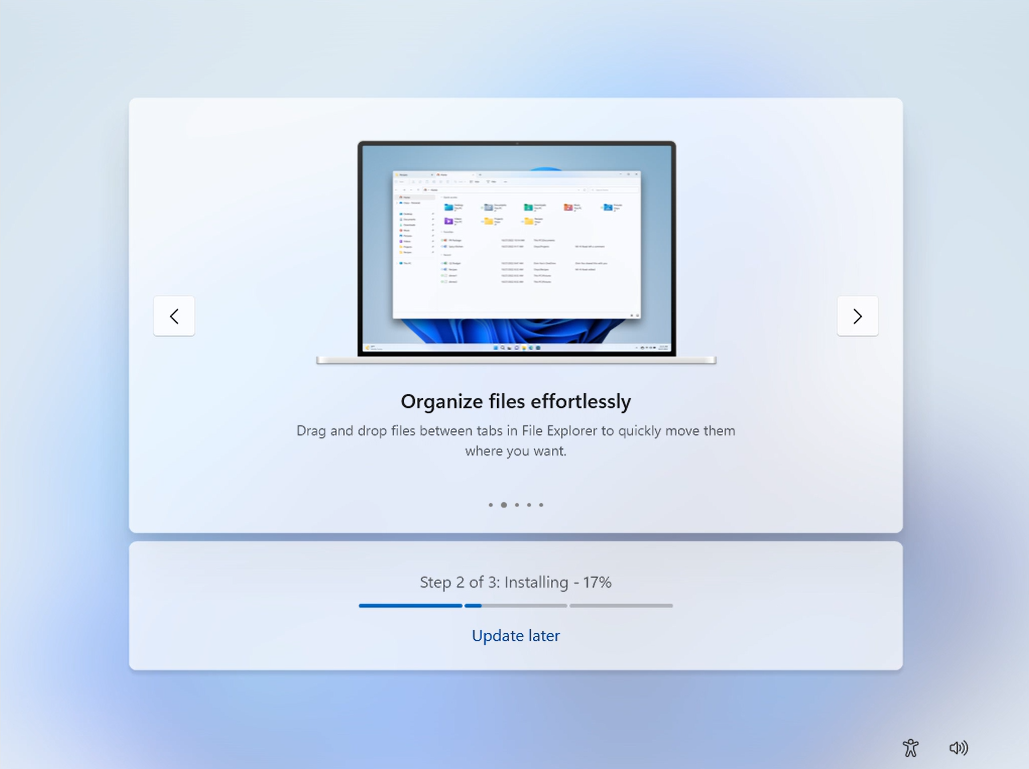
Throughout the update, you’ll see several features of Windows that Microsoft shows in a carousel format. One of them even has the old Start menu!
Interestingly, at one point, Windows showed me an “Update later” button when the download reached 99 percent. I didn’t notice it because I couldn’t be bothered staring at an update screen during initial setup.
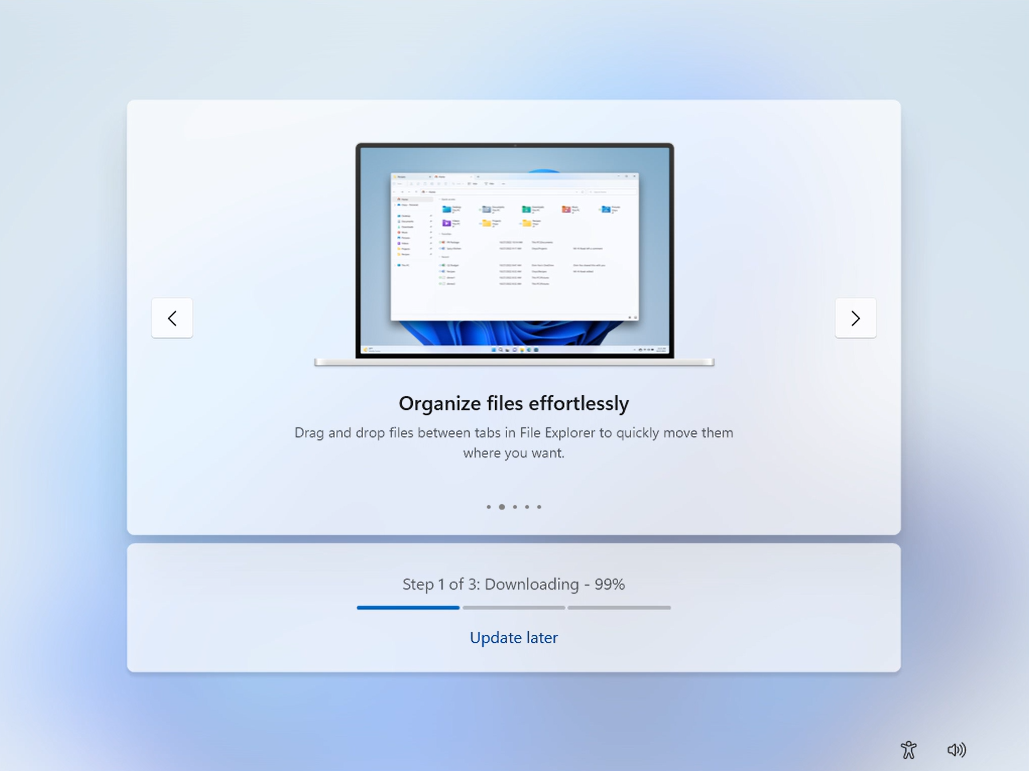
My screen recording showed that the “Update later” button continued till the installation phase of the first update.
Then there’s the “Just a moment…” black screen with the rotating beads reminiscent of Windows 10.

Soon after that, I saw the second update check, which found a newer update and downloaded and installed it.
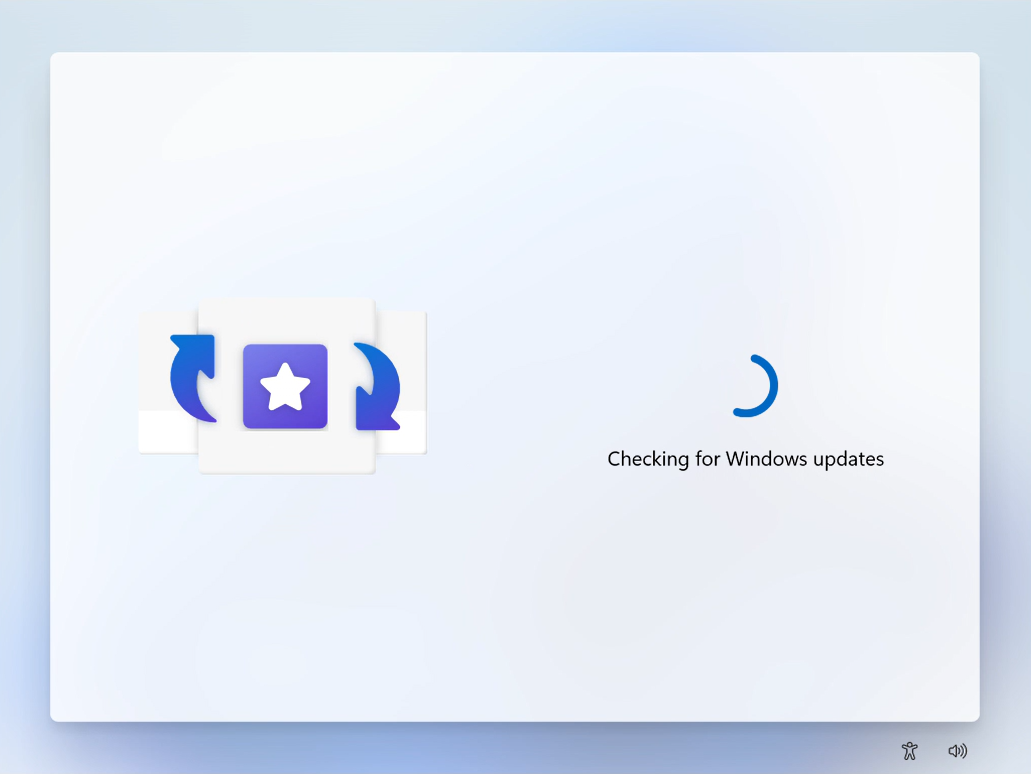
From a technical standpoint, updating during setup makes sense. You want the system to be secure and up to date, especially considering Windows has over 1.5 billion users, making those of macOS and Linux look minuscule in comparison.
But forcing it like this creates a terrible first impression. Users are staring at loading screens instead of using their new device. All these updates took over 50 minutes for me.
Microsoft Account requirement during setup is unnecessary
Anyone on the internet can agree that the mandatory sign-in with MSA is the most frustrating part during Windows 11 setup, because for decades, we have all been used to signing in later or using a local account. Not to mention, no other desktop or mobile OS has a mandatory sign-in requirement during setup.
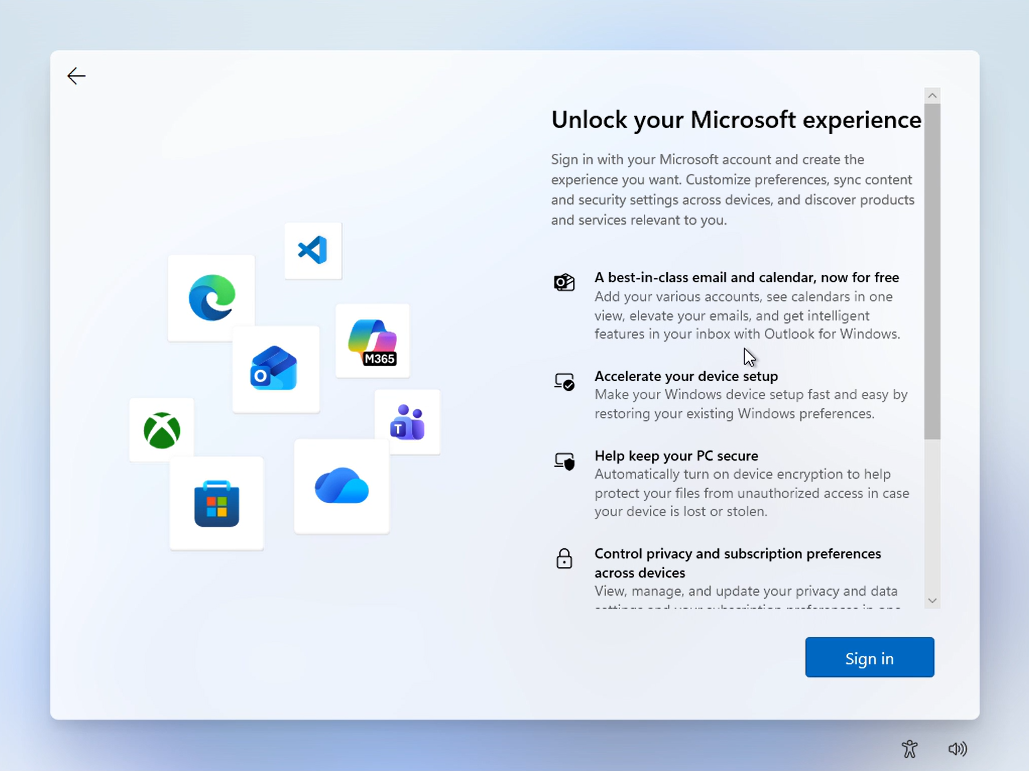
Sure, you’ll have to sign in with macOS, iOS, and Android to properly use the OS, but none of them prevents you from setting up your device if you don’t sign in. This is borderline coercive!
As someone who creates Windows 11 VMs often, I know how infuriating it is to sign in with an MSA account, because Microsoft prefers passwordless login, which is more secure, but not easy when you’re just setting up a device.
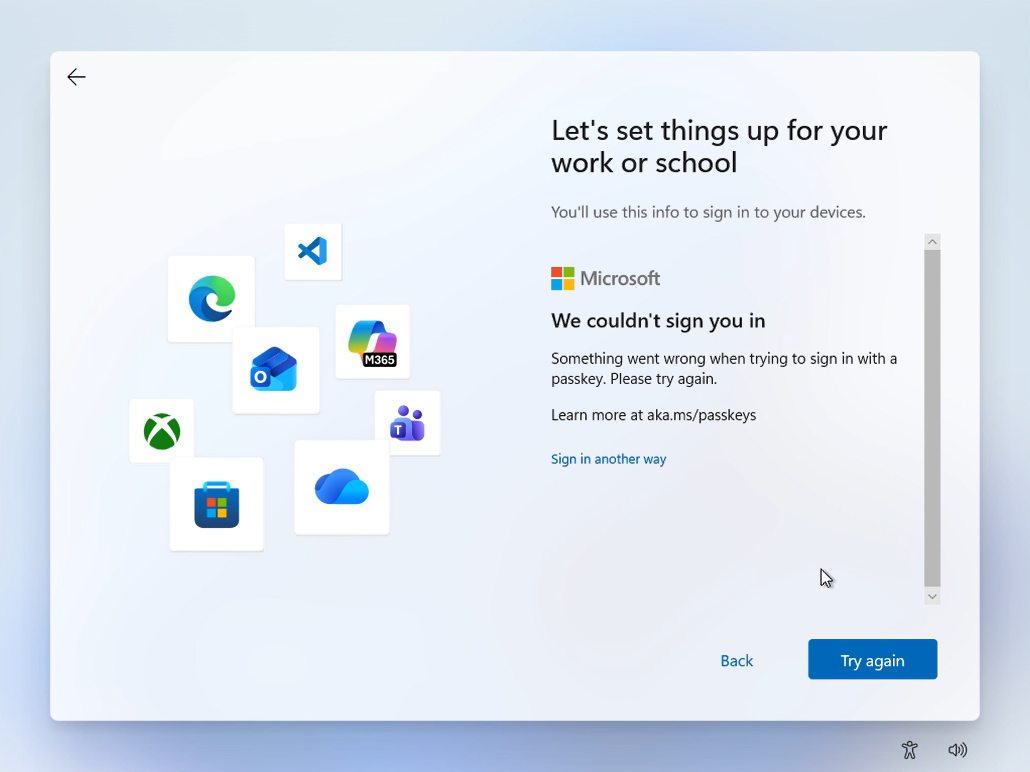
Microsoft’s officially announced plans to fix Windows didn’t have any sign of removing this compulsory sign-in. However, the company’s VP, Member of Technical Staff, Scott Hanselman, recently replied to an X post, saying that they’re working on removing the MSA requirement.
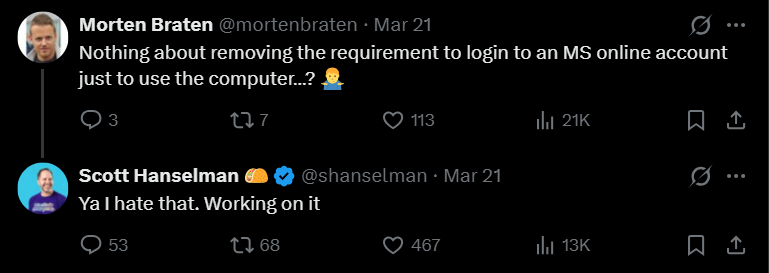
Since the company hasn’t officially listed removing the MSA requirement in its priorities, I don’t think we’ll be able to skip signing in new Windows PCs bought in the upcoming sales seasons.
With the MacBook Neo selling like hot cakes, I don’t understand why the ability to skip sign-in during OOBE isn’t already in Microsoft’s top priority list…
Microsoft enables all Privacy toggles by default
All modern operating systems need to collect telemetry, which is understandable, but what Microsoft does is beyond forgiving. After signing in with MSA, we’ll be greeted with a privacy setting page that already has everything turned on by default.
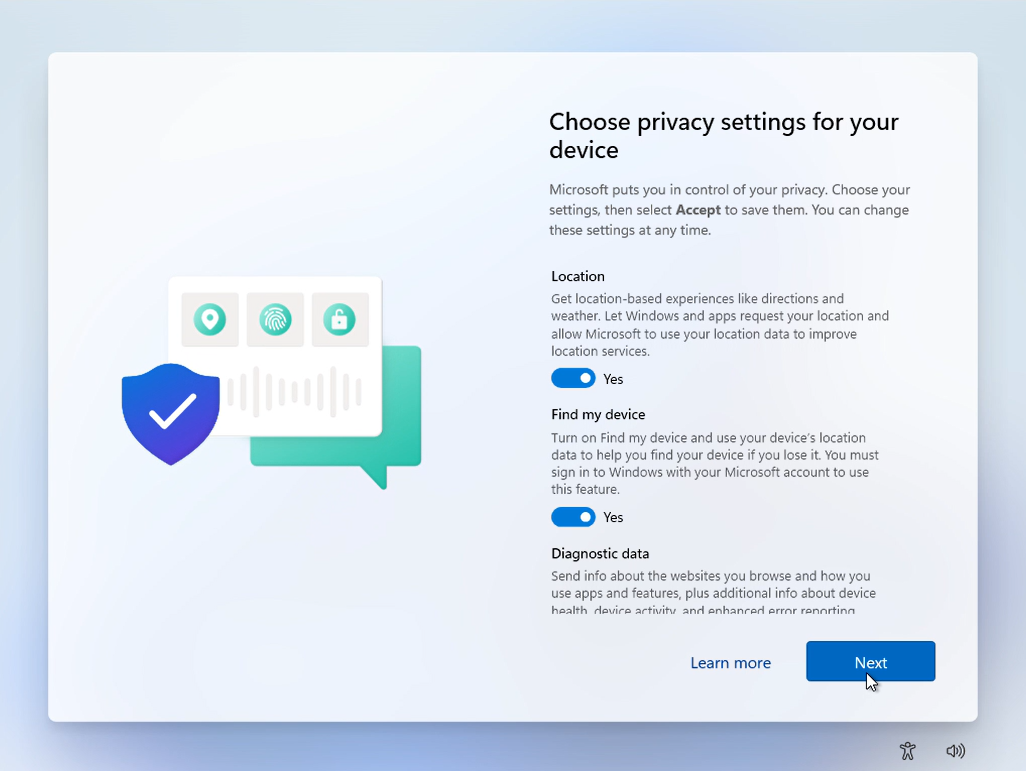
Here is everything that Microsoft turns on during Windows 11 setup:
- Location
- Find my device
- Diagnostic data
- Inking and typing
- Tailored experiences
- Advertising ID
Anyone in their right mind who reads the descriptions under each of these would turn everything off. But imagine the regret a person feels when the device they bought with their money wants to collect data about everything they do in it…
Unnecessary pages that make OOBE even more time-consuming
After the privacy nightmare, Microsoft decided that I should use my previous backup, with a prominent Continue button. I have to click the almost obscure “More options” because it should be me who decides what I want.
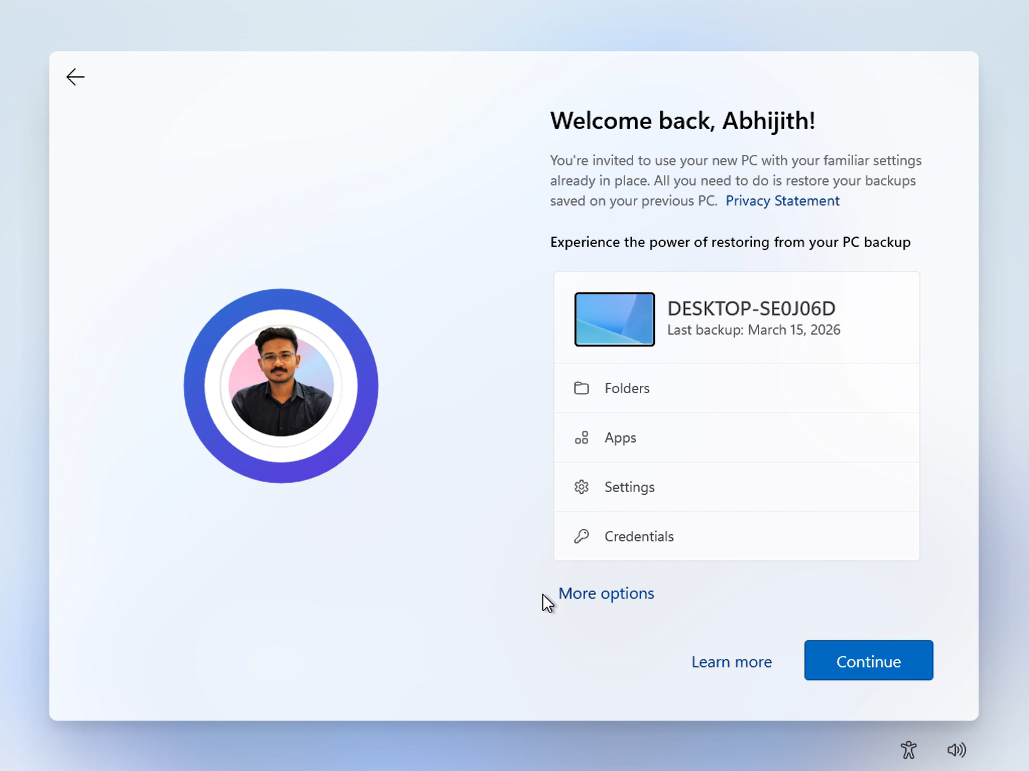
Funnily enough, clicking More options shows a bunch of backups all linked to different VMs, with “Setup as a new PC” shown as a non-highlighted option. It’s almost like Microsoft wants us to continue using the data that they have collected from a PC that we have signed into previously.
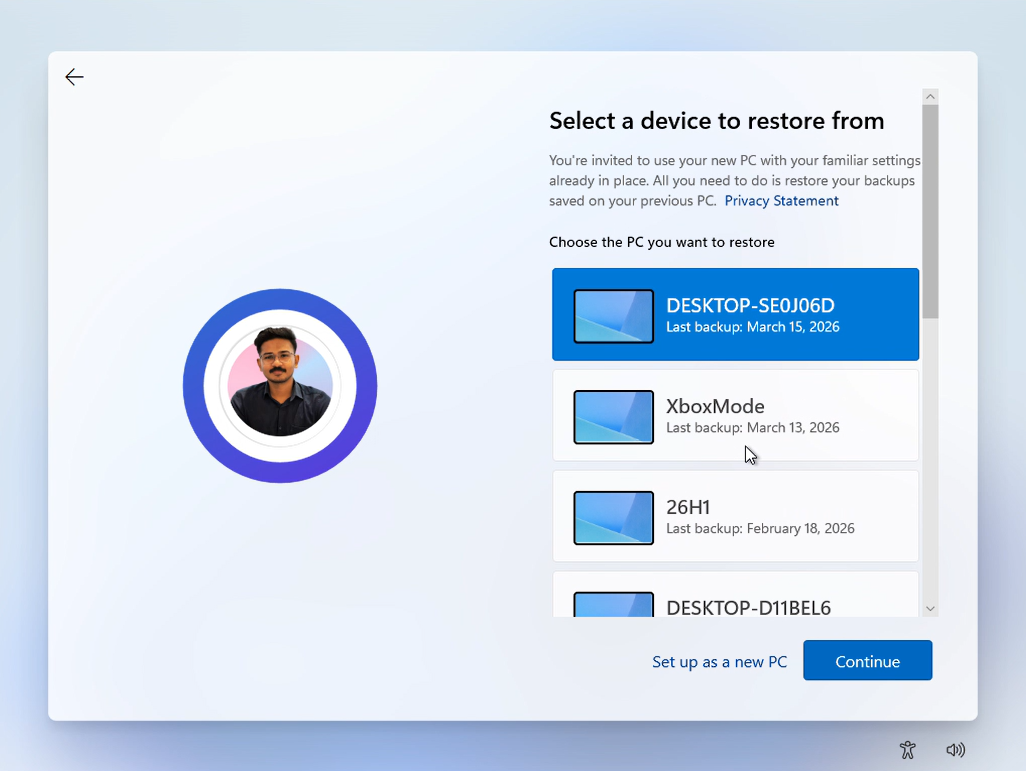
But do you know what happens when we ignore these and click on “Setup as a new PC”?
Yes, Microsoft shows yet another page with a highlighted “Restore from backup” option. That’s three pages just to push users to use backed-up data!
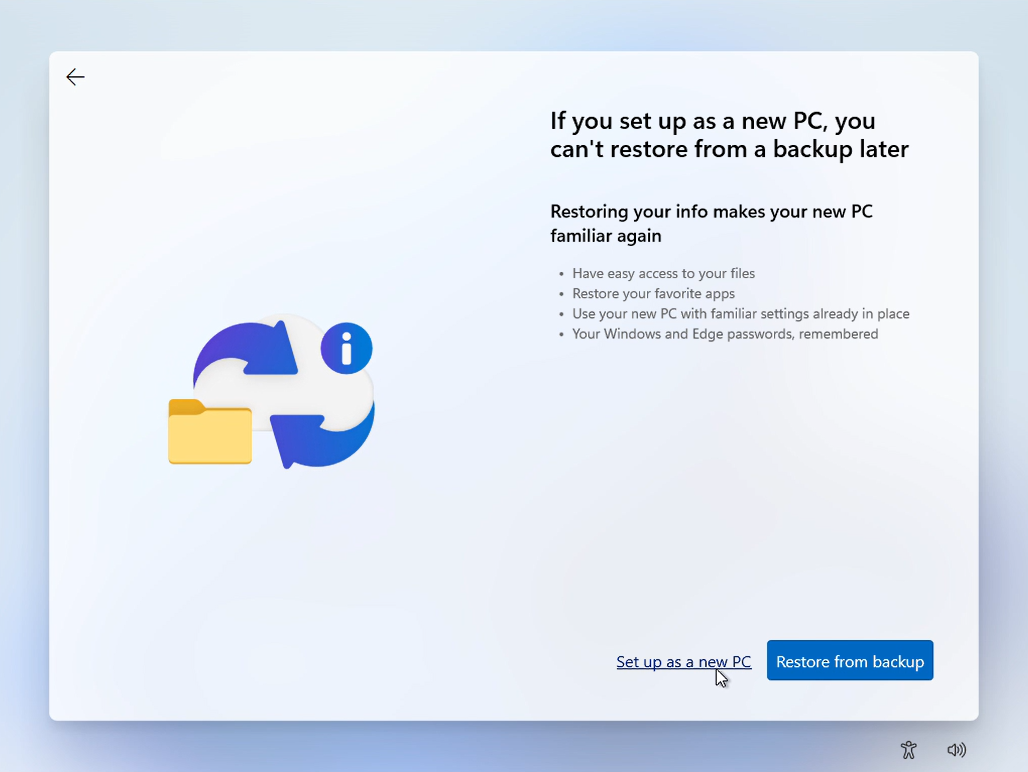
Finally, clicking the new “Setup as a new PC” option shows a “Getting things ready for you” page with the familiar Windows 11 wallpaper. But that doesn’t mean that Windows permitted us to see the desktop…
OOBE turns into a full-blown ad funnel
If you think all this was dreadful, what comes next during the OOBE process takes things to a whole new level. At first, Microsoft politely asks you what things you’ll do on your PC, so that they can show you ads that match your usage patterns. How convenient!
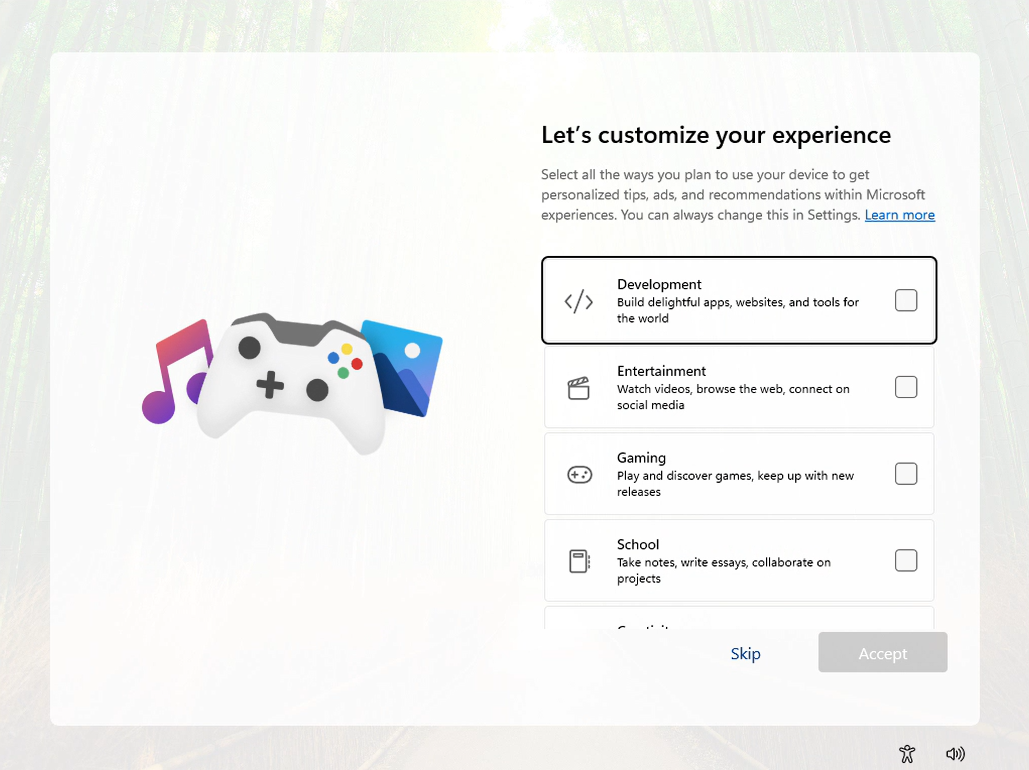
Then what follows is a set of ads. There is no other way to put it. And I’m in loss for words on how atrocious this is.
The following are all the ads that show up during Windows 11 setup, in order:
- Phone Link setup recommendation
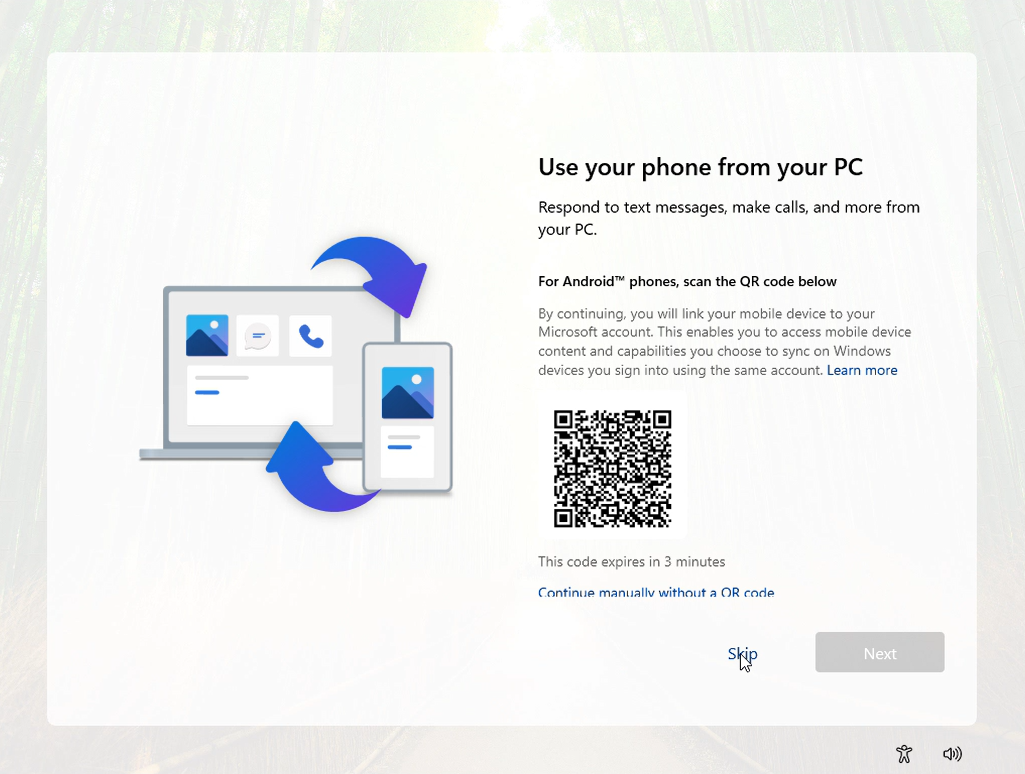
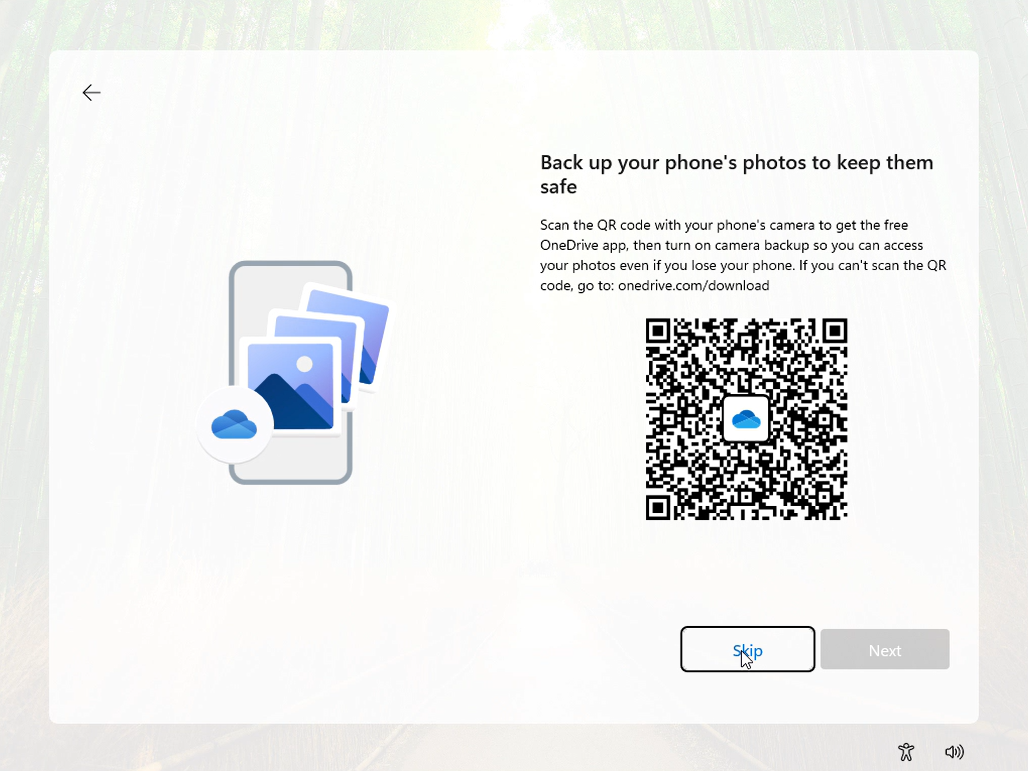
- OneDrive mobile app promotion
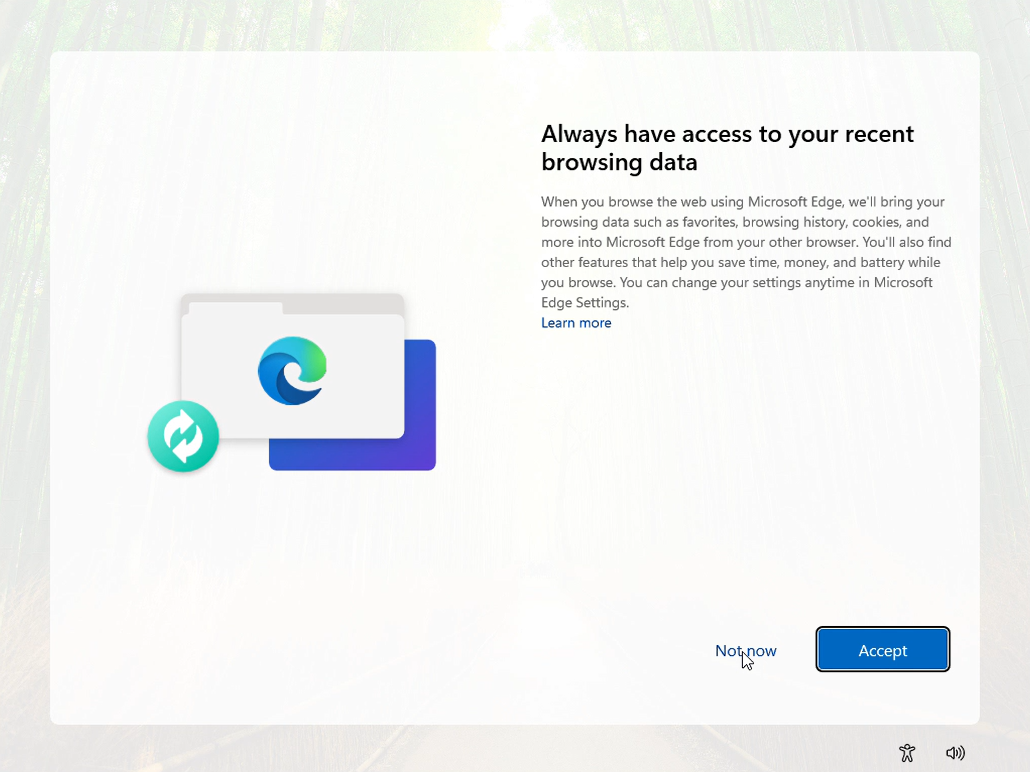
- Then, Microsoft asks permission to access your browsing data from all other browsers.
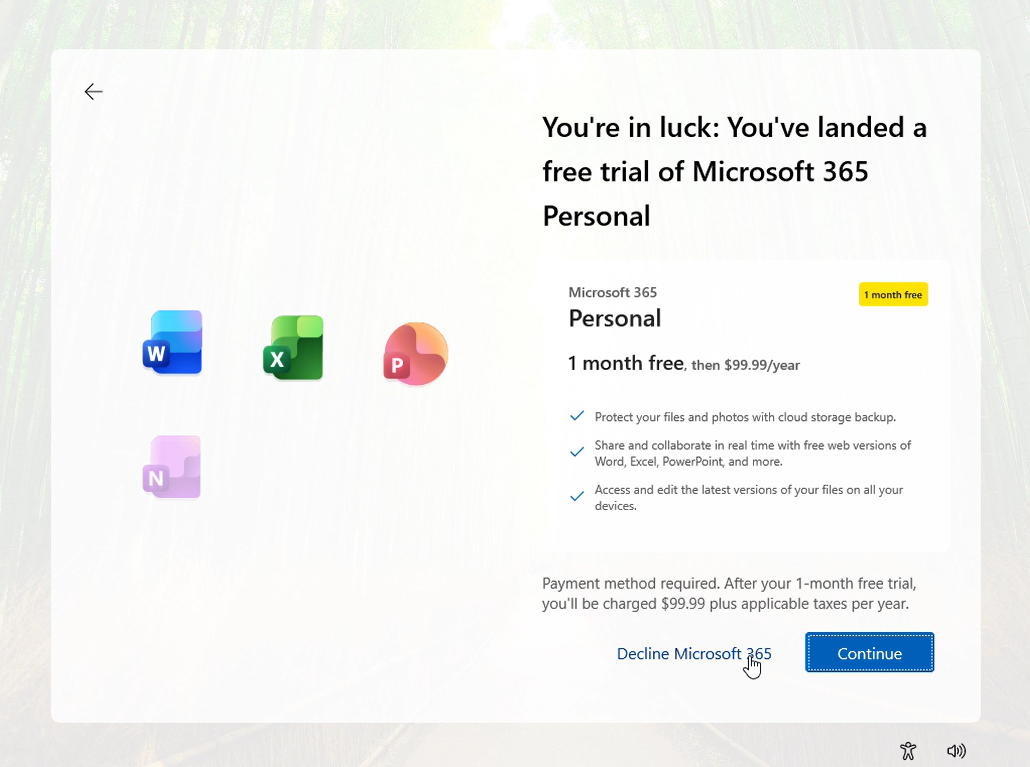
- A full-page Microsoft 365 Personal ad
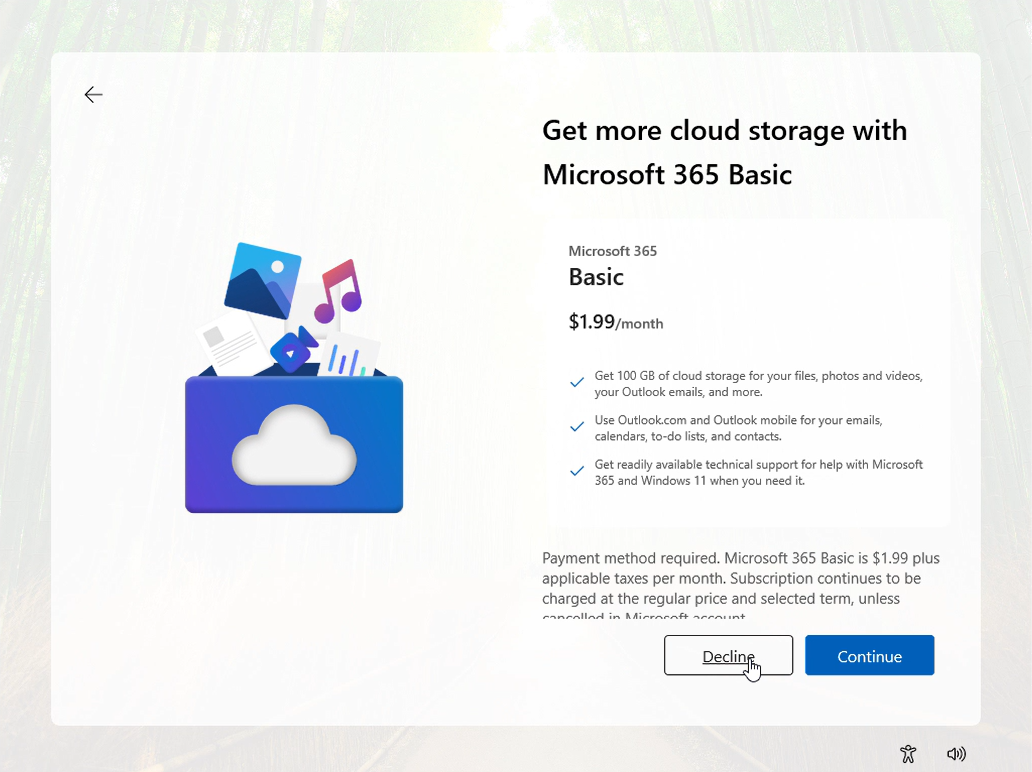
- Followed immediately by a Microsoft 365 Basic ad, even after declining the previous one
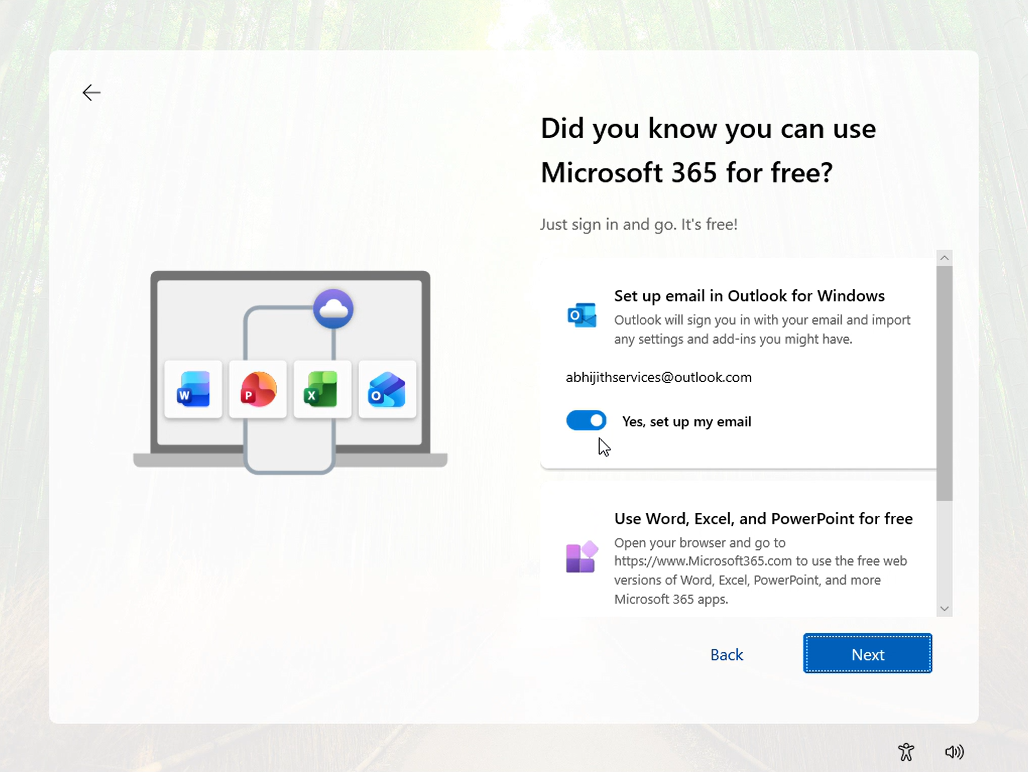
- And a third page that tells me I can use Microsoft 365 for free, with Outlook setup toggled on by default
- Xbox Game Pass promotion

And then finally, I see the desktop. But even then, the promotions don’t stop, with WhatsApp install suggestions and a Bing wallpaper “Learn about this picture” button. Let’s be real, Microsoft, this is a very normal picture that frankly no one wants to know more about this.
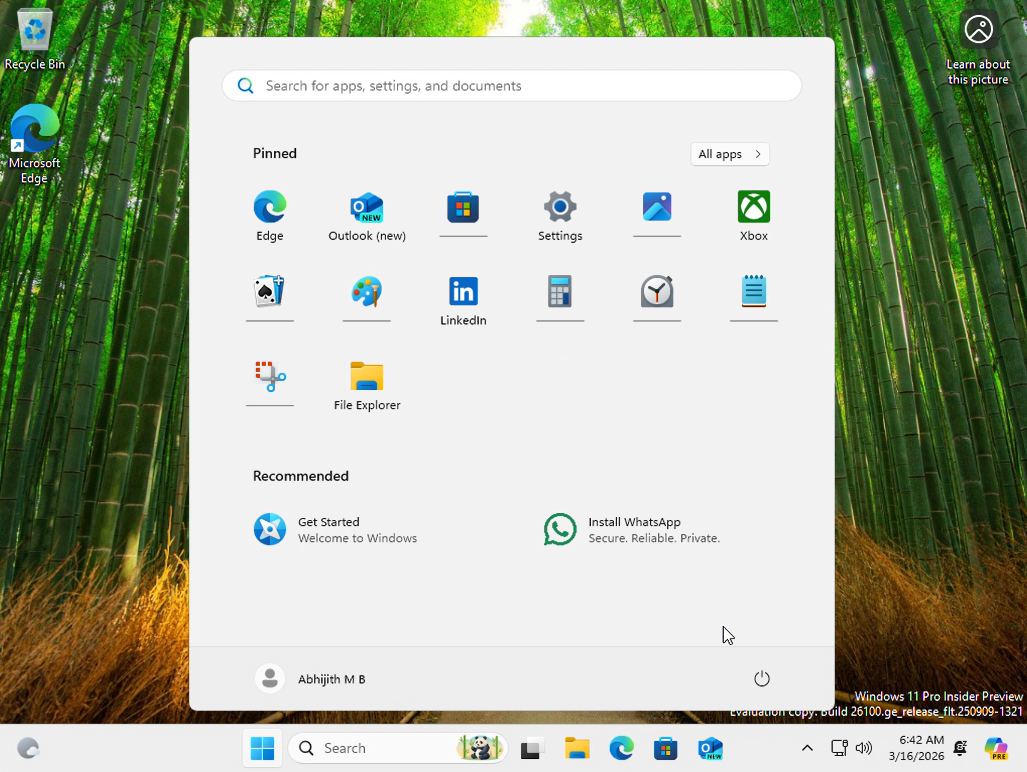
This entire setup took over an hour. By this point, anyone using Windows 11 for the first time would have already started hating it. Users are not configuring their PC; they are declining offers, one after another.
The moment users actually care about is seeing the desktop and starting to use their PC. Instead, they go through this tiring experience. By the time the desktop appears, the excitement is gone. And that’s exactly why fixing OOBE matters more than it seems.
Microsoft’s promised fixes for OOBE are coming soon, but maybe not soon enough
Out of everything Microsoft has announced, the ability to skip updates during setup is easily among the most important changes.
The “ability to skip updates during device setup” is coming to Windows Insiders in April. And that would considerably reduce the time for the OOBE process.
Fewer promotional pages should clean up the experience
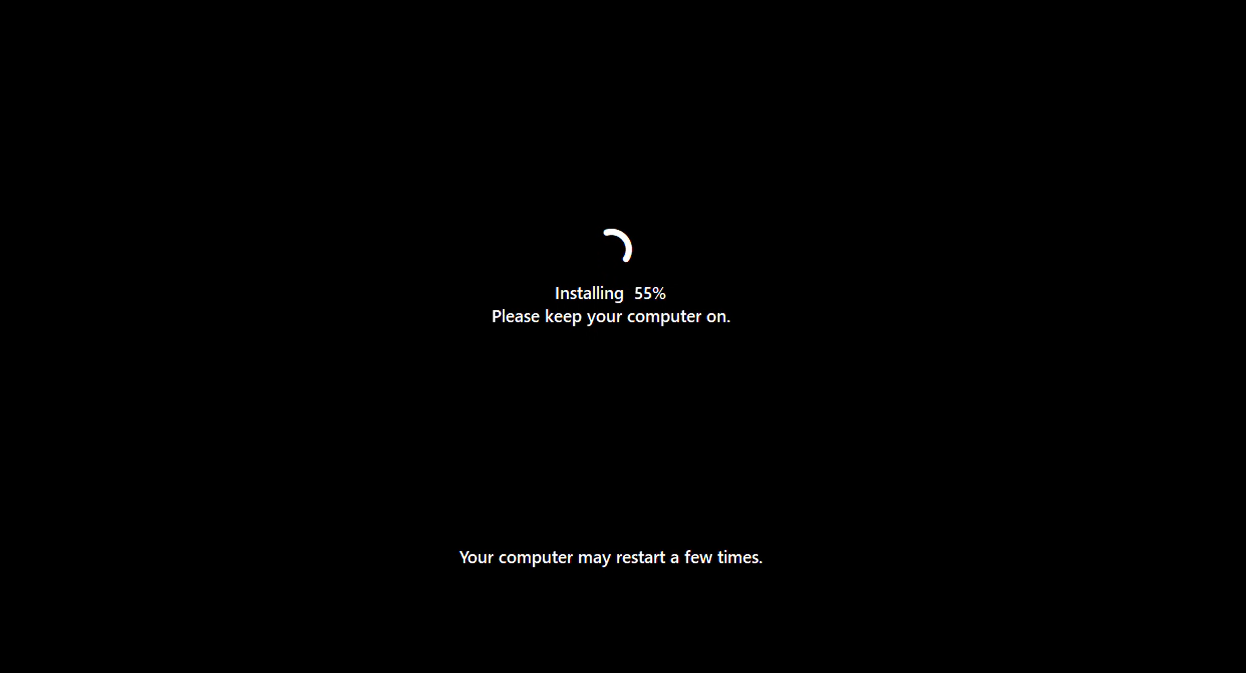
Microsoft is also promising a more streamlined setup with fewer pages and reboots.
The blog notes: “Device setup on new Windows PCs is quieter and more streamlined, with fewer pages and reboots so getting started is simpler”
But we’re not sure when this change is coming to new Windows 11 PCs. Also, Microsoft hasn’t explicitly said that ads will be removed from OOBE. If the promotional screens remain, even a faster setup won’t feel clean.
Skipping Microsoft Account sign-in could be a game-changer
As I said earlier, there’s also an internal discussion around allowing users to skip Microsoft account sign-in during setup. For something so fundamental, it’s surprising this wasn’t already prioritized.
This is part of a much bigger Windows reset
What’s interesting is that OOBE improvements are part of a well-planned push across Windows 11 in 2026. Microsoft is focusing on performance, reducing RAM usage, improving File Explorer, cleaning up the UI, and dialing back aggressive Copilot integrations.
OOBE is just one piece of that larger effort to make Windows feel faster, cleaner, and less frustrating, but it’s important nonetheless, especially considering Apple’s macOS has a much cleaner and premium setup.
macOS setup shows what Windows should aim for
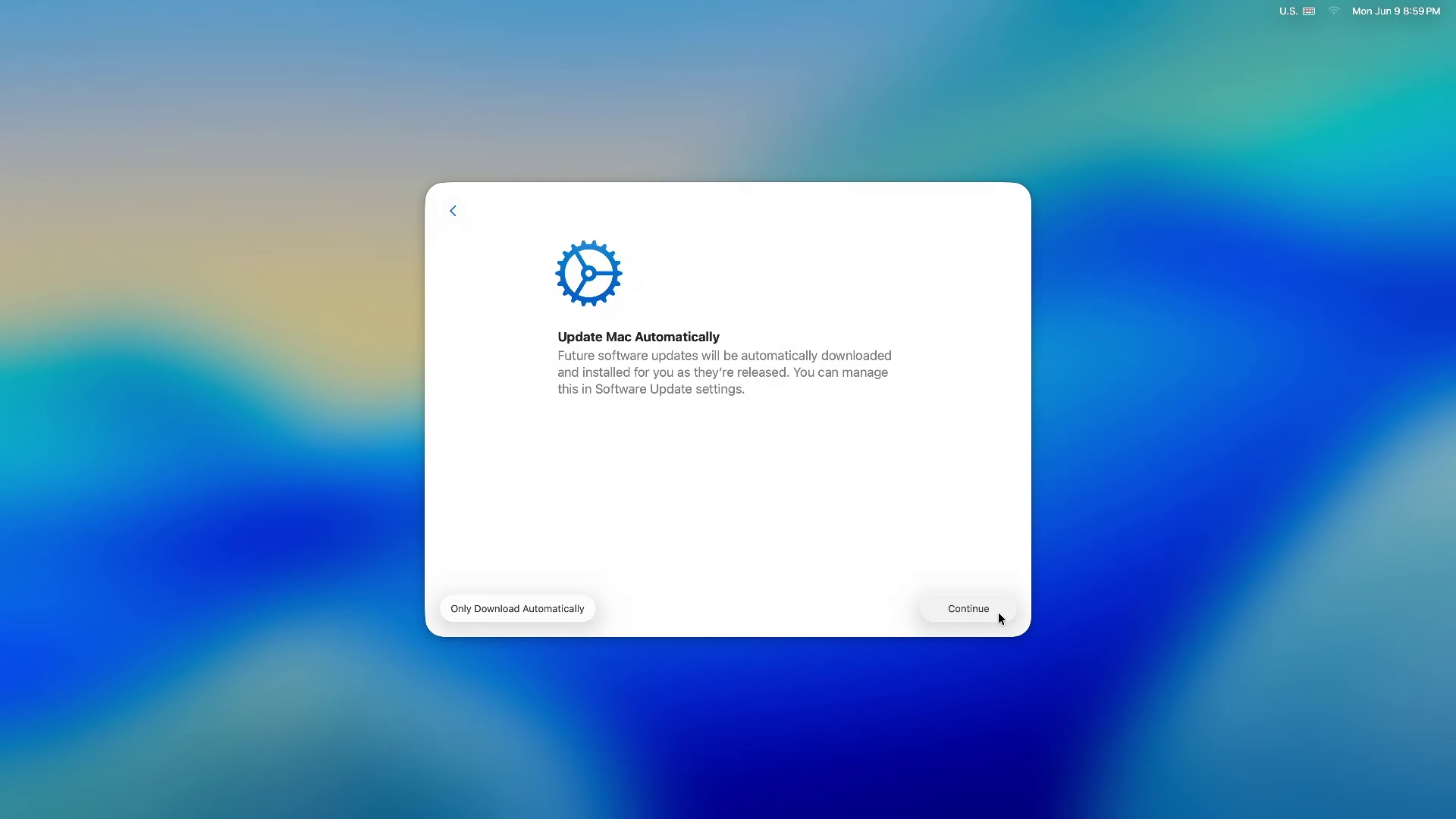
Setting up a Mac is an enjoyable process and, dare I say, “beautiful” compared to the mess that Windows 11 offers. You choose your language, connect to Wi-Fi, optionally sign in with an Apple ID, and you’re done.
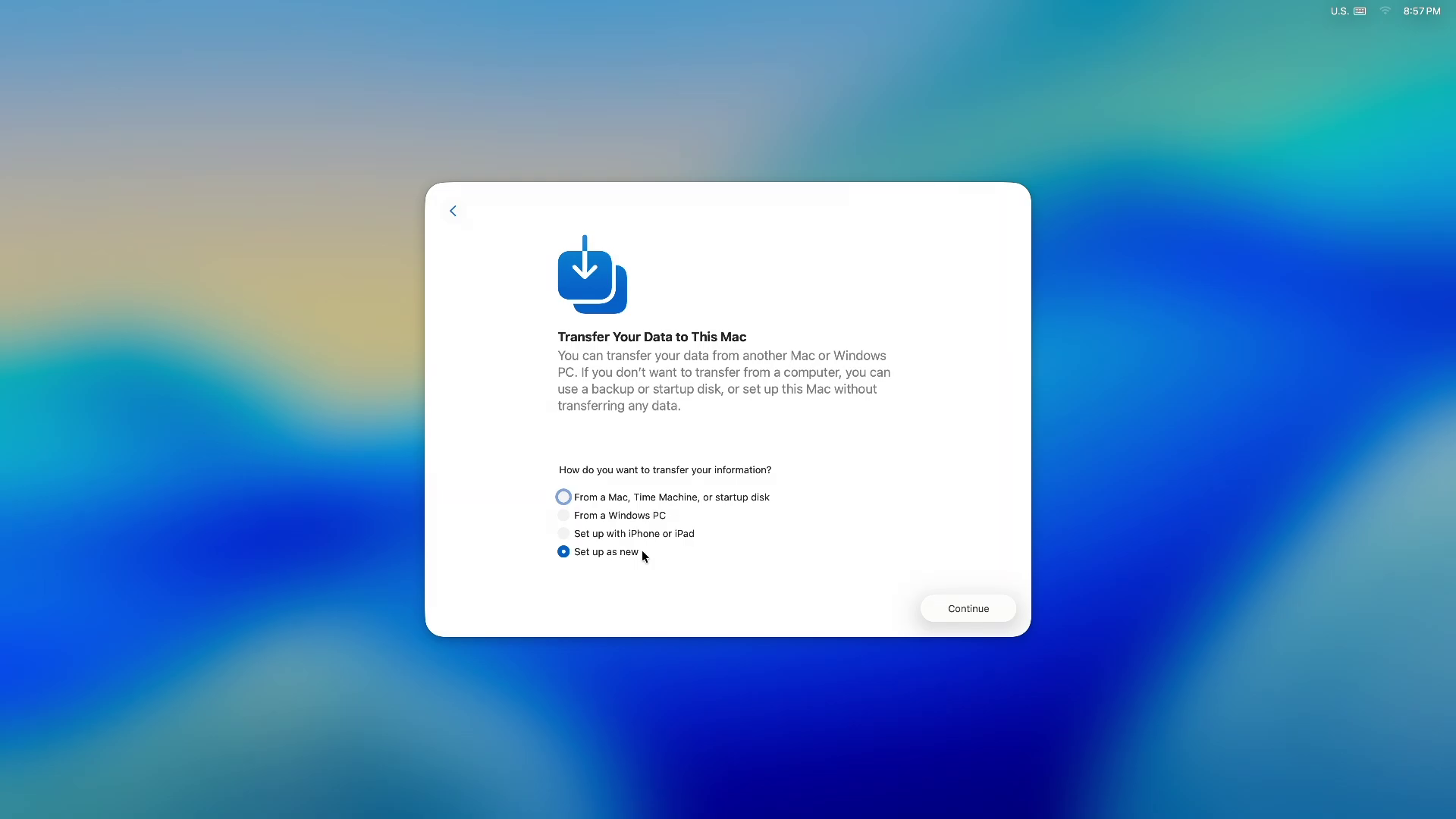
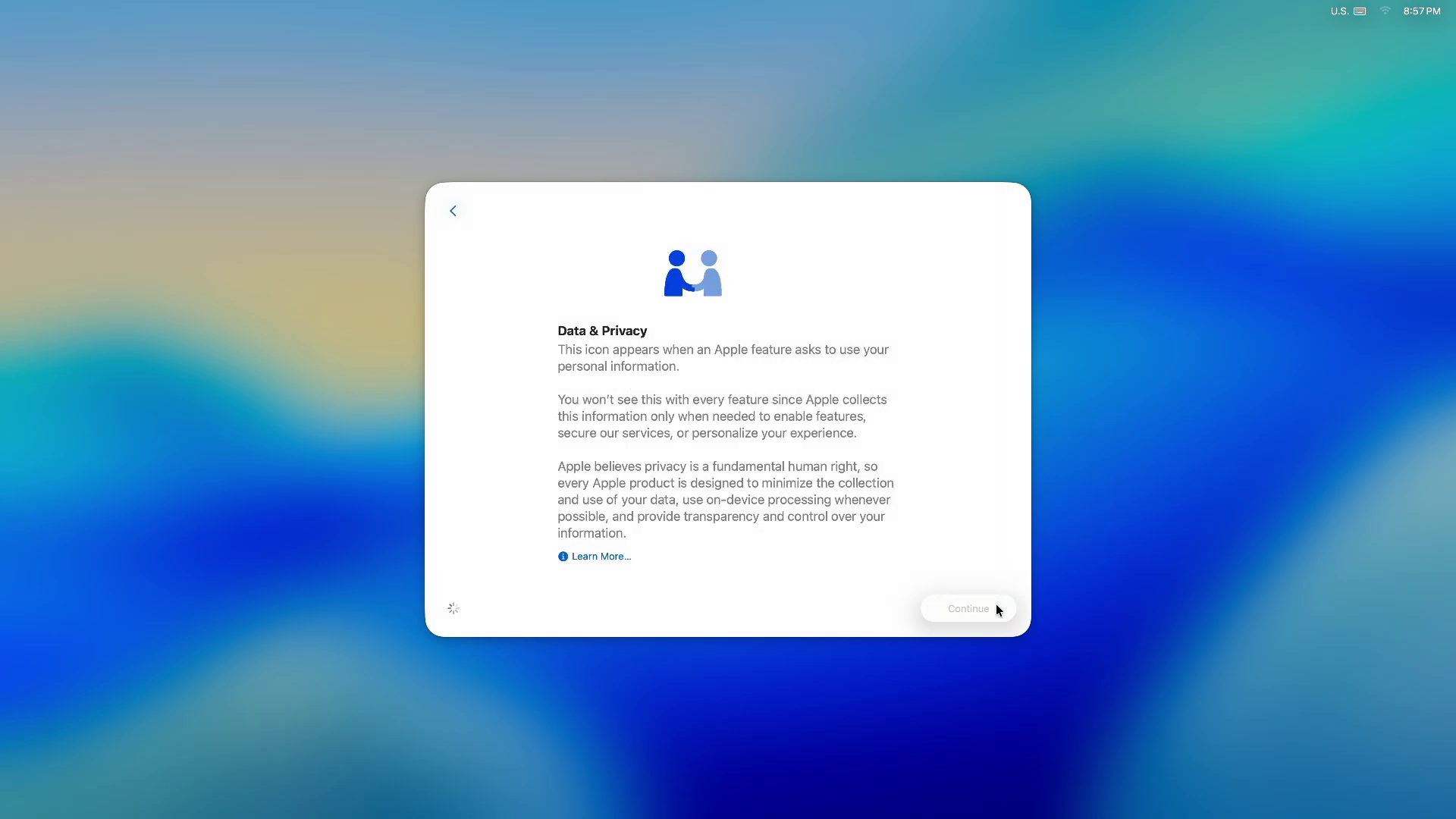
I saw a full macOS setup video on YouTube, and it barely takes 5 minutes.
There aren’t any forced updates or unnecessary steps. Apple’s priority is to get the user to the desktop as quickly as possible.
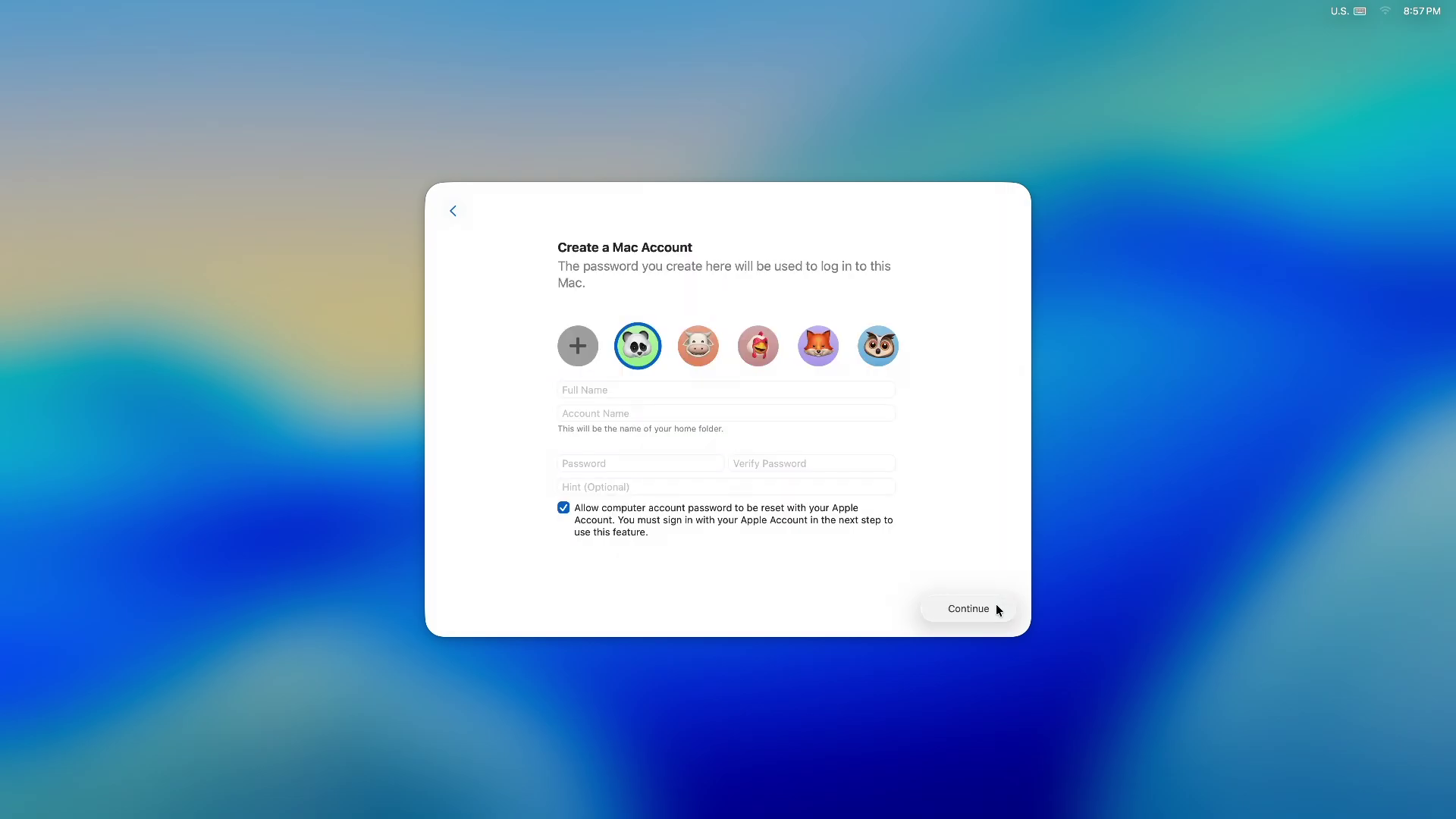
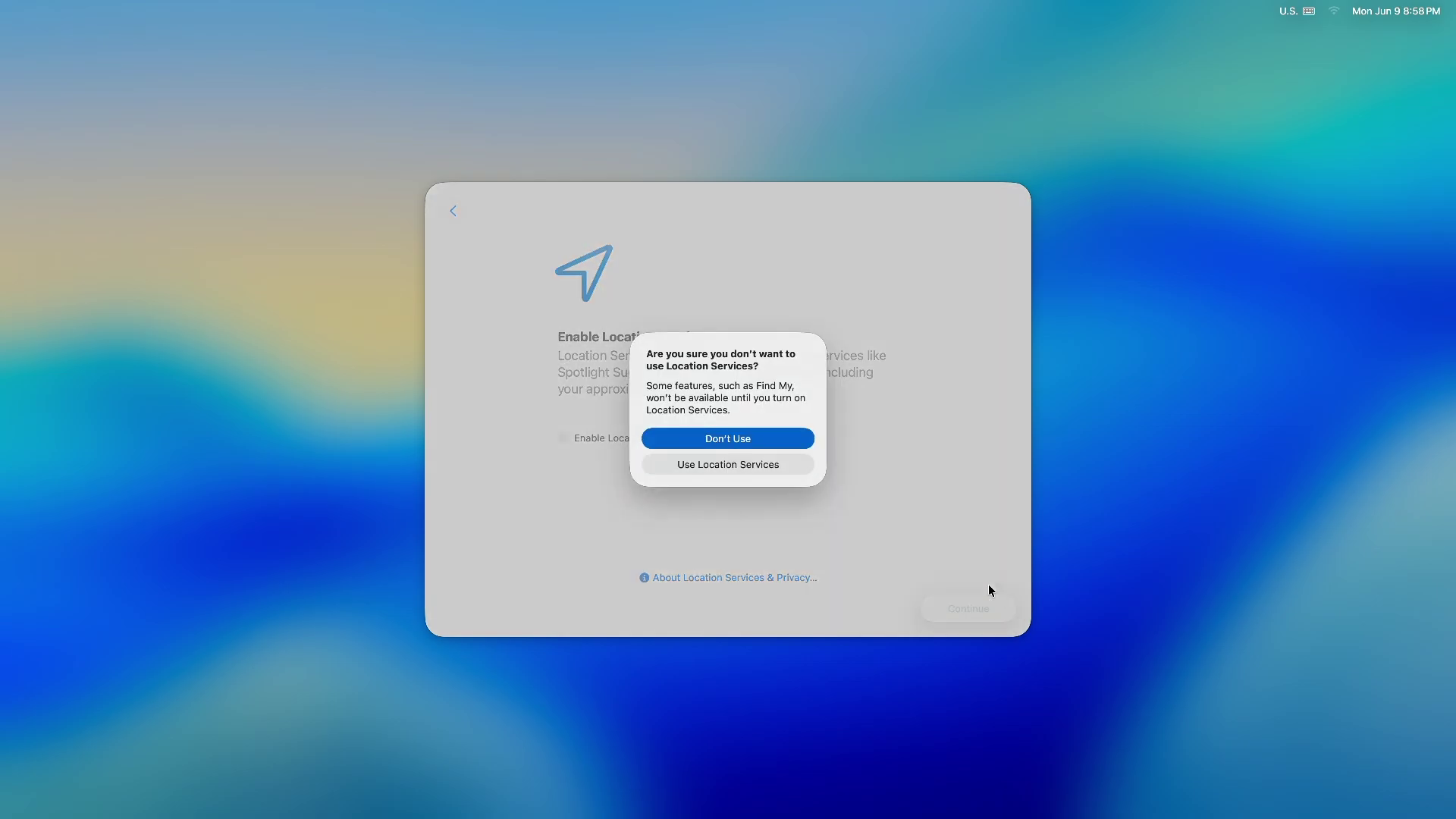
More importantly, macOS setup doesn’t try to sell you anything. There are no subscription pushes or app promotions, even though Apple has all the same services that Microsoft promotes in its OOBE.
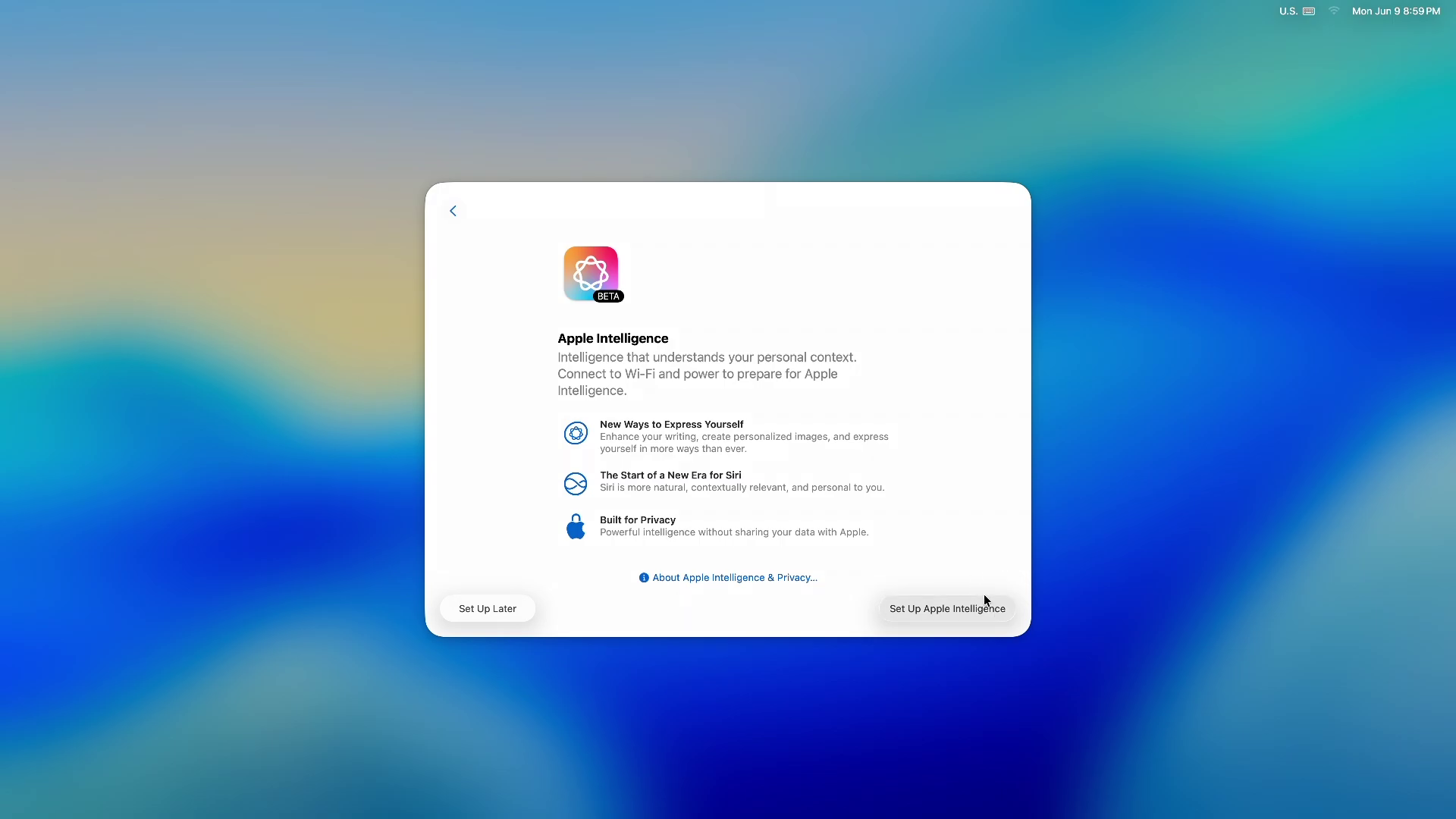
The setup experience is also about creating a strong first impression that makes users comfortable staying within the ecosystem.
Apple invests heavily in making sure the first experience feels smooth, premium, and frustration-free. Because that’s what builds long-term loyalty.
2026 hardware makes this even more important
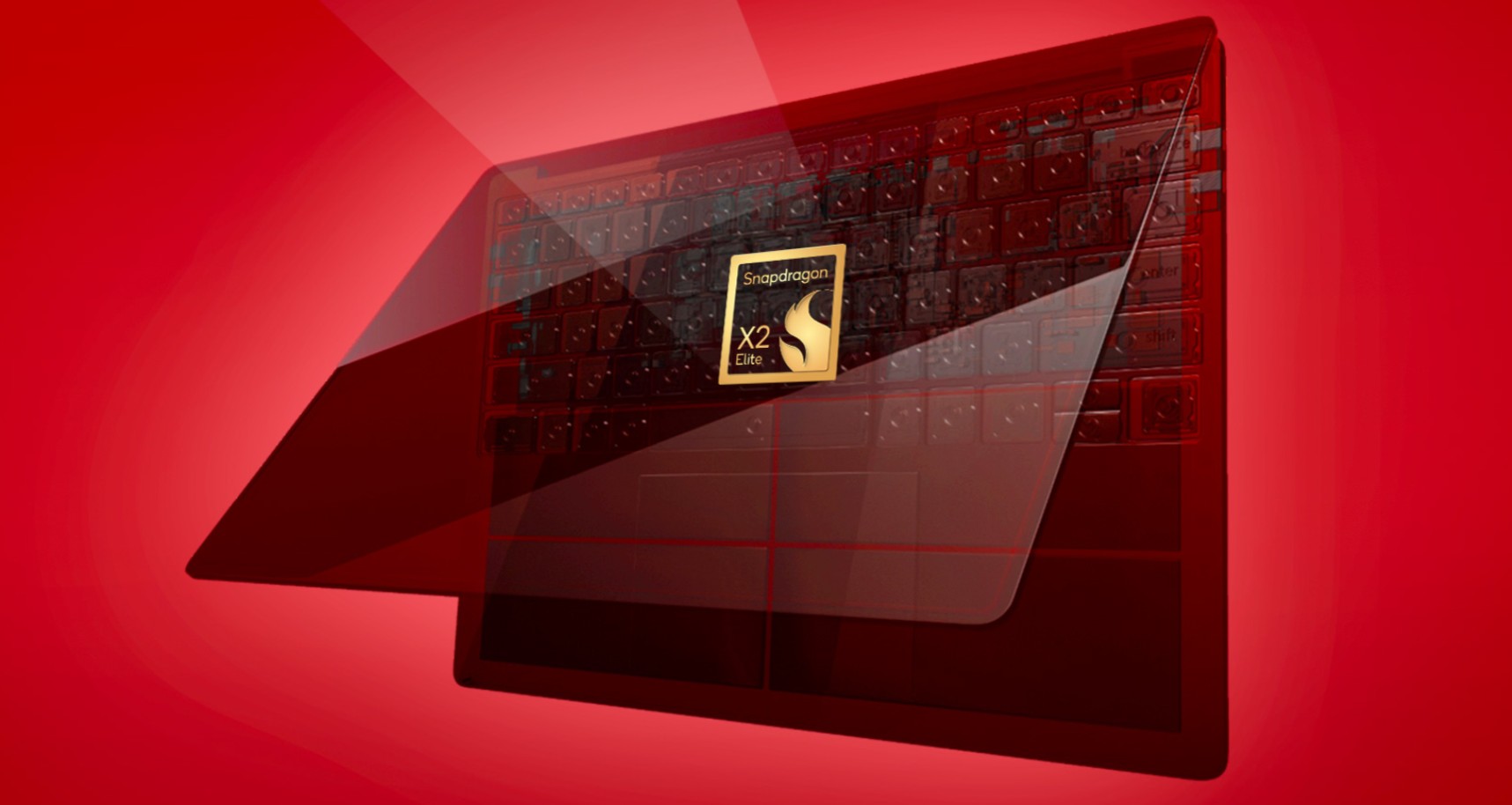
With new laptops powered by Snapdragon X2 and Intel Panther Lake on the way, more people will be buying new Windows devices. And if their first experience is waiting 45 minutes just to reach the desktop, that’s an immediate turn-off.
Windows also has a structural disadvantage that Apple doesn’t. Windows runs on an ecosystem where OEMs, component makers, and software partners all need to make money. That is what leads to compromises in user experience.
Apple, on the other hand, controls everything from hardware, software and services. That gives Apple the ability to deliver a consistent, polished setup experience every single time.
Microsoft doesn’t have that level of control, but the least they can do is to fix OOBE
What the company also needs to understand is that it’s the experience that creates brand loyalty. Windows 11 is not a free OS. If the software giant wants users to subscribe to their services, the best thing to do is to make them, including Copilot, as good as the competition.
The post Windows 11 OOBE is a cluttered, ad-filled mess, and Microsoft is finally trying to fix it appeared first on Windows Latest
“}]]


This Post Has 0 Comments