

 [[{“value”:”
When you take photos with your location enabled, your iPhone will pin them to a map, which you can use to see everywhere you’ve been. Here’s how to view your iPhone photos by location.
Why You’ll Love This Tip
- Easily find photos if you remember where you took them.
- See all the places you’ve traveled to and taken photos.
- Revisit memories of every location where you’ve taken photos.
How to View iPhone Photo Map
System Requirements
This tip was performed on an iPhone 15 Pro running iOS 26.4. Find out how to update to the latest version of iOS.
If you have Location Services enabled for your iPhone camera and photos, every picture you take will have a location saved to its metadata. The Photos app will pin these photos to a map, so that you can see all the places you’ve traveled to and taken photos. For more iPhone tips and tricks, check out our free Tip of the Day newsletter. Now, here’s how to see your iPhone photos on a map:
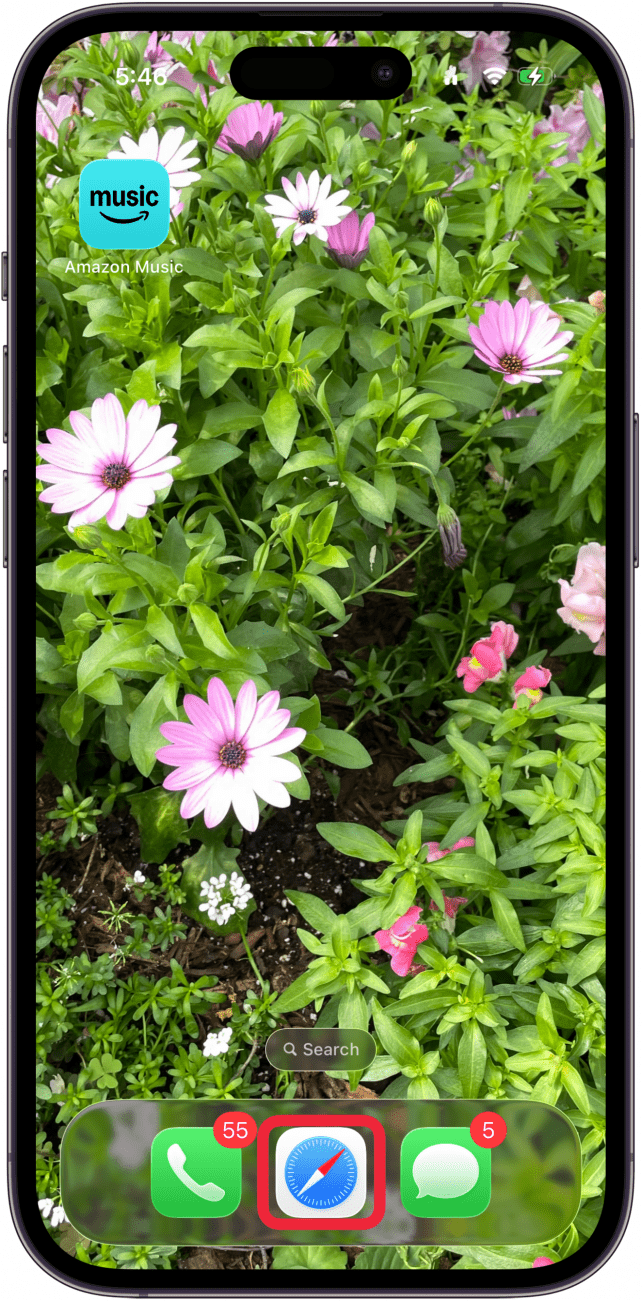
- Open the Photos app.
<!–[if IE 9]>
![a screenshot of the iphone home screen with a red box around the photos app]()
- Tap Collections (if you don’t see the Collections button, scroll to the bottom of the Photos app first).
<!–[if IE 9]>
![a screenshot of the photos app displaying the photo library with a red box around the collections tab]()
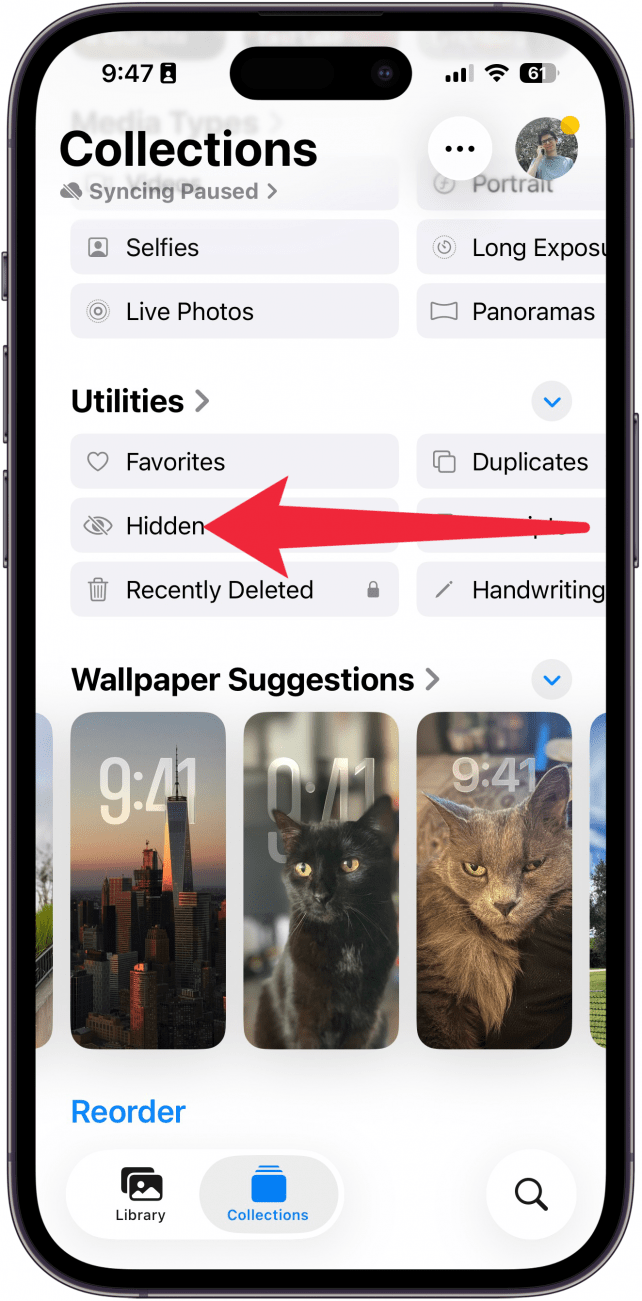
- Scroll down and, under Utilities, swipe to the left.
<!–[if IE 9]>
![a screenshot of the collections tab in the photos app with a red arrow pointing to the left under the utilities section, indicating to swipe left]()
- Keep swiping left, and tap Map. (You may also see this option under Pinned Collections, but in case you’ve unpinned it, you can always find it here.)
<!–[if IE 9]>
![a screenshot of the collections tab in the photos app with a red box around the map button]()
- You’ll see a map. Zoom in and out to see more, and tap a location to see all the photos you’ve taken there.
<!–[if IE 9]>
![a screenshot of the map in the photos app displaying photos in different locations]()



That’s how to find the photo map on your iPhone. This is a fun way to keep track of all the places you’ve traveled to.
“}]]




This Post Has 0 Comments